
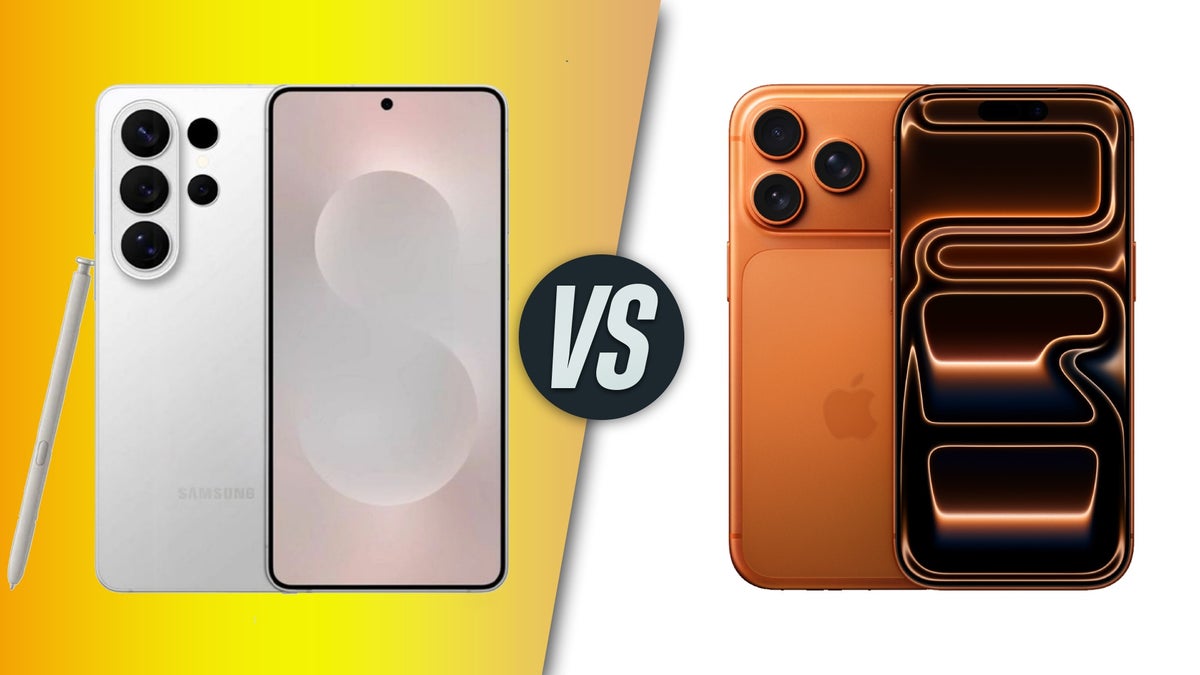
It’s happened to the best of us. That terrifying moment water damage data recovery dubai when your brand-new iPhone 17 or sleek Samsung S26 slips from your hand and plunges into the swimming pool, the toilet, or perhaps even a cup of karak chai. Your heart sinks faster than your phone, and a wave of panic washes over you. All those precious photos, essential work emails, and irreplaceable contacts suddenly feel miles away, trapped inside a waterlogged device.
While modern smartphones boast impressive water resistance ratings, “water-resistant” is not the same as “waterproof.” Over time, tiny seals can degrade, or a minor impact might create a hairline crack, leaving your expensive device vulnerable. So, if your iPhone 17 or Samsung S26 has just taken an unexpected swim, what you do in the immediate aftermath can make all the difference between losing your data forever and a successful water damage data recovery for iPhone.
This comprehensive guide will arm you with the critical “DO NOTs” for water-damaged phones, especially focusing on high-end devices like the iPhone 17 and Samsung S26. We’ll cover common mistakes, the science behind water damage, and how professional help can save your precious data.
The Immediate Aftermath: Why Every Second Counts
When your phone gets wet, a silent battle begins inside. Water, especially tap water or seawater, contains minerals and impurities that conduct electricity. When these liquids come into contact with the phone’s delicate electronics and a live battery, they can cause short circuits. Furthermore, as the water evaporates, it leaves behind corrosive residues that slowly eat away at the circuits, leading to irreversible damage.
Therefore, the moments following the incident are crucial. Your quick (and correct) actions can significantly impact the chances of a successful water damage data recovery for Samsung. On the other hand, common panic-driven reactions can often seal your data’s fate.
What NOT to Do: Common Mistakes That Kill Your Data
1. DO NOT Turn It On (or Try to Charge It!)
This is arguably the most critical “DO NOT.” Your phone’s battery is still supplying power to the wet components. If you try to turn it on or, worse, plug it into a charger, you risk causing an immediate short circuit that can fry the motherboard and its vital memory chips. Even a tiny jolt can be enough to permanently damage the non-volatile memory that holds your photos and apps.
2. DO NOT Press Any Buttons for Water Damage Data Recovery Dubai
Resist the urge to press buttons to “check” if the screen comes on. Pressing buttons can force water deeper into the device and create electrical pathways that weren’t there before, accelerating corrosion.
3. DO NOT Shake or Blow Into It
Shaking your phone vigorously or blowing air into ports might seem logical to expel water, but it’s counterproductive. Instead of removing water, you often push it further into the device, spreading moisture to previously dry components and potentially trapping it in tiny crevices.
4. DO NOT Use a Hair Dryer or Oven
Heat is the enemy of electronics. Using a hair dryer, placing the phone in an oven, or on a radiator might seem like a fast way to dry it out, but it can actually cause more harm. Extreme heat can:
- Melt or warp internal components (like plastic connectors or the display adhesive).
- Evaporate water, but leave behind corrosive mineral residues that continue to damage the circuits.
- Damage the battery, making it unstable or even dangerous.
5. DO NOT Bury It in Rice (The Myth Debunked)
This is perhaps the most widespread and damaging myth in phone first aid. While uncooked rice is absorbent, it’s not effective enough for modern, tightly sealed smartphones. Furthermore:
- Rice dust or starch can get into charging ports, headphone jacks, and speaker grilles, causing further physical damage.
- Rice doesn’t absorb moisture from the inside of the phone, where the most critical damage occurs.
- It gives you a false sense of security, causing you to delay seeking professional help, during which time corrosion continues its destructive work.
6. DO NOT Disassemble It Yourself (Unless You’re a Certified Technician)
Modern smartphones, especially the iPhone 17 and Samsung S26, are incredibly complex. They have tiny, delicate connectors, specialized adhesives, and sensitive components that require specific tools and expertise to handle. Attempting a DIY disassembly can:
- Void your warranty.
- Cause further physical damage (e.g., ripping ribbon cables, stripping screws).
- Introduce dust or contaminants, hindering professional recovery efforts.
What You SHOULD Do (The Correct First Aid) for Water Damage Data Recovery Dubai
- Remove it from the liquid immediately.
- Power it OFF (if it’s still on). If it’s off, leave it off.
- Remove the SIM card (and microSD card if applicable) to open up tiny air vents.
- Gently pat it dry with a soft cloth or paper towel. Do not rub.
- Place it in an airtight bag with silica gel packets (if available). These are far more effective at absorbing moisture than rice.
- Take it to a professional data recovery specialist AS SOON AS POSSIBLE. Time is truly of the essence when dealing with water damage.
The Science of Professional Water Damage Data Recovery
For devices like the iPhone 17 and Samsung S26, professional recovery often involves a multi-stage process in a specialized environment.
- Initial Assessment & Disassembly: Technicians carefully open the phone using specialized tools.
- Chemical Cleaning (De-corrosion): The motherboard and components are meticulously cleaned using ultrasonic cleaners and specialized chemical baths to remove water, impurities, and corrosion. This step is critical for preventing ongoing damage.
- Drying: Components are dried in a controlled environment to ensure all moisture is gone.
- Component Repair/Replacement: Damaged parts (e.g., charging ports, screen connectors, micro-soldering repairs) are identified and repaired or replaced.
- Data Extraction: If the phone can’t be fully revived, experts will attempt chip-off data recovery directly from the NAND memory chips using advanced forensic tools. This is often the last resort for unbootable, water-damaged devices.
Milaaj Mobile and Laptop Repair Dubai: Your Data Rescue Team
When your iPhone 17 or Samsung S26 suffers from water damage, you need a trusted expert who understands the intricacies of modern smartphone architecture. Milaaj Mobile and Laptop Repair Dubai is a leading name in Dubai for specialized mobile repair and data recovery. They understand the urgency and emotional value attached to your device and its data.
Here’s why Milaaj is your best choice for water damage data recovery:
- Low Price Guarantee: They offer competitive and transparent pricing for complex water damage assessments and data recovery attempts. They believe that getting your memories back shouldn’t break the bank.
- Speedy Repairing: Understanding the time-sensitive nature of water damage, their technicians prioritize these cases, aiming for the quickest possible diagnostic and recovery turnaround. Every hour saved reduces the chance of further corrosion.
- Ultimate Convenience: Located in accessible areas of Dubai, they also offer convenient pickup and delivery services, saving you the hassle of navigating traffic with a damaged device.
- Premium Part Quality: Should any components require replacement to facilitate data extraction or repair, Milaaj uses only high-quality, genuine, or OEM-equivalent parts, ensuring reliability.
- Expert Technicians: Their team comprises highly trained and experienced technicians who are adept at handling the latest iPhone and Samsung models. They possess the specialized tools and knowledge required for intricate micro-soldering and chip-level data recovery from severely water-damaged devices.
- State-of-the-Art Equipment: They utilize advanced diagnostic equipment and cleaning stations specifically designed for water-damaged electronics, maximizing your chances of a successful recovery.
FAQs: Water Damage Data Recovery Dubai
Q1: Can water damage be covered by warranty?
Typically, no. Most manufacturer warranties explicitly exclude water or liquid damage. Indicators inside the phone (Liquid Contact Indicators – LCIs) turn color when exposed to moisture, instantly voiding the warranty.
Q2: Will my phone ever be the same after water damage repair?
It depends on the extent of the damage. While data recovery is often possible, full functionality (especially water resistance) might be compromised. The primary goal of a professional service for water-damaged phones is usually data retrieval.
Q3: How much does water damage data recovery cost in Dubai?
The cost varies greatly depending on the phone model (iPhone 17 vs. Samsung S26), the extent of the damage, and the complexity of the recovery. Milaaj Mobile and Laptop Repair Dubai offers a free initial assessment to provide you with an accurate quote.
Q4: What if my phone feels dry but still won’t turn on?
Even if a phone “feels” dry, moisture and corrosive residues can remain trapped deep inside, causing short circuits or damaging connections. This is why professional cleaning is essential, even if the phone appears dry.
Q5: Is it possible to recover data from a saltwater-damaged phone?
Saltwater is far more corrosive than fresh water due to its high mineral content. Recovery is more challenging but still possible if handled immediately by professionals. The priority shifts even more to rapid cleaning and de-corrosion.
Final Thoughts: Water Damage Data Recovery Dubai
The accidental dunking of your iPhone 17 or Samsung S26 is a terrifying experience, but it doesn’t have to be the end of your digital world. Your immediate actions or in this case, your immediate inactions play a pivotal role in determining the success of water damage data recovery.
Remember the critical “DO NOTs”: Don’t turn it on, don’t charge it, don’t use heat, and absolutely do not put it in rice. Instead, power it off, gently dry the exterior, and race it to a trusted professional. Specialists like Milaaj have the expertise and equipment to carefully de-corrode, repair, and, most importantly, extract your invaluable data.
Don’t let a moment of clumsiness turn into a lifetime of lost memories. Act smart, act fast, and trust the experts to bring your digital life back from the brink.
Get professional iPhone data recovery services with expert technicians ensuring top-quality results.
Back in your hands faster: Enjoy rapid, reliable doorstep delivery for every device we service or sell.
Sell your old iPhone with confidence and get the best value instantly.
📍 Visit Any Milaaj Branch in Dubai
🔹 Bur Dubai
Milaaj Mobile and Laptop Repair Dubai
📞 055 258 8477
🔗 Google Maps
🔹 Al Barsha
Milaaj Mobiles and Laptop Repair Al Barsha
📞 052 596 2846
🔗 Google Maps
🔹 Al Barsha 3
Milaaj Service Center Reef Mall
📞 052 3405 814
🔗 Google Maps
🔹 Al Nuaimiya
Milaaj Mobiles and Laptops Ajman
📞 055 788 9654
🔗 Google Maps
📧 Email: support@milaaj.com
🕒 Operating Hours: Monday – Sunday


Leave a Reply