
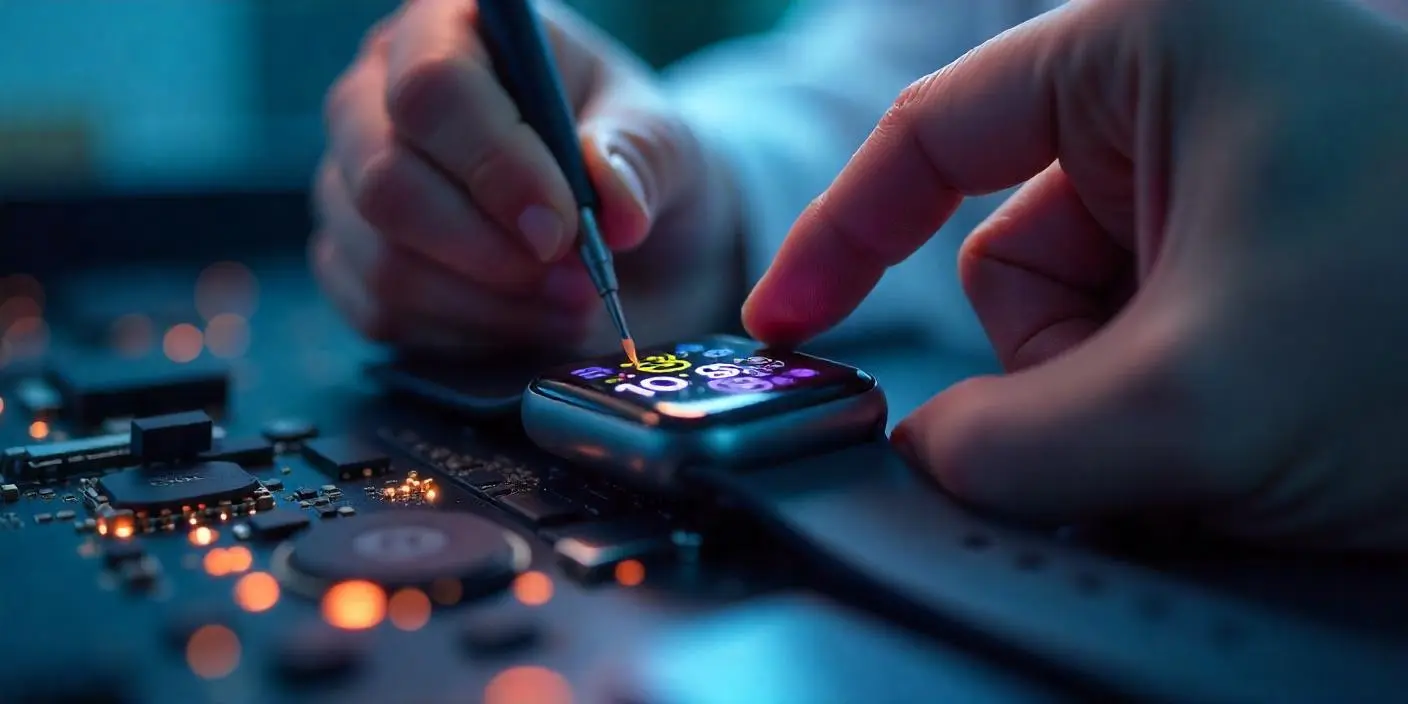
The Apple Watch has transitioned from a simple notification hub to a sophisticated health companion that many of us in Dubai rely on daily. Whether you are tracking your morning laps at Kite Beach or monitoring your sleep patterns after a long day in the office, the heart of this experience lies in the array of sensors packed into that small sapphire crystal back. However, as we move into 2026, even the most advanced Series 11 or Ultra 3 models aren’t invincible. If you’ve noticed your rings aren’t closing or your heart rate seems “stuck,” you are likely looking for the Top 5 Signs Your Apple Watch Sensor Is Failing.
In a city that stays active around the clock, a malfunctioning sensor is more than just a glitch; it is a break in your personal health data. Because the Apple Watch uses complex Photoplethysmography (PPG) the green and red lights on the back to “see” your blood flow, any interference or hardware degradation can lead to wildly inaccurate results. Let’s explore the red flags that indicate your wearable needs a professional look.
How Apple Watch Sensors Work: The Basics
To identify the Top 5 Signs Your Apple Watch Sensor Is Failing, we first need to understand what is happening under the glass. Your watch uses a combination of infrared and visible light LED sensors paired with photosensitive photodiodes.
The PPG System for Apple Watch Sensor is Failing
The green LEDs flash hundreds of times per second to measure heart rate during workouts, while the red LEDs and infrared sensors measure blood oxygen (SpO2) levels. If the internal H3 or S-series chip cannot interpret the light reflected back from your wrist, the data becomes “noisy” or fails to register entirely.
The Electrical Heart Sensor for Apple Watch Sensor is Failing
Starting with the Series 4, Apple included an Electrocardiogram (ECG) sensor in the Digital Crown and the back crystal. This requires a physical electrical circuit to be completed through your body. If the sapphire glass is compromised or the internal gaskets are worn, this circuit fails, leading to “Inconclusive” readings.
1. Consistent “Inconclusive” or Failed ECG Readings
The first and most obvious of the Top 5 Signs Your Apple Watch Sensor Is Failing is the inability to take an ECG. If you place your finger on the Digital Crown and the timer keeps resetting or tells you the reading is “Inconclusive” even when you are sitting perfectly still, you have a problem.
This often points to a failure in the electrodes. In Dubai’s humid environment, sweat and salt can sometimes seep into the micro-gaps around the crown, causing corrosion on the internal sensor contacts. If cleaning the watch doesn’t fix the “poor recording” message, the sensor hardware is likely degraded.
2. Erratic Heart Rate Spikes or “Grayed Out” Data
Have you ever been sitting at your desk and noticed your watch claims your heart rate is 160 BPM? Or perhaps you finish a high-intensity workout only to find a massive gap in your data where the heart rate should be. This erratic behavior is a classic sign of a failing optical heart sensor.
As the LEDs age or if the sensor housing has been exposed to extreme heat (like leaving your watch in a car during a UAE summer), the light intensity can fluctuate. When the sensor can’t get a consistent “lock” on your pulse, it either hallucinates data or gives up entirely, leaving your health app with empty gray bars.
3. Blood Oxygen (SpO2) App Always Fails
The blood oxygen sensor is the most sensitive component in the Apple Watch. It requires a perfect seal against the skin and high-intensity light reflection. If you consistently receive the “Unsuccessful Measurement” notification despite the watch being tight on your wrist, the red/infrared LED array is likely failing.
Transitioning from indoor environments to the bright, direct sunlight of the Dubai desert can also put stress on these sensors. If the sensor can no longer distinguish between its own light and ambient environmental light, it’s a clear indicator of hardware fatigue.
4. Unexpected Battery Drain During Workouts
You might not think of battery life as a sensor issue, but they are deeply linked. When a sensor starts to fail, the S-series processor often tries to compensate by increasing the power to the LEDs to get a better reading.
If you notice that a 30-minute walk suddenly drains 20% of your battery, your watch is likely “overworking” its failing sensors. This “looping” behavior where the sensor stays active longer than necessary is one of the more subtle Top 5 Signs Your Apple Watch Sensor Is Failing.
5. The “Green Light” Stays On Permanently For Apple Watch Sensor is Failing
Under normal conditions, the green LEDs on the back of your watch should only pulse during a workout or at periodic intervals throughout the day. If you take your watch off and notice the green light is constantly glowing or flickering even when not on your wrist, the proximity sensor or the sensor control logic has failed.
This not only drains the battery but can also cause the sensor to overheat. A sensor that doesn’t know “when to quit” is a major red flag and usually requires a professional recalibration or replacement.
Milaaj Mobile and Laptop Repair Dubai: Your Apple Watch Specialists
When your health data is on the line, you cannot trust your Apple Watch to a general repair shop. The internals of a watch are significantly more delicate than a phone, requiring specialized “clean room” environments to prevent dust from getting under the sensor glass. Milaaj mobile and laptop repair Dubai is the city’s leader in precision wearable technology.
Why Choose Milaaj in Dubai?
- Low Price & High Expertise: We offer a low price for sensor glass and heart rate module repairs, providing a cost-effective alternative to “out-of-warranty” replacements that can cost as much as a new watch.
- Speed Repairing: We know you rely on your watch for your fitness goals. We offer express diagnostics and same-day sensor repairs in Al Barsha, getting you back to the gym without delay.
- Ultimate Convenience: Don’t let a trip to the shop ruin your day. We offer free pickup and delivery across Dubai. We’ll collect your malfunctioning watch and return it fully tested.
- Superior Part Quality: We use only original-spec sapphire glass and OEM sensor arrays to ensure your SpO2 and ECG readings remain medically accurate.
- Waterproof Resealing: Every watch we open is resealed using factory-grade gaskets and adhesives, ensuring your Apple Watch stays water-resistant for your swims at Jumeirah Beach.
FAQs About Apple Watch Sensor is Failing
1. Can a software update fix a sensor issue?
Sometimes. Before seeking hardware repair, try unpairing and re-pairing your watch to your iPhone. This resets the sensor firmware. If the Top 5 Signs Your Apple Watch Sensor Is Failing persist after a reset, it is definitely a hardware problem.
2. Does a cracked back glass affect the sensors?
Yes, absolutely. Even a tiny hairline crack can refract the LED light, causing the sensor to get “confused.” It also allows moisture to enter, which will eventually kill the entire logic board.
3. Is the Apple Watch Ultra sensor different?
The Ultra and Ultra 2/3 use a more robust sensor housing designed for diving, but the underlying PPG technology is the same. They are still susceptible to the same failure signs as the standard Series models.
4. Why does my watch struggle to read my heart rate on a tattooed wrist?
This isn’t a sensor failure, but a limitation of the technology. Tattoo ink (especially dark colors) can block the green light from reaching your blood vessels. If you have tattoos, try wearing the watch on your non-tattooed wrist to see if the symptoms disappear.
5. How long do Apple Watch sensors typically last?
With normal use, these sensors are designed to last 4 to 5 years. However, exposure to high temperatures, salt water (without rinsing), or heavy impacts can shorten that lifespan significantly.
Summary: Apple Watch Sensor is Failing
Identifying the Top 5 Signs Your Apple Watch Sensor Is Failing early can save you from total hardware failure. Your Apple Watch is a high-tech health tool, and its accuracy depends entirely on the integrity of its sensors. If you’ve noticed “Inconclusive” ECGs, grayed-out heart rate data, or permanent green lights, don’t ignore the warnings.
Maintaining your wearable ensures that your health journey in Dubai is backed by accurate, reliable data. Whether it’s a simple cleaning or a complex sensor module replacement, professional care is the best way to extend the life of your favorite device.
Is your Apple Watch failing to track your heart rate or showing a cracked back sensor? Contact Milaaj today for a specialized diagnostic and get your health tracking back on pulse!
Get professional apple watch repair services with expert technicians ensuring top-quality results.
Back in your hands faster: Enjoy rapid, reliable doorstep delivery for every device we service or sell.
Sell your old iPhone with confidence and get the best value instantly.
📍 Visit Any Milaaj Branch in Dubai
🔹 Bur Dubai
Milaaj Mobile and Laptop Repair Dubai
📞 055 258 8477
🔗 Google Maps
🔹 Al Barsha
Milaaj Mobiles and Laptop Repair Al Barsha
📞 052 596 2846
🔗 Google Maps
🔹 Al Barsha 3
Milaaj Mobiles and Gaming Store
📞 052 3405 814
🔗 Google Maps
🔹 Al Nuaimiya
Milaaj Mobiles and Laptops Ajman
📞 055 788 9654
🔗 Google Maps
📧 Email: support@milaaj.com
🕒 Operating Hours: Monday – Sunday


Leave a Reply