Blog

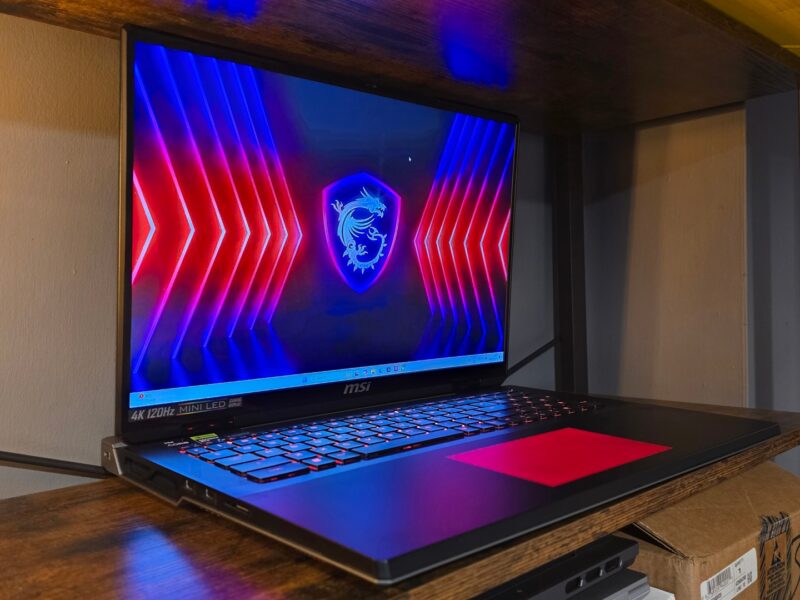
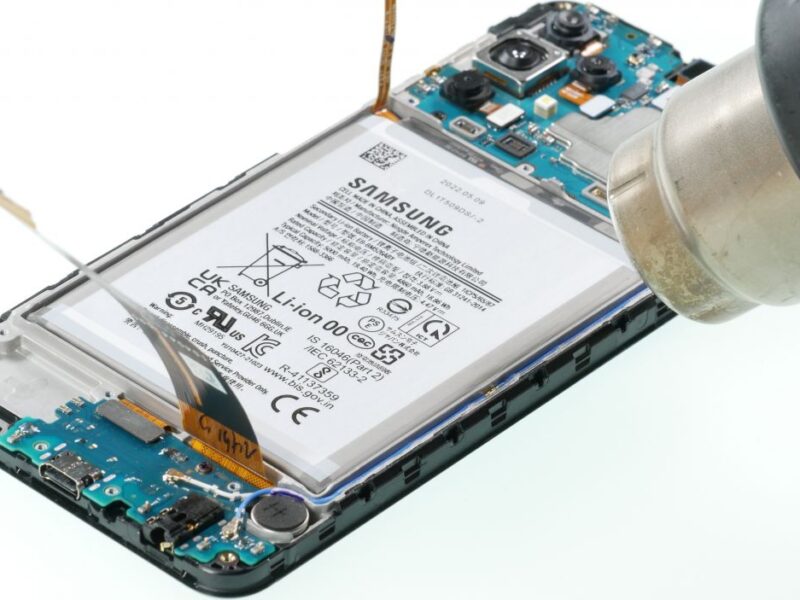
Lenovo ThinkBook Plus repairability

Repairability of the Lenovo ThinkBook Plus Gen 6: What You Need to Know

The Lenovo ThinkBook Plus Gen 6 is a high-performance laptop with a unique dual-screen design, makin…

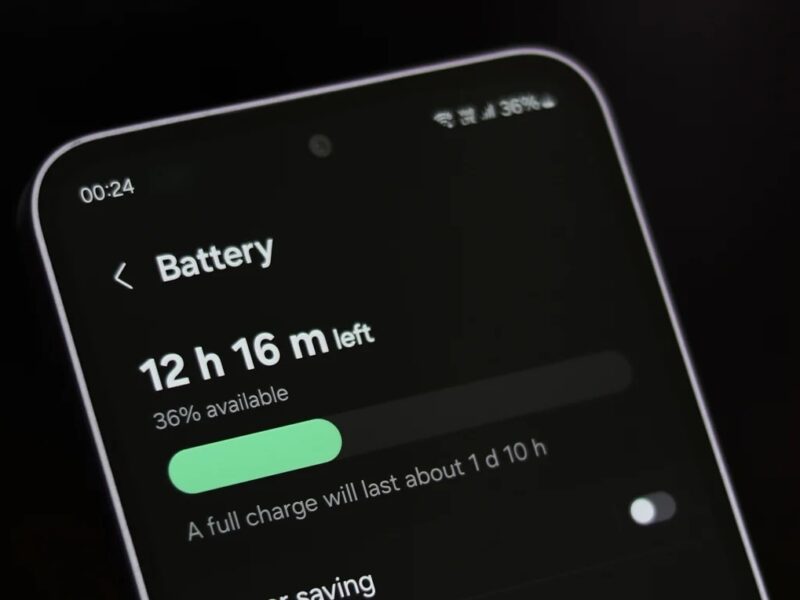
The Samsung Galaxy S25 series is packed with top-tier features and cutting-edge technology. However, like any smartphone, users may encounter occasional issues that affect performance. If you're facing Samsung Galaxy S25 issues, don’t worry—many problems have simple fixes. 1. Battery Draining Too Fast A rapidly draining battery is a common concern among smartphone users. To extend battery life: Lower screen brightness and enable adaptive brightness. Turn off background apps you’re not using. Enable Battery Saver Mode under Settings > Battery & Device Care. Update your software to fix any battery-draining bugs. 2. Overheating Problems If your Galaxy S25 overheats, it could be due to excessive background processes or environmental factors. Try these solutions: Avoid direct sunlight and hot environments. Close unused apps running in the background. Disable 5G or high-performance mode if not needed. Use original Samsung chargers and avoid charging while gaming. 3. Wi-Fi or Mobile Data Connectivity Issues If your phone struggles to connect to Wi-Fi or mobile data, follow these steps: Toggle Airplane Mode on and off. Restart your router and forget the Wi-Fi network before reconnecting. Reset network settings under Settings > General Management > Reset > Reset Network Settings. Contact your network provider if the issue persists. 4. Screen Freezing or Lagging A slow or unresponsive screen can be frustrating. To fix this: Restart your phone and clear cache memory. Ensure your device has enough free storage (at least 10% of total space). Update all apps and the system software. If the problem persists, perform a factory reset after backing up important data. 5. Camera Not Focusing or Blurry Photos If the Galaxy S25 camera isn’t capturing clear images: Clean the camera lens with a microfiber cloth. Restart the camera app or force stop it under Settings > Apps > Camera > Force Stop. Enable Pro Mode and manually adjust focus. Update the camera software or reset camera settings. 6. Haptic Feedback or Sound Issues If your haptics or sound isn’t working properly: Check Settings > Sounds and Vibration to ensure features are enabled. Restart the phone or reset Accessibility settings. Use Samsung’s Diagnostic Tool under Samsung Members app. If no sound is coming from the speaker, clean the speaker grill carefully. When to Seek Professional Repair If you’ve tried these solutions and the issue persists, it might be time for professional repair. Milaaj Repairs specializes in Samsung phone fixes, including battery issues, connectivity problems, and hardware malfunctions. Why Choose Milaaj Repairs? Certified Technicians: Experts in Samsung Galaxy repairs. Genuine Parts: Only original parts used for replacements. Fast & Reliable Service: Quick turnaround for urgent repairs. Affordable Pricing: Transparent pricing with no hidden fees.

Common Issues and Fixes for the Samsung Galaxy S25 Series

The Samsung Galaxy S25 series is packed with top-tier features and cutting-edge technology. However,…

Lenovo laptop keyboard

Top Tips for Repairing Lenovo Laptop Keyboard Malfunctions

A malfunctioning keyboard can be a frustrating roadblock, especially when you rely on your Lenovo la…

MacBook Air keyboard not working

How to Fix MacBook Air Keyboard Not Working

Experiencing a MacBook Air keyboard that’s not working can be incredibly frustrating, especially whe…

Huawei tablet charging port problems

How to Fix Charging Port Problems on Your Huawei Tablet

Charging port issues on a Huawei tablet can be incredibly frustrating, especially when you rely on y…

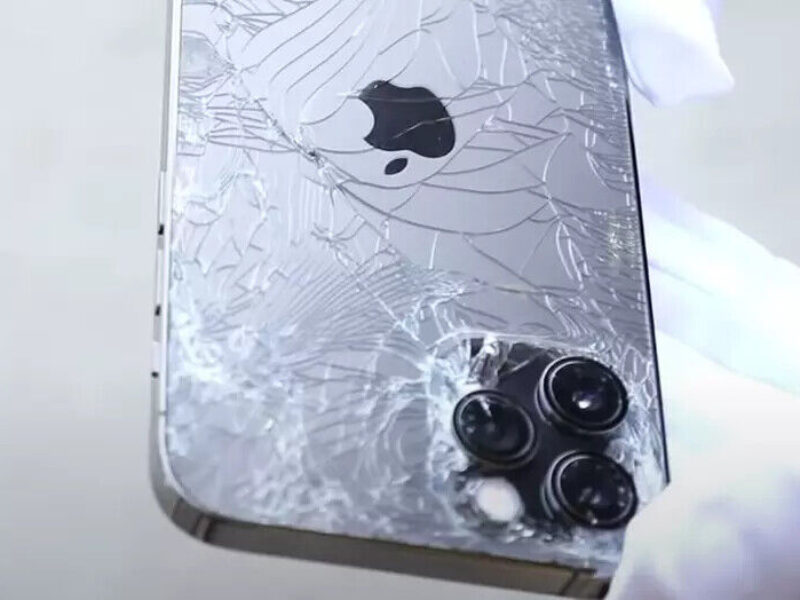
Samsung Galaxy S21 Ultra screen repair

How to Repair a Broken Samsung Galaxy S21 Ultra Screen

The Samsung Galaxy S21 Ultra is a powerhouse smartphone, but its stunning display is also delicate. …

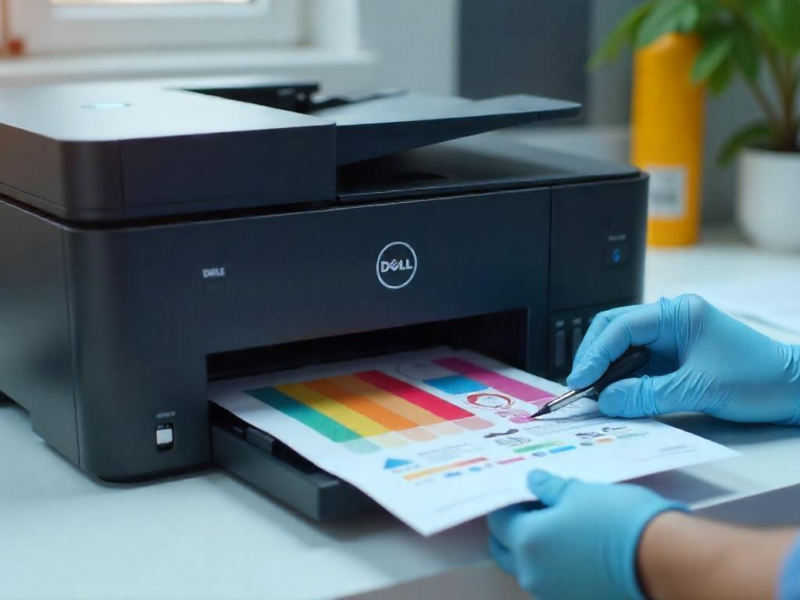
Epson printer printing blank pages

Epson Printer Printing Blank Pages? Here’s the Solution

Is your Epson printer printing blank pages instead of the documents you need? It’s a common problem …

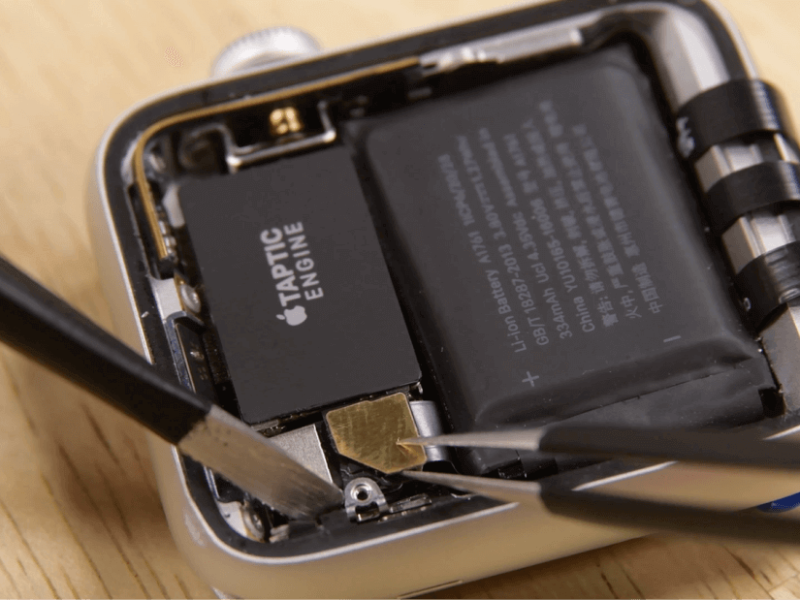
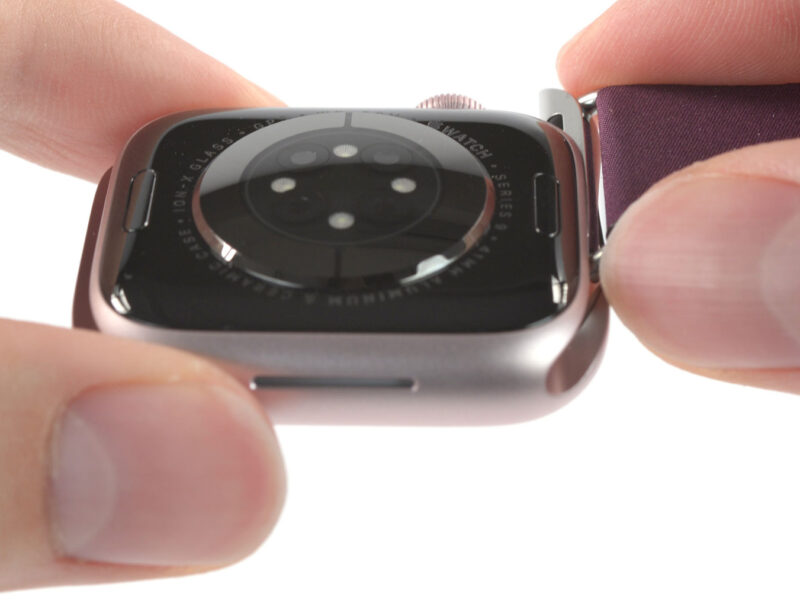
Apple Watch not tracking steps

Why Your Apple Watch Isn’t Tracking Steps Accurately

The Apple Watch is a fantastic tool for tracking your fitness goals, but what happens when it doesn’…

Wireless earbuds charging problems

How to Repair Charging Problems with Wireless Earbuds

Wireless earbuds are an essential part of modern life, offering convenience and portability. However…

Dell laptop Wi-Fi issues

How to Solve Common Wi-Fi Issues on Dell Laptops

Are you experiencing Dell laptop Wi-Fi issues that disrupt your work or online browsing? Whether it&…

Apple Watch contactless payments

How to Use Apple Watch for Contactless Payments with Apple Pay

Contactless payments have revolutionized how we shop, making transactions quicker, safer, and more c…

Apple Watch smart home integration

How Apple Watch Integrates Seamlessly with Smart Home Devices

Apple Watch smart home integration has revolutionized the way we manage our connected devices. With …

1 53 54 55 56 57 79