
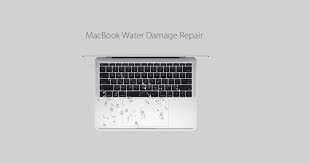
Apple devices are known for their premium build and advanced technology. However, even the most sophisticated devices are vulnerable to liquid exposure. Diagnosing water damage on iPhones and MacBooks requires precision, expertise, and professional tools especially when internal damage is not immediately visible. Although accidental spills happen quickly, their effects can worsen silently over time.
Therefore, understanding diagnosing water damage on Apple Products using Apple-authorized techniques is essential. In this guide, we explain how professionals detect water damage, why DIY checks can fail, and how expert repair solutions safely restore devices while protecting data and performance.
Why Diagnosing Water Damage on iPhones and MacBooks Is Critical
Water damage rarely causes instant failure. Instead, moisture often spreads slowly across internal components. As a result, devices may continue working for days or weeks before sudden shutdowns occur. That is why diagnosing water damage early prevents irreversible harm.
Moreover, untreated moisture leads to corrosion, short circuits, and data loss. Consequently, professional diagnosis ensures accurate repairs rather than temporary fixes.
Common Causes of Diagnosing Water Damage on iPhones and MacBooks
Before explaining Apple-authorized diagnostic techniques, it’s important to understand how liquid damage occurs.
Everyday Scenarios That Cause Water Damage
- Accidental spills (coffee, tea, juice)
- Rain exposure during travel
- Bathroom or kitchen humidity
- Condensation from temperature changes
- Liquid penetration through speakers or ports
Although some iPhones offer water resistance, they are not waterproof. Over time, seals weaken, making diagnosing water damage even more necessary after exposure.
Early Warning Signs of Water Damage
In many cases, users ignore subtle symptoms. However, these signs often indicate internal moisture.
Common Symptoms in iPhones
- Touchscreen lag or ghost touches
- Face ID or camera failure
- Distorted speaker sound
- Random reboots
- Charging issues
Common Symptoms in MacBooks
- Keyboard keys not responding
- Flickering display
- Overheating
- Wi-Fi or Bluetooth failure
- Sudden shutdowns
Therefore, once these symptoms appear, diagnosing water damage on Apple Products should be done immediately by professionals.
Apple Authorized Techniques for Diagnosing Water Damage
Apple-authorized diagnostic methods go beyond visual inspection. Instead, they use structured testing and specialized tools.
Liquid Contact Indicators (LCI) Inspection
Apple devices contain Liquid Contact Indicators that change color when exposed to moisture. While this is the first step, it is not the final verdict. However, it provides a strong starting point for diagnosing water damage on Apple Products
Microscopic Board Inspection
Technicians use magnification tools to inspect logic boards for:
- Corrosion
- Oxidation
- Burn marks
- Rust around connectors
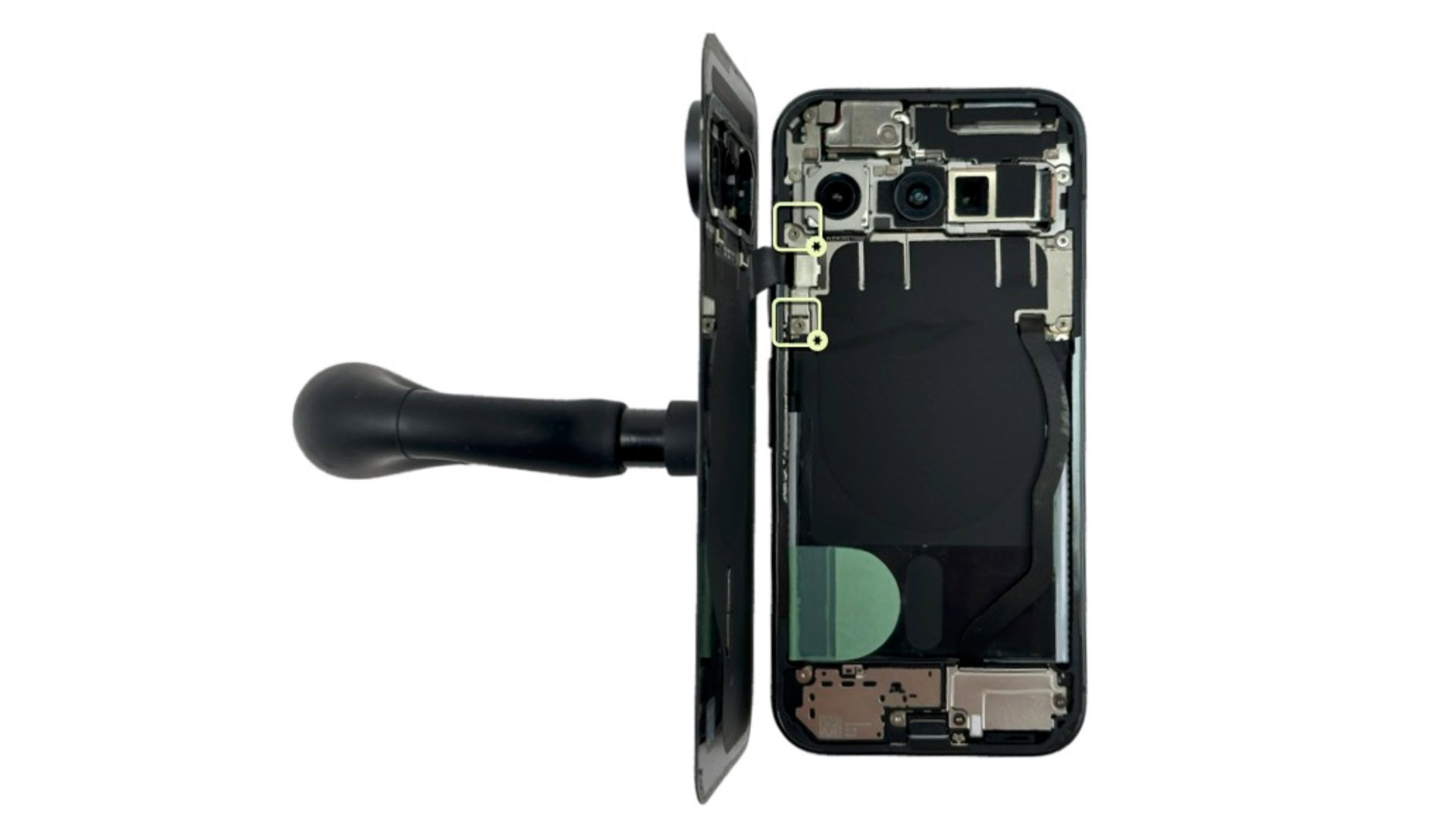
This step is critical because corrosion often spreads invisibly beneath chips.
Thermal and Power Testing for Diagnosing Water Damage on iPhones and MacBooks
Authorized techniques include controlled power testing to detect short circuits. Meanwhile, thermal imaging identifies overheating components caused by moisture-induced resistance.
Component-Level Diagnostics
Rather than replacing entire boards, professionals isolate damaged ICs, capacitors, or connectors. This precision makes diagnosing water damage both cost-effective and accurate.
Why DIY Water Damage Checks Often Fail
Although online tips suggest drying devices with rice or silica gel, these methods are unreliable.
Risks of DIY Methods for Diagnosing Water Damage on iPhones and MacBooks
- Trapped moisture under chips
- Accelerated corrosion
- Battery swelling
- Permanent logic board failure
As a result, improper handling complicates diagnosing water damage on Apple Products, making professional repair more difficult and expensive later.
Data Protection During Water Damage Diagnosis
One major concern for users is data loss. Fortunately, Apple-authorized diagnostic workflows prioritize data safety.
Safe Power Management
Technicians avoid powering devices until moisture is fully removed. This prevents short circuits that could damage storage chips.
Backup & Recovery Protocols
When possible, data extraction is performed before repairs. Therefore, diagnosing water damage on iPhones and MacBooks does not automatically mean losing important files.
Repair Methods After Diagnosing Water Damage
Once diagnosis is complete, repair solutions vary depending on damage severity.
Ultrasonic Cleaning
This professional method removes corrosion using specialized cleaning solutions. It restores signal flow without damaging sensitive components.
Component Replacement
Damaged connectors, speakers, batteries, or ICs are replaced using high-quality parts. This ensures long-term reliability after diagnosing water damage on iPhones and MacBooks.
Display & Camera Restoration
Liquid damage often affects display layers and camera modules. Authorized repair techniques ensure proper alignment and calibration.
How Long Does Water Damage Diagnosis Take?
Diagnosis time depends on exposure level.
- Minor exposure: 1–2 hours
- Moderate damage: Same day
- Severe corrosion: 24–48 hours
Therefore, fast diagnosis significantly improves repair success.
Why Professional Repair Matters More Than Ever
Modern Apple devices use layered boards and encrypted components. Because of this complexity, diagnosing water damage on Apple Products requires experience and precision tools.
Professional repair ensures:
- Accurate fault detection
- No unnecessary part replacement
- Data safety
- Long-lasting results
Milaaj Mobile Repair: Trusted Water Damage Solutions
When professional diagnosis matters, Milaaj mobile and laptop repair Dubai offers advanced solutions for Apple devices affected by liquid damage.
Why Choose Professional Repair
- Low-price diagnostic transparency
- Speed repairing with same-day service options
- Convenience through expert handling
- High-quality replacement parts
- Component-level repairs instead of full replacements
Their structured approach ensures diagnosing water damage on Apple Products is accurate, affordable, and safe.
Preventing Future Diagnosing Water Damage on iPhones and MacBooks
Although accidents happen, prevention reduces risk.
Practical Prevention Tips for Diagnosing Water Damage on iPhones and MacBooks
- Use waterproof cases
- Avoid charging in humid areas
- Keep liquids away from devices
- Power off immediately after exposure
- Seek professional diagnosis early
Taking quick action makes diagnosing water damage on Apple Products simpler and more successful.
FAQs About Diagnosing Water Damage on iPhones and MacBooks
1. How do professionals diagnose water damage on iPhones and MacBooks?
Professionals diagnose water damage on iPhones and MacBooks using Apple authorized techniques such as Liquid Contact Indicator checks, microscopic logic board inspection, and controlled power testing to detect hidden corrosion and moisture.
2. Can Apple authorized techniques detect hidden water damage?
Yes, Apple authorized techniques can detect hidden water damage by examining internal components, connectors, and logic boards where moisture and corrosion are not visible to the naked eye.
3. How long does diagnosing water damage on iPhones and MacBooks take?
Diagnosing water damage on iPhones and MacBooks usually takes a few hours for minor exposure, while severe liquid damage may require up to 24–48 hours for accurate testing.
4. Is it safe to turn on an iPhone or MacBook after water exposure?
No, turning on a device after water exposure can cause short circuits. Therefore, professional diagnosing water damage on iPhones and MacBooks should be done before attempting to power on the device.
5. Will diagnosing water damage erase my data?
No, diagnosing water damage on iPhones and MacBooks does not erase data. In fact, professionals follow safe diagnostic procedures designed to protect stored files whenever possible.
Final Thoughts: Diagnosing Water Damage on iPhones and MacBooks
In conclusion, liquid exposure does not always mean device replacement. However, ignoring early symptoms increases repair costs and data loss risks. That is why diagnosing water damage on iPhones and MacBooks using Apple-authorized techniques is the safest and most effective solution.
Instead of relying on temporary DIY fixes, professional diagnosis identifies hidden corrosion, protects internal components, and restores performance. With expert repair, quality parts, and precise techniques, your Apple device can function reliably again without unnecessary replacement.
Get professional iPhone repair services with expert technicians ensuring top-quality results.
Enjoy quick and reliable home delivery for your repaired or purchased devices.
Sell your old iPhone with confidence and get the best value instantly.
📍 Visit Any Milaaj Branch in Dubai
🔹 Bur Dubai
Milaaj Mobile and Laptop Repair Dubai
📞 055 258 8477
🔗 Google Maps
🔹 Al Barsha
Milaaj Mobiles and Laptop Repair Al Barsha
📞 052 596 2846
🔗 Google Maps
🔹 Al Barsha 3
Milaaj Service Center Reef Mall
📞 052 3405 814
🔗 Google Maps
🔹 Al Nuaimiya
Milaaj Mobiles and Laptops Ajman
📞 055 788 9654
🔗 Google Maps
📧 Email: support@milaaj.com
🕒 Operating Hours: Monday – Sunday



Leave a Reply