
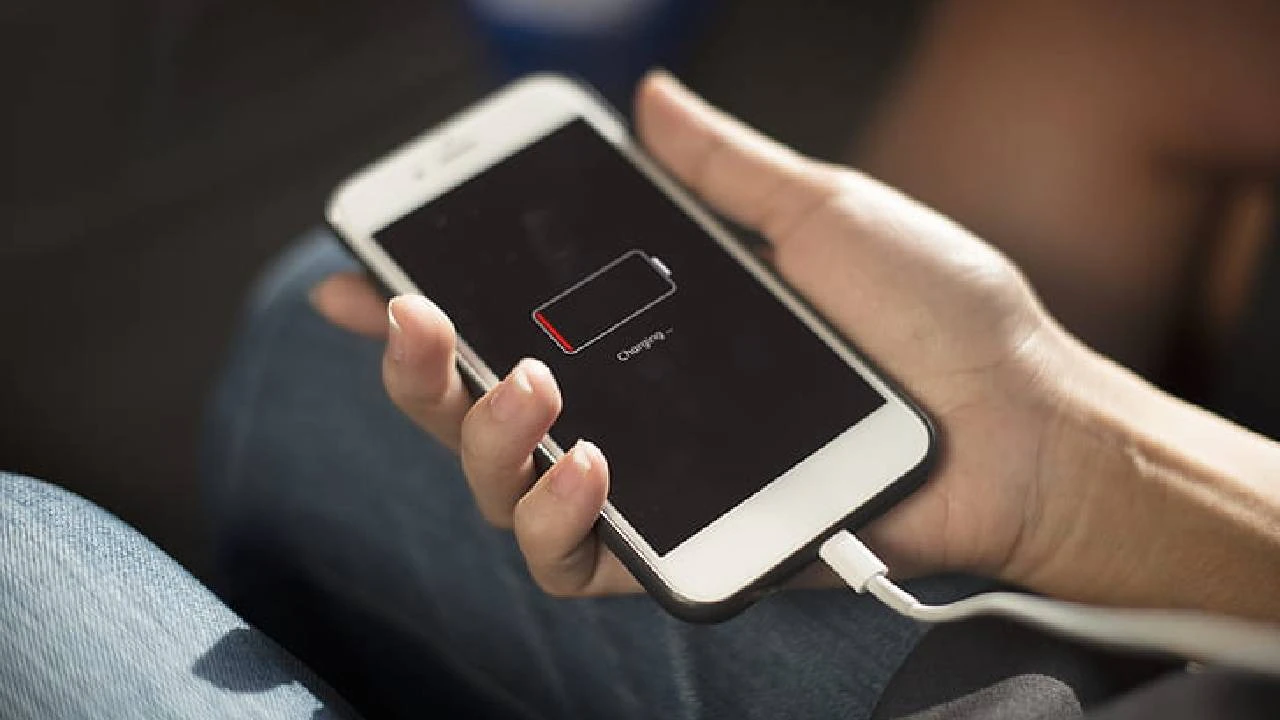
Fast charging is one of the most convenient features on modern Apple devices. Whether you use an iPhone, iPad, or MacBook, fast charging helps you power up quickly and stay productive. However, many users face a frustrating issue fast charging not working on Apple devices, even when using original chargers and cables.
As a result, charging becomes slow, unreliable, or stops altogether, disrupting daily routines. Fortunately, fast charging not working on Apple devices is usually fixable. With the right approach, expert troubleshooting, and professional repair support, Apple fast charging can be restored safely and effectively. Therefore, this detailed guide explains why fast charging fails, what mistakes to avoid, and which solutions actually help.
Understanding Fast Charging on Apple Devices
Before moving forward, it’s important to understand how fast charging works on Apple devices.
Apple fast charging relies on:
- Compatible power adapters (18W, 20W, 30W, or higher)
- USB-C to Lightning or USB-C to USB-C cables
- Power delivery (PD) technology
- Healthy battery and charging port components
If any part fails, fast charging may stop working properly.
Common Signs Fast Charging Is Not Working on Apple Devices
In many cases, users notice warning signs before fast charging stops completely.
Symptoms of Fast Charging Problems
- Device charges extremely slowly
- “Charging” shows but percentage increases very slowly
- Fast charging works intermittently
- Device heats up while charging
- Charger disconnects frequently
- “Accessory not supported” message
If ignored, these signs can lead to long-term charging damage.
Why Fast Charging Not Working on Apple Devices Happens
Although Apple designs reliable hardware, several factors can interrupt fast charging.
1. Incompatible or Damaged Charging Accessories
First and foremost, fast charging requires compatible chargers and cables.
- Low-watt adapters slow charging
- Damaged or counterfeit cables block fast charging
- Worn connectors interrupt power flow
As a result, Apple devices fall back to slow charging.
2. Dirty or Damaged Charging Port
Over time, dust, lint, and moisture accumulate inside charging ports.
- Poor cable contact
- Loose connection
- Corrosion from moisture exposure
Consequently, fast charging stops working entirely.
3. Battery Health Issues for Fast charging not working
As batteries age, their ability to accept fast charge decreases.
- Battery health below 80%
- Internal resistance increases
- Charging speed automatically limited
Therefore, fast charging not working on Apple devices often signals battery wear.
4. iOS or macOS Software Glitches
Sometimes, software updates cause charging problems.
- Power management bugs
- Charging optimization conflicts
- Incomplete updates
As a result, fast charging may stop even with perfect hardware.
5. Overheating Protection for Fast charging not working
Apple prioritizes safety, so devices limit charging speed when overheating.
- High ambient temperature
- Heavy usage during charging
- Faulty battery sensors
Thus, fast charging temporarily disables itself.
Mistakes to Avoid When Fast Charging Fails
Although tempting, many DIY fixes cause further damage.
Avoid These Common Mistakes
- Using cheap third-party chargers
- Cleaning ports with metal objects
- Ignoring battery health warnings
- Continuing to charge overheated devices
- Attempting unauthorized repairs
Instead, safe and structured solutions protect your device.
Fixes That Help When Fast Charging Not Working on Apple Devices
Now, let’s move forward and explore practical, proven fixes that help restore fast charging.
1. Check Charger and Cable Compatibility
First, confirm your charger meets Apple fast-charging requirements.
- Use original or certified adapters
- Replace worn or bent cables
- Test with another compatible charger
Often, this simple step resolves the issue.
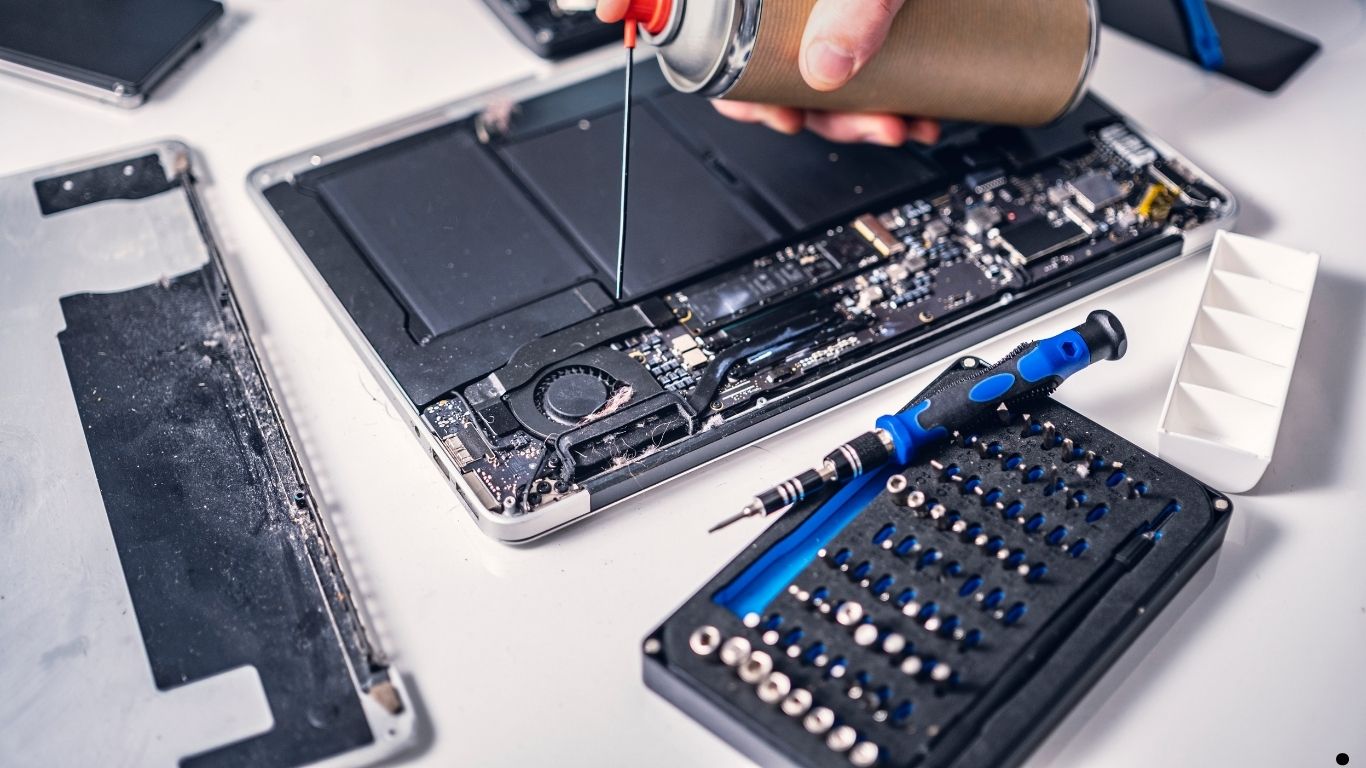
2. Inspect and Clean the Charging Port Safely
Next, examine the charging port.
- Look for lint or debris
- Use soft tools only
- Avoid liquids or sharp objects
As a result, proper contact improves charging speed.
3. Check Battery Health Settings for Fast charging not working
Meanwhile, battery condition must not be ignored.
- Go to Battery Health settings
- Look for service warnings
- Monitor maximum capacity
If battery health is low, fast charging performance drops significantly.
4. Restart and Update the Device
In some cases, software refresh solves charging bugs.
- Restart device
- Install pending updates
- Reset charging-related settings
Therefore, system stability improves charging behavior.
5. Avoid Overheating During Charging
Additionally, temperature plays a key role.
- Remove phone cases while charging
- Avoid gaming during charging
- Charge in cool environments
Consequently, fast charging resumes safely.
When DIY Fixes Don’t Work
However, if fast charging not working on Apple devices persists, deeper issues may exist.
Advanced Causes Include
- Charging IC failure
- Logic board power damage
- Battery connector faults
- Liquid damage corrosion
At this stage, professional repair becomes essential.
Professional Repair Solutions for Apple Fast Charging Issues
Expert technicians use specialized diagnostic tools to identify charging problems precisely.
What Professionals Do Differently
- Test charging circuits accurately
- Diagnose battery and IC faults
- Repair ports without data loss
- Use high-quality replacement parts
- Restore factory-level charging speed
As a result, fast charging works reliably again.
Why Choose Milaaj Mobile Repair for Fast Charging Issues
When fast charging not working on Apple devices becomes frustrating, Milaaj mobile and laptop repair Dubai offers trusted and professional solutions.
Why Customers Trust Milaaj
- Low-price Apple charging repairs
- Fast repair turnaround
- Convenient walk-in service
- High-quality genuine parts
- Advanced repair tools
- Experienced Apple technicians
Moreover, customers receive honest diagnostics and transparent pricing.
How Milaaj Fixes Apple Fast charging not working Problems
At Milaaj, the repair process focuses on safety and long-term results:
- Complete charging system diagnosis
- Battery and port health testing
- Component-level repair if required
- Quality part replacement
- Charging speed verification
As a result, devices charge faster and more safely.
Prevent Fast charging not working Problems in the Future
Once repaired, prevention ensures lasting performance.
Smart Charging Habits
- Use certified chargers only
- Keep ports clean
- Avoid overnight charging
- Monitor battery health
- Update software regularly
Therefore, fast charging remains consistent over time.
FAQs About Fast charging not working
Why is fast charging not working on Apple devices suddenly?
Fast charging may stop due to faulty chargers, port dirt, battery health issues, or software bugs.
Can fast charging damage my Apple device?
No. Apple controls charging speed to protect battery health.
Does battery replacement restore fast charging?
Yes, in many cases, replacing an aging battery restores fast charging.
How long does professional charging repair take?
Most fast charging repairs are completed within a few hours.
Is data safe during charging repair?
Yes. Professional repair ensures no data loss.
Final Thoughts: Fast charging not working
In conclusion, fast charging not working on Apple devices is a common but fixable issue. Rather than risking further damage with unsafe DIY solutions, choosing expert repair ensures safety, speed, and reliability.
Moreover, professional services provide convenience, affordability, and lasting results. With timely action, proper maintenance, and expert care, your Apple device can regain its fast-charging performance smoothly, safely, and efficiently.
Get professional iPhone repair services with expert technicians ensuring top-quality results.
Enjoy quick and reliable home delivery for your repaired or purchased devices.
Sell your old iPhone with confidence and get the best value instantly.
📍 Visit Any Milaaj Branch in Dubai
🔹 Bur Dubai
Milaaj Mobile and Laptop Repair Dubai
📞 055 258 8477
🔗 Google Maps
🔹 Al Barsha
Milaaj Mobiles and Laptop Repair Al Barsha
📞 052 596 2846
🔗 Google Maps
🔹 Al Barsha 3
Milaaj Service Center Reef Mall
📞 052 3405 814
🔗 Google Maps
🔹 Al Nuaimiya
Milaaj Mobiles and Laptops Ajman
📞 055 788 9654
🔗 Google Maps
📧 Email: support@milaaj.com
🕒 Operating Hours: Monday – Sunday


Leave a Reply