
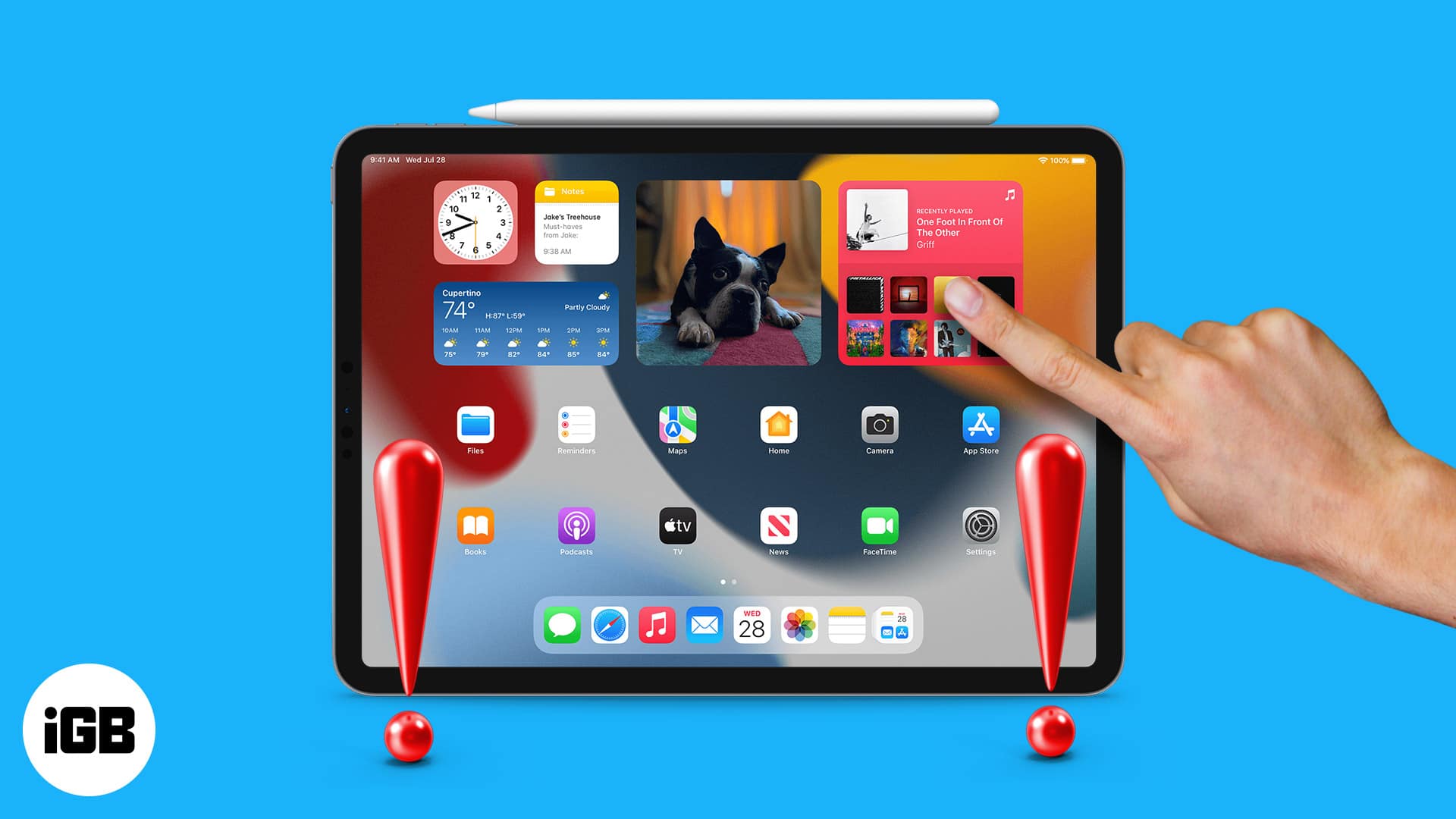
Apple iPads are known for their smooth touch response and premium build quality. However, many users eventually experience frustrating iPad screen touch issues that interrupt daily use. Whether the screen becomes unresponsive, lags behind touches, or reacts randomly, these problems can seriously affect productivity and usability.
Fortunately, iPad screen touch issues can often be fixed with the right troubleshooting steps and professional guidance. Therefore, this detailed guide explains the common causes, step-by-step solutions, and when expert repair becomes necessary. Moreover, we will show how trusted professionals can restore flawless touch performance safely and affordably.
Why iPad Screen Touch Issues Happen
First and foremost, understanding why iPad screen touch issues occur helps you choose the correct solution. While hardware damage is one reason, software problems are equally common.
Common Causes of iPad Touchscreen Problems
- Software glitches after iPadOS updates
- Physical screen damage or internal digitizer failure
- Moisture or water exposure
- Excessive screen dirt or oil buildup
- Faulty third-party screen protectors
- Overheating or battery swelling
As a result, identifying the root cause prevents unnecessary repairs and data risks.
Initial Checks Before Fixing iPad Screen Touch Issues
Before moving toward advanced fixes, it is essential to start with basic troubleshooting. In many cases, these steps resolve minor iPad screen touch problems instantly.
Restart Your iPad
To begin with, restarting clears temporary software bugs. Simply power off the device, wait a few seconds, and turn it back on.
Clean the iPad Screen Properly
Moreover, dirt and oil interfere with touch sensitivity. Use a microfiber cloth slightly dampened with water. Avoid harsh chemicals at all costs.
Remove Screen Protectors
In addition, low-quality or cracked screen protectors may cause inaccurate touch response. Removing them often fixes the issue immediately.
Software Fixes for iPad Screen Touch Issues
If basic checks fail, software-related solutions should be your next focus. Fortunately, many iPad screen touch issues originate from iPadOS glitches.
Update iPadOS to the Latest Version
Apple frequently releases updates to fix touchscreen bugs. Therefore:
- Go to Settings > General > Software Update
- Install the latest stable version
As a result, many responsiveness issues disappear after updating.
Reset All Settings (Without Data Loss)
If the problem persists, resetting system settings can help:
- Navigate to Settings > General > Transfer or Reset iPad
- Choose Reset All Settings
Importantly, this does not delete personal data.
Free Up Storage Space
Interestingly, low storage can affect system performance, including touch response. Thus, delete unused apps, large files, and cache data.
Hardware Reasons Behind iPad Touchscreen Malfunctions
When software fixes fail, hardware damage is often responsible. In such cases, professional inspection becomes necessary.
Digitizer Damage
The digitizer is the layer that registers touch input. Even minor cracks or internal faults can cause delayed or ghost touches.
Water or Moisture Exposure
Even if your iPad appears dry, moisture can damage internal connectors over time. Consequently, touch issues may appear days later.
Battery Swelling Impacting the Screen
Surprisingly, a swollen battery can push against the screen, causing unresponsive or inconsistent touch behavior.
Why DIY Repairs Often Make iPad Screen Touch Issues Worse
Although DIY fixes seem tempting, they often cause irreversible damage. Therefore, caution is essential.
Risks of Home Repairs
- Accidental screen cable damage
- Loss of Face ID or Touch ID
- Poor-quality replacement parts
- Complete screen failure
As a result, professional repair is usually safer and more cost-effective in the long run.
How Professionals Fix iPad Screen Touch Issues Safely
Expert technicians follow structured diagnostic steps to resolve iPad screen touch issues without risking data loss.
Professional Diagnostic Process
- Touch calibration testing
- Digitizer signal inspection
- Internal connector examination
- Software-hardware conflict analysis
Therefore, repairs are accurate and long-lasting.
Milaaj Mobile Repair – Trusted iPad Touchscreen Fix in Dubai
When DIY methods fail, Milaaj mobile and laptop repair Dubai provides reliable solutions for all iPad screen touch issues with professional care and transparency.
Why Choose Milaaj Mobile Repair?
Low-Cost Repair Solutions
Firstly, Milaaj offers competitive pricing without compromising quality.
Fast Turnaround Time
Most iPad touchscreen repairs are completed the same day.
High-Quality Replacement Parts
Only premium-grade digitizers and screens are used for durability.
Convenience & Expert Support
Located conveniently with experienced Apple technicians, Milaaj ensures stress-free service.
As a result, customers enjoy smooth, responsive iPads without repeated issues.
Preventing Future iPad Screen Touch Issues
After fixing the issue, prevention is equally important.
Best Practices for Long-Term Touchscreen Health
- Use certified screen protectors
- Avoid charging with damaged cables
- Keep the device away from moisture
- Install iPadOS updates regularly
- Avoid excessive heat exposure
Consequently, your iPad remains responsive and reliable.
When Should You Seek Professional iPad Repair?
If your iPad shows the following signs, professional repair is essential:
- Touch not responding at all
- Screen reacts randomly without input
- Delayed touch response
- Flickering or ghost touches
Ignoring these signs can worsen damage over time.
FAQs About iPad screen touch issues
❓ Can iPad screen touch issues be fixed without replacing the screen?
Yes. Many iPad screen issues are software-related and can be resolved without screen replacement.
❓ How long does professional iPad touch repair take?
Most repairs are completed within a few hours, depending on the damage.
❓ Will I lose data during iPad touchscreen repair?
No. Professional repair methods protect all personal data.
❓ Can water cause delayed touchscreen problems?
Absolutely. Moisture damage often appears days or weeks later.
❓ Is it safe to continue using an iPad with touch issues?
Not recommended. Continued use may worsen internal damage.
Final Thoughts: iPad screen touch issues
In conclusion, iPad screen touch issues can be frustrating, but they are not permanent. With proper troubleshooting, software optimization, and expert repair support, your iPad can regain its smooth and accurate touch performance.
Moreover, choosing professional service ensures safety, affordability, speed, and long-term reliability. Rather than risking DIY damage, trusting experienced technicians guarantees peace of mind and lasting results.
Get professional iPad repair services with expert technicians ensuring top-quality results.
Instead of trying random recovery apps, always rely on certified software or trusted repair centers like Milaaj for secure data restoration.
Enjoy quick and reliable home delivery for your repaired or purchased devices.
Sell your old iPad with confidence and get the best value instantly.
📍 Visit Any Milaaj Branch in Dubai
🔹 Bur Dubai
Milaaj Mobile and Laptop Repair Dubai
📞 055 258 8477
🔗 Google Maps
🔹 Al Barsha
Milaaj Mobiles and Laptop Repair Al Barsha
📞 052 596 2846
🔗 Google Maps
🔹 Al Barsha 3
Milaaj Mobiles and Gaming Store
📞 052 3405 814
🔗 Google Maps
🔹 Al Nuaimiya
Milaaj Mobiles and Laptops Ajman
📞 055 788 9654
🔗 Google Maps
📧 Email: support@milaaj.com
🕒 Operating Hours: Monday – Sunday




Leave a Reply