
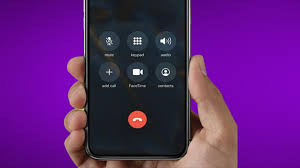
If your iPhone sound cutting out during calls, videos, or music playback is disrupting your daily routine, you are certainly not alone. Many iPhone users experience intermittent audio problems, especially after software updates, accidental drops, water exposure, or prolonged usage. Although Apple devices are known for premium audio quality, sound issues can still occur due to both software glitches and hardware wear.
Fortunately, iPhone sound cutting out problems are often fixable when you understand the root cause. Therefore, acting early and applying the right solutions can restore clear and stable audio before the issue worsens. In this comprehensive guide, we will explore why iPhone sound keeps cutting out, how to troubleshoot it effectively, and when professional repair becomes essential. Most importantly, we will explain how expert repair services can permanently resolve recurring sound problems.
Why Is My iPhone Sound Cutting Out?
Before attempting fixes, it is important to understand why iPhone sound cutting out occurs in the first place. Although the issue may seem random, it usually stems from a few common causes.
Software Bugs After iOS Updates
Often, newly released iOS updates contain temporary bugs that interfere with sound drivers. As a result, audio may cut in and out during calls or media playback. Although Apple releases patches quickly, users frequently experience sound issues right after updates.
Bluetooth or Audio Routing Conflicts
Sometimes, your iPhone may attempt to route sound through a paired Bluetooth device. Consequently, audio cuts out when the connection weakens or switches unexpectedly between speakers.
Speaker or Microphone Blockage
Over time, dust, lint, and debris accumulate in speaker grills and microphones. Therefore, sound becomes muffled, distorted, or intermittent—especially during calls or voice recordings.
Water or Moisture Exposure for iPhone sound cutting out
Even minor liquid exposure can damage internal audio components. As a result, corrosion may slowly affect speaker circuits, leading to iPhone sound cutting out intermittently.
Hardware Damage or Loose Components
Drops and impacts may loosen speaker connectors or damage the audio IC on the logic board. In such cases, sound problems usually worsen over time and require professional repair.
Common Symptoms of iPhone Sound Cutting Out
Identifying symptoms early can prevent further damage. Therefore, watch for these warning signs:
- Sound cutting in and out during calls
- Audio stopping while watching videos or streaming music
- Speaker volume fluctuating unexpectedly
- No sound unless headphones are plugged in
- Crackling or distorted audio
- iPhone overheating during sound playback
If you notice multiple symptoms together, iPhone sound cutting out may indicate a deeper issue that should not be ignored.
Quick Fixes You Can Try at Home
Fortunately, many iPhone sound cutting out problems can be resolved with simple troubleshooting steps. Therefore, try the following solutions before seeking professional help.
Restart Your iPhone for iPhone sound cutting out
Although simple, restarting refreshes system processes and clears minor glitches. In many cases, sound issues disappear immediately after rebooting.
Disable Bluetooth Temporarily
Since Bluetooth routing often causes audio interruptions, turn off Bluetooth and test the speaker again. If sound improves, reconnect Bluetooth devices carefully.
Check Audio Output Settings
Go to Control Center and ensure sound output is set to “iPhone” instead of external devices. This step often resolves random sound cut-offs.
Clean the Speaker and Microphone
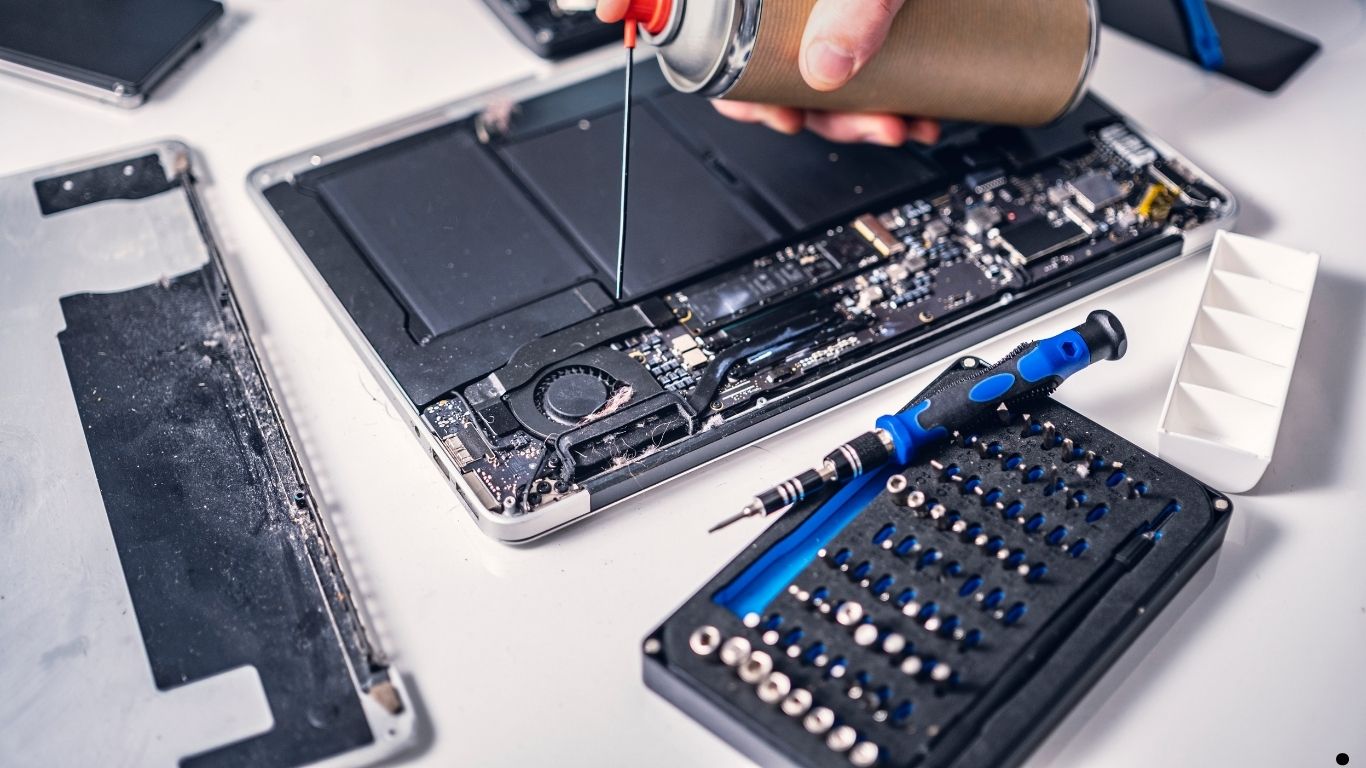
Using a soft brush or compressed air, gently clean the speaker grills. However, avoid sharp objects or liquids, as they may cause damage.
Adjust Sound Settings
Disable “Phone Noise Cancellation” and check volume limits under Settings > Sounds & Haptics. Sometimes, misconfigured settings trigger sound instability.
Advanced Troubleshooting for Persistent Sound Issues
If basic fixes fail, deeper solutions may be required. Therefore, try these advanced steps carefully.
Update iOS to the Latest Version
Apple frequently releases bug fixes for audio issues. Updating to the latest stable iOS version can eliminate software-related iPhone sound cutting out problems.
Reset All Settings for iPhone sound cutting out
Go to Settings > General > Transfer or Reset iPhone > Reset > Reset All Settings. This resets system configurations without deleting data.
Test with Headphones
If sound works normally through headphones but not speakers, the internal speaker may be damaged.
Check for Water Damage Indicators
Look inside the SIM tray for the liquid contact indicator. If it has turned red, moisture damage may be affecting audio components.
When iPhone Sound Cutting Out Needs Professional Repair
Although many issues are software-related, hardware damage requires expert attention. Therefore, professional repair becomes essential when:
- Sound cuts out consistently despite resets
- Speaker stops working entirely
- Audio issues worsen over time
- Phone was dropped or exposed to water
- Calls have no audio on either side
At this stage, delaying repair can cause permanent damage to the audio IC or logic board.
How Professionals Fix iPhone Sound Cutting Out Issues
Professional technicians follow a structured repair process to ensure long-term results.
Diagnostic Testing
First, technicians run audio diagnostics to identify whether the issue is software-based, speaker-related, or logic board-related.
Speaker and Microphone Replacement
If technicians detect hardware failure, they replace damaged speakers or microphones with high-quality parts to restore clear audio.
Logic Board Audio IC Repair
In severe cases, technicians perform micro-soldering to repair or replace faulty audio IC components.
Water Damage Treatment
If moisture is involved, ultrasonic cleaning removes corrosion before it spreads further.
Post-Repair Calibration
Finally, sound output is tested and calibrated to ensure stable performance.
Why Choose Milaaj for iPhone sound cutting out Issues
When iPhone sound cutting out becomes frustrating and persistent, professional help ensures a safe and permanent fix. Milaaj mobile and laptop repair Dubai offers specialized iPhone audio repair solutions designed for reliability and convenience.
Low-Cost Repairs Without Compromising Quality
Affordable pricing ensures professional repair remains accessible, without sacrificing part quality.
Fast and Efficient Service
Most sound issues are diagnosed and repaired quickly, minimizing downtime.
High-Quality Replacement Parts
Only premium-grade speakers and components are used for lasting performance.
Advanced Tools and Expert Technicians
Micro-soldering tools and precise diagnostics ensure accurate repairs.
Convenient and Customer-Focused Service
Hassle-free service makes iPhone repairs smooth and stress-free.
Prevent iPhone Sound Cutting Out in the Future
Prevention is always better than repair. Therefore, follow these tips to avoid future sound problems:
- Keep speaker grills clean
- Avoid moisture exposure
- Use protective cases
- Update iOS regularly
- Avoid excessive volume usage
- Handle your iPhone carefully
By following these steps, you can reduce the risk of recurring iPhone sound cutting out issues.
FAQ About iPhone sound cutting out
Q1: Why does my iPhone sound keep cutting out?
A: iPhone sound out usually occurs due to software bugs, Bluetooth conflicts, speaker blockage, water damage, or hardware failure.
Q2: Can an iOS update cause iPhone sound issues?
A: Yes, some iOS updates may cause temporary audio glitches that lead to sound cutting in and out.
Q3: How do I fix iPhone sound cutting out at home?
A: Restart your iPhone, disable Bluetooth, clean speaker grills, check audio settings, and update iOS.
Q4: Is iPhone sound cutting out a hardware problem?
A: If basic fixes fail, it may indicate speaker damage, loose connectors, or audio IC issues.
Q5: Can water damage cause iPhone sound problems?
A: Yes, even minor moisture exposure can damage internal audio components over time.
Q6: When should I seek professional iPhone sound repair?
A: If sound keeps cutting out despite troubleshooting, professional repair is recommended.
Conclusion: iPhone sound cutting out
In conclusion, iPhone sound cutting out is a common problem, but it is rarely permanent when addressed early. From simple software fixes and cleaning techniques to advanced logic board repairs, there are reliable solutions for every scenario. Although DIY troubleshooting works in many cases, persistent audio issues require professional expertise.
Most importantly, choosing the right repair service ensures your iPhone regains clear, stable, and uninterrupted sound. With proper diagnosis, high-quality parts, and expert handling, your iPhone can return to flawless audio performance—allowing you to enjoy calls, music, and media without interruptions.
Get professional iPhone repair services with expert technicians ensuring top-quality results.
Enjoy quick and reliable home delivery for your repaired or purchased devices.
Sell your old iPhone with confidence and get the best value instantly.
📍 Visit Any Milaaj Branch in Dubai
🔹 Bur Dubai
Milaaj Mobile and Laptop Repair Dubai
📞 055 258 8477
🔗 Google Maps
🔹 Al Barsha
Milaaj Mobiles and Laptop Repair Al Barsha
📞 052 596 2846
🔗 Google Maps
🔹 Al Barsha 3
Milaaj Service Center Reef Mall
📞 052 3405 814
🔗 Google Maps
🔹 Al Nuaimiya
Milaaj Mobiles and Laptops Ajman
📞 055 788 9654
🔗 Google Maps
📧 Email: support@milaaj.com
🕒 Operating Hours: Monday – Sunday

Leave a Reply