
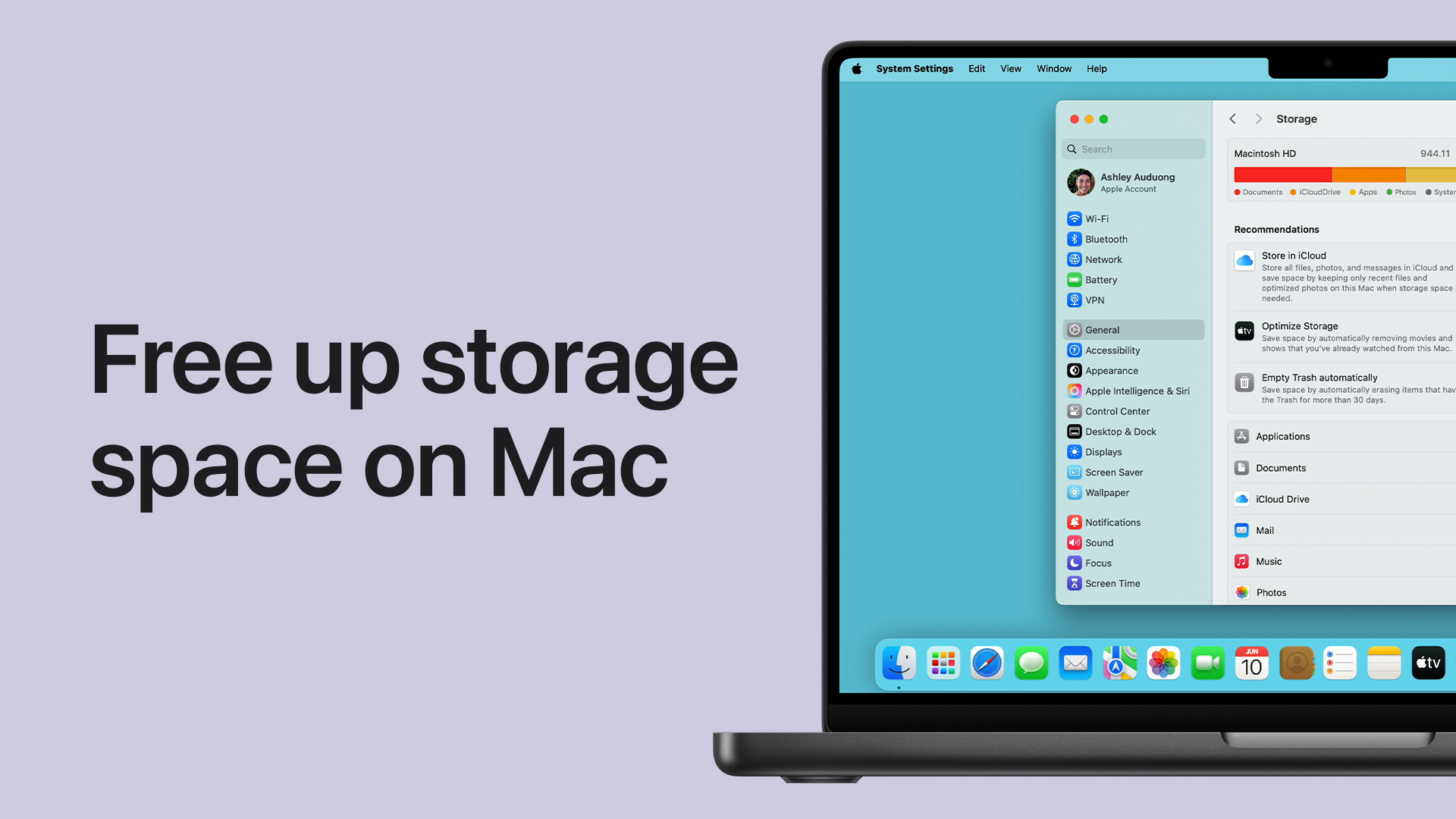
Running out of space on your MacBook can be frustrating. Suddenly, apps slow down, updates fail, and important work comes to a halt. As a result, MacBook internal storage full issues have become one of the most common problems faced by Mac users today.
Fortunately, these issues are usually fixable. Whether your MacBook storage fills up unexpectedly or performance drops due to low space, understanding the root causes helps you take the right action. In this guide, we’ll explore why MacBook internal storage full issues occur, how to fix them safely, and when professional help becomes necessary.
What Does “MacBook Internal Storage Full” Mean?
MacBooks rely on internal SSD storage to run macOS smoothly. However, when storage fills up, the system struggles to manage files and processes efficiently.
Common Signs of MacBook Internal Storage Full Issues
- “Your disk is almost full” warning
- Slow app performance
- macOS updates failing
- Apps crashing unexpectedly
- System overheating or lag
Therefore, ignoring MacBook internal storage full issues can seriously impact usability.
Why MacBook Internal Storage Fills Up So Quickly
Understanding the reasons behind MacBook internal storage full issues is the first step toward solving them.
Large System Files and Cache Accumulation
macOS stores cache, logs, and temporary files. Over time, these files grow silently and consume significant space.
Photos, Videos, and Media Files
High-resolution photos and 4K videos take up large amounts of storage quickly.
Apps and Software Bloat
Some applications store hidden files, backups, and unused data.
iCloud and Backup Sync Issues
When sync settings are misconfigured, local storage fills faster than expected.
macOS Updates and Snapshots
System updates and Time Machine snapshots often use hidden space.
As a result, MacBook storage full issues can appear suddenly.
How Low Storage Affects MacBook Performance
Low storage doesn’t just limit file saving it affects overall performance.
Performance Problems Caused by Full Storage
- Slower boot times
- Lagging apps
- Reduced multitasking ability
- Increased system crashes
Because macOS needs free space to operate efficiently, MacBook storage full issues directly reduce speed and reliability.
Quick DIY Fixes for MacBook Internal Storage Full Issues
Before seeking professional help, try these safe steps.
Check Storage Breakdown
Go to Apple Menu → About This Mac → Storage to see what’s using space.
Clear Cache and Temporary Files
Deleting system cache can free up several gigabytes safely.
Remove Unused Apps
Uninstall applications you no longer use.
Empty Trash and Old Downloads
Surprisingly, these folders often store large forgotten files.
Although these steps help, persistent MacBook storage full issues may require expert solutions.
Advanced Solutions for MacBook Storage Full Problems
Optimize macOS Storage Settings
macOS includes built-in tools like “Optimize Storage” and “Reduce Clutter.”
Move Files to External or Cloud Storage
Large media files can be stored externally to free internal space.
Clean Hidden System Files
Some files aren’t visible to regular users but consume valuable storage.
Therefore, deeper cleaning often resolves stubborn MacBook storage full issues.
When MacBook Internal Storage Full Issues Need Professional Help
Sometimes, DIY solutions aren’t enough.
Signs You Need Expert Assistance
- Storage fills up again quickly
- System data uses excessive space
- MacBook becomes extremely slow
- Errors appear during cleanup
In such cases, professional diagnosis ensures safe and permanent solutions.
MacBook Internal Storage Full Issues Caused by Hardware Limits
Older MacBooks often have limited SSD capacity that cannot expand easily.
Why Storage Upgrades Aren’t Simple on MacBooks
- SSDs are soldered on newer models
- Incompatible third-party parts
- Risk of data loss
As a result, MacBook storage full issues often require smart optimization rather than replacement.
Professional MacBook Storage Optimization Services
Expert technicians use advanced tools to safely clean, optimize, and manage storage without affecting your data.
What Professionals Do Differently
- Analyze system storage deeply
- Remove hidden junk files
- Optimize macOS performance
- Protect user data throughout
Thus, professional help saves time and prevents mistakes.
Milaaj Mobile Repair: MacBook Storage Optimization Experts
At Milaaj mobile and laptop repair Dubai, skilled technicians specialize in resolving MacBook storage full issues efficiently and safely.
Why Customers Trust This Repair Service
- Low-price MacBook repair solutions
- Fast storage optimization service
- Convenient same-day support
- High-quality tools and software
- Data-safe repair methods
As a result, customers enjoy smoother performance without replacing their device.
Cost of Fixing MacBook Internal Storage Full Issues
Costs depend on:
- Storage usage severity
- macOS version
- Model of MacBook
- Type of optimization required
However, professional cleanup is far more affordable than replacing a MacBook. Therefore, addressing MacBook storage full issues early saves money.
Preventing MacBook Internal Storage Full Issues in the Future
Simple Prevention Tips
- Regularly clear cache files
- Avoid storing large media locally
- Use cloud or external drives
- Monitor system storage monthly
These habits significantly reduce recurring MacBook storage full issues.
MacBook Internal Storage Full Issues vs Buying a New MacBook
Many users consider upgrading immediately. However, that’s not always necessary.
Why Repair and Optimization Are Better
- Much lower cost
- No data migration stress
- Faster solution
- Environmentally friendly
Clearly, fixing MacBook storage full issues is often the smarter choice.
FAQs: MacBook Internal Storage Full Issues
Why does my MacBook say storage is full when I deleted files?
Hidden system data, cache, and backups often consume space.
Can MacBook internal storage be increased?
Most modern MacBooks don’t support SSD upgrades, but optimization helps.
Is it safe to delete system cache files?
Yes, when done properly or by professionals.
Will fixing storage issues improve MacBook speed?
Absolutely. Free space improves performance significantly.
How often should I clean my MacBook storage?
Ideally every 2–3 months to prevent MacBook storage full issues.
Final Thoughts: Fix MacBook Internal Storage Full Issues the Smart Way
MacBook internal storage full issues are common, but they don’t mean your device is outdated or broken. With the right approach cleaning junk files, optimizing storage, and seeking expert help when needed you can restore performance quickly and affordably.
Instead of struggling with slow performance or considering replacement, address storage problems early and keep your MacBook running smoothly for years to come.
Get professional macbook repair services with expert technicians ensuring top-quality results.
Sell your old macbook with confidence and get the best value instantly.
📍 Visit Any Milaaj Branch in Dubai
🔹 Bur Dubai
Milaaj Mobile and Laptop Repair Dubai
📞 055 258 8477
🔗 Google Maps
🔹 Al Barsha
Milaaj Mobiles and Laptop Repair Al Barsha
📞 052 596 2846
🔗 Google Maps
🔹 Al Barsha 3
Milaaj Mobiles and Gaming Store
📞 052 3405 814
🔗 Google Maps
🔹 Al Nuaimiya
Milaaj Mobiles and Laptops Ajman
📞 055 788 9654
🔗 Google Maps
📧 Email: support@milaaj.com
🕒 Operating Hours: Monday – Sunday




Leave a Reply