
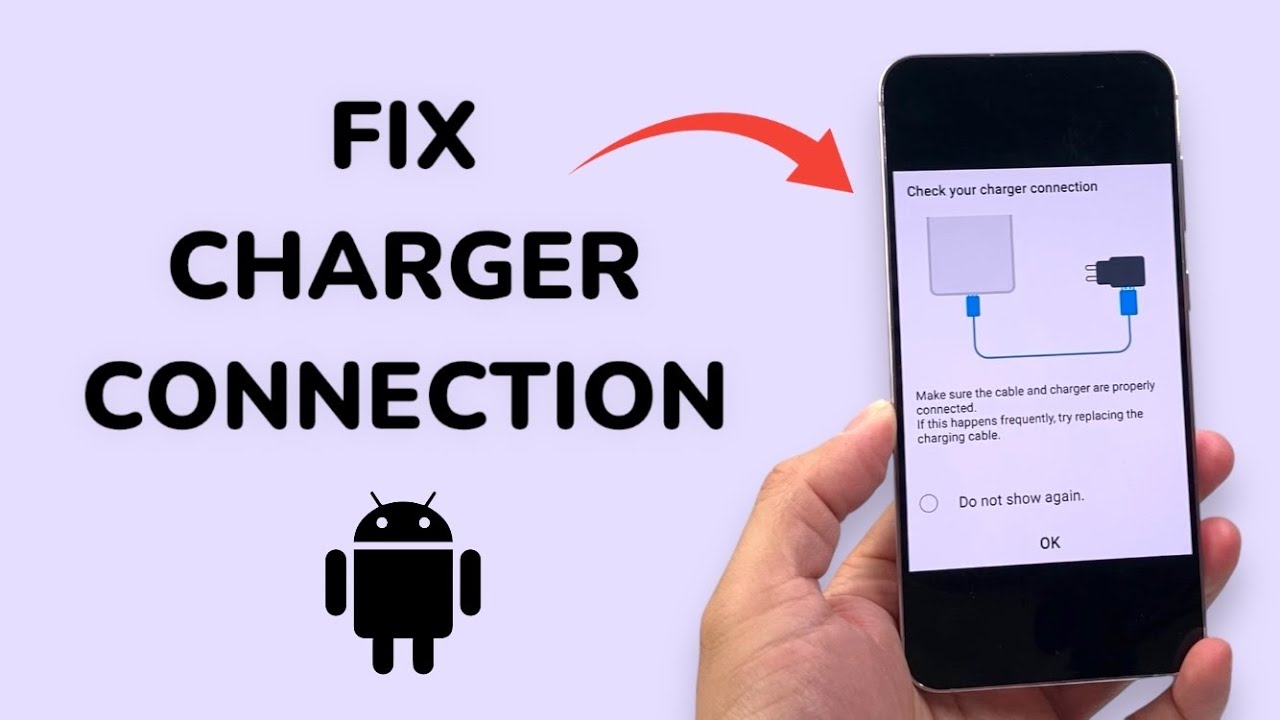
Samsung smartphones are known for their reliability, fast charging capabilities, and advanced battery technology. However, many users suddenly face a frustrating issue: Samsung not recognizing charger when plugged in. Whether the phone shows no response, displays charging errors, or charges intermittently, this problem can disrupt daily routines and cause unnecessary stress.
Fortunately, Samsung not recognizing charger issues are usually fixable. In fact, with the right troubleshooting steps, expert diagnosis, and professional repair solutions, most charging problems can be resolved safely and efficiently. Therefore, in this detailed guide, we explain the most common causes, symptoms, mistakes to avoid, and proven solutions that truly work.
What Does “Samsung Not Recognizing Charger” Mean?
To begin with, when a Samsung phone does not recognize the charger, it means the device fails to detect a proper power connection. As a result, charging may not start, may stop randomly, or may appear extremely slow.
In many cases, Samsung not recognizing charger is linked to charging port issues, cable problems, software glitches, or internal hardware faults. Thus, understanding the root cause is the first step toward a lasting fix.
Common Symptoms When Samsung Is Not Recognizing Charger
Before attempting any fix, it is important to identify the warning signs. Typically, users experience:
- No charging icon appears
- “Check charger connection” message
- Charging starts and stops repeatedly
- Slow or unstable charging
- Phone heats up while plugged in
- Charger works on other devices but not Samsung
Therefore, if these symptoms persist, immediate attention is recommended.
Main Causes of Samsung Not Recognizing Charger
Damaged or Dirty Charging Port
First and foremost, a damaged or dirty charging port is the most common reason for Samsung not recognizing charger. Over time, dust, lint, or debris accumulates inside the port, blocking proper contact between the charger and internal connectors.
Moreover, physical wear from frequent cable insertion can loosen the port, leading to intermittent charging.
Faulty or Low-Quality Charging Cable
Equally important, using damaged or non-certified charging cables can cause Samsung phones to reject the charger. Although cheap cables may charge briefly, they often fail to deliver stable power.
As a result, the phone may stop recognizing the charger altogether.
Software or System Glitches
In some situations, Samsung not recognizing charger occurs due to software bugs or system crashes. After updates, system processes may fail to communicate properly with charging hardware.
Consequently, even a perfectly working charger may not be detected.
Moisture or Liquid Damage
Additionally, exposure to moisture is a major cause of Samsung charging issues. Even small amounts of humidity can corrode internal charging port components.
Therefore, if the phone has been near water, liquid damage may be responsible for the problem.
Battery or Charging IC Issues
In more serious cases, internal battery failure or charging IC (integrated circuit) damage can lead to Samsung not recognizing charger. These issues typically require professional repair and should not be ignored.
Samsung Not Recognizing Charger After Software Update
Interestingly, many users report Samsung not recognizing charger issues immediately after a system update. While updates aim to improve performance, they can occasionally disrupt power management settings.
As a result, charging may fail until system calibration or professional software repair is performed.
Safe Troubleshooting Steps to Try First
Before visiting a repair center, you can safely try these steps:
- Restart the Samsung phone
- Try a different certified charger and cable
- Clean the charging port gently (no metal tools)
- Charge using a different power source
- Check for pending system updates
However, if the problem persists, avoid repeated DIY attempts that may worsen the damage.
Why DIY Fixes Often Worsen Samsung Charging Problems
Although online tutorials suggest quick fixes, improper DIY methods often cause more harm than good. For example:
- Using pins or needles damages charging pins
- Blowing air forces debris deeper into the port
- Ignoring overheating risks battery damage
Therefore, professional repair remains the safest solution for Samsung not recognizing charger issues.
Professional Solutions for Samsung Not Recognizing Charger
Expert technicians follow a structured approach to diagnose Samsung charging issues. Depending on the cause, solutions may include:
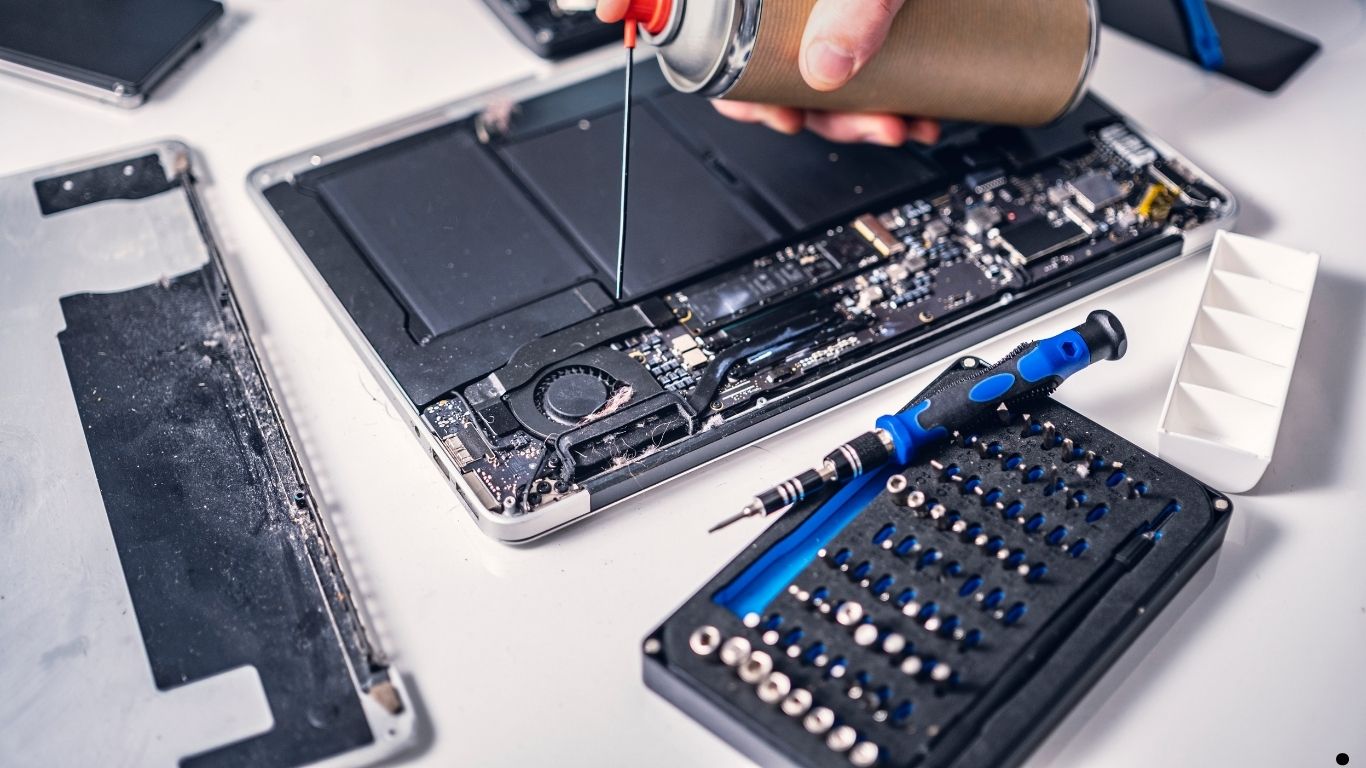
- Professional charging port cleaning
- Charging port repair or replacement
- Battery health testing and replacement
- Charging IC or motherboard repair
- Software recalibration and system repair
As a result, professional service ensures long-term charging stability without risking data loss.
Milaaj Mobile Repair: Expert Samsung Charging Repair in Dubai
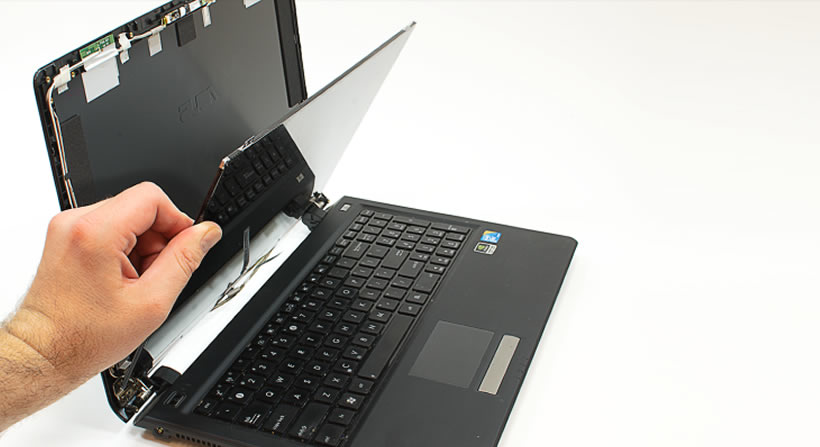
When dealing with Samsung not recognizing charger, choosing the right repair service is crucial. Milaaj mobile and laptop repair Dubai offers reliable, affordable, and fast Samsung charging solutions.
Why Choose Milaaj?
- Low-price repair options compared to replacements
- Fast service, often completed the same day
- High-quality parts for long-lasting performance
- Convenient repair process with transparent pricing
- Skilled technicians experienced in Samsung devices
Moreover, Milaaj focuses on accurate diagnosis, ensuring only necessary repairs are performed.
Repair vs Replacement: Which Is Better?
In many cases, repair is sufficient and far more affordable. Minor port damage, dirt buildup, or software issues can often be fixed quickly.
However, if the charging port or internal circuitry is severely damaged, replacement may be required. Therefore, professional evaluation is essential to choose the best solution.
How Long Does Samsung Charging Repair Take?
Most Samsung charging repairs are completed within a few hours. More complex motherboard repairs may take longer, depending on damage severity.
Nevertheless, timely repair prevents further battery or circuit damage.
How to Prevent Samsung Charging Issues in the Future
To avoid facing Samsung not recognizing charger again, follow these tips:
- Always use original or certified chargers
- Avoid charging in humid environments
- Clean the charging port periodically
- Do not pull cables aggressively
- Avoid using the phone heavily while charging
By adopting these habits, you can significantly extend the life of your charging port.
Final Thoughts: Fix Samsung Not Recognizing Charger the Right Way
In conclusion, Samsung not recognizing charger issues can be frustrating, but they are rarely permanent. With proper troubleshooting, expert diagnosis, and professional repair, charging functionality can be restored safely and efficiently.
Rather than risking further damage with unsafe DIY methods, choosing professional repair ensures speed, convenience, affordability, and lasting results. Ultimately, timely action helps your Samsung device regain reliable charging performance without unnecessary stress.
Get professional Mobile Phone repair services with expert technicians ensuring top-quality results.
Instead of trying random recovery apps, always rely on certified software or trusted repair centers like Milaaj for secure data restoration.
Enjoy quick and reliable home delivery for your repaired or purchased devices.
Sell your old Phone with confidence and get the best value instantly.
📍 Visit Any Milaaj Branch in Dubai
🔹 Bur Dubai
Milaaj Mobile and Laptop Repair Dubai
📞 055 258 8477
🔗 Google Maps
🔹 Al Barsha
Milaaj Mobiles and Laptop Repair Al Barsha
📞 052 596 2846
🔗 Google Maps
🔹 Al Barsha 3
Milaaj Mobiles and Gaming Store
📞 052 3405 814
🔗 Google Maps
🔹 Al Nuaimiya
Milaaj Mobiles and Laptops Ajman
📞 055 788 9654
🔗 Google Maps
📧 Email: support@milaaj.com
🕒 Operating Hours: Monday – Sunday


Leave a Reply