
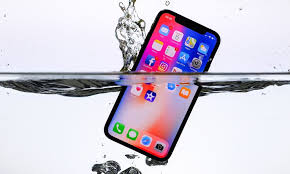
Water exposure is one of the most common causes of smartphone and tablet failure, and diagnosing the issue correctly is crucial. While many users try quick fixes, proper water damage diagnosis requires advanced tools, specialized techniques, and experienced technicians who know how to trace exactly where the liquid entered and what components were affected. Moreover, water damage doesn’t always show visible symptoms; in many cases, the device may look fine on the outside while severe corrosion spreads inside.
In this comprehensive guide, we explain how technicians diagnose water damage using advanced tools, why traditional DIY tricks fail, and how professional analysis prevents long-term issues like corrosion, random shutdowns, or complete device failure. Furthermore, you will learn about the entire diagnostic workflow—from the moment a water-damaged device enters a repair shop to the final step of confirming internal stability.
If your device has been exposed to water or liquid, knowing what happens behind the scenes will help you understand why expert intervention matters and how it can save your data, your device, and your wallet.
Understanding Water Damage & Why Professional Diagnosis Matters
Before diving into the tools, it’s essential to understand why water damage diagnosis is different from diagnosing regular device failures. Unlike a cracked screen or a faulty battery, liquid damage spreads invisibly and attacks sensitive components at the microscopic level.
Why Water Damage Is More Dangerous Than It Looks
Even a few drops of moisture can cause:
- Slow corrosion of copper traces
- Permanent short circuits
- Oxidation of connectors and pins
- Damage to sensors and buttons
- Logic board malfunction
Therefore, immediate and accurate water damage diagnosis is critical. Technicians must determine the exact path liquid traveled, which components were affected, and how much corrosion occurred internally.
Misconceptions About Water Damage Diagnosis
Many users believe rice or drying methods can fix liquid exposure, but in reality, these tricks only remove surface moisture. They do not stop corrosion or reverse internal damage. Only a proper water damage diagnosis using professional tools can assess the true extent of the problem.
Step-by-Step Process: How Technicians Diagnose Water Damage Using Advanced Tools
Professional repair shops follow a structured workflow that uses both visual and electronic diagnostic tools. Each step builds upon the previous one to ensure nothing is missed.
Step 1 — Visual Inspection Under Microscope
The first stage in accurate water damage diagnosis is a detailed visual inspection using a high-magnification microscope. Technicians examine:
- The logic board
- Connectors
- IC chips
- Power rails
- Battery terminals
- Charging port components
The microscope reveals corrosion, liquid residue, burnt circuitry, and broken solder joints invisible to the naked eye. Additionally, it helps technicians map out which areas need deeper testing.
Step 2 — Checking Liquid Contact Indicators (LCIs)
Modern devices include Liquid Contact Indicators, but they only show whether water entered—not how far it spread. Even so, checking LCIs is an essential part of water damage diagnosis, as it confirms the presence of moisture and helps guide further testing.
Step 3 — Using Thermal Imaging Cameras
Advanced repair centers now use thermal imaging tools to detect unusual heat patterns. This plays a major role in how technicians diagnose water damage using advanced tools, because:
- Shorts caused by water show immediate heat spikes
- Corrosion can cause components to overheat
- Failing capacitors reveal thermal irregularities
Consequently, thermal cameras pinpoint damaged circuits without guesswork.
Step 4 — Logic Board Analysis with Multimeters & Power Supplies
Technicians use multimeters, diode mode testing, and power supply injectors to check:
- Voltage inconsistencies
- Shorted power lines
- Broken traces
- Non-responsive IC chips
This electronic testing is crucial for accurate water damage diagnosis, as it identifies functional failures that visual inspection cannot detect.
Step 5 — Micro-Soldering Inspection for Hidden Corrosion
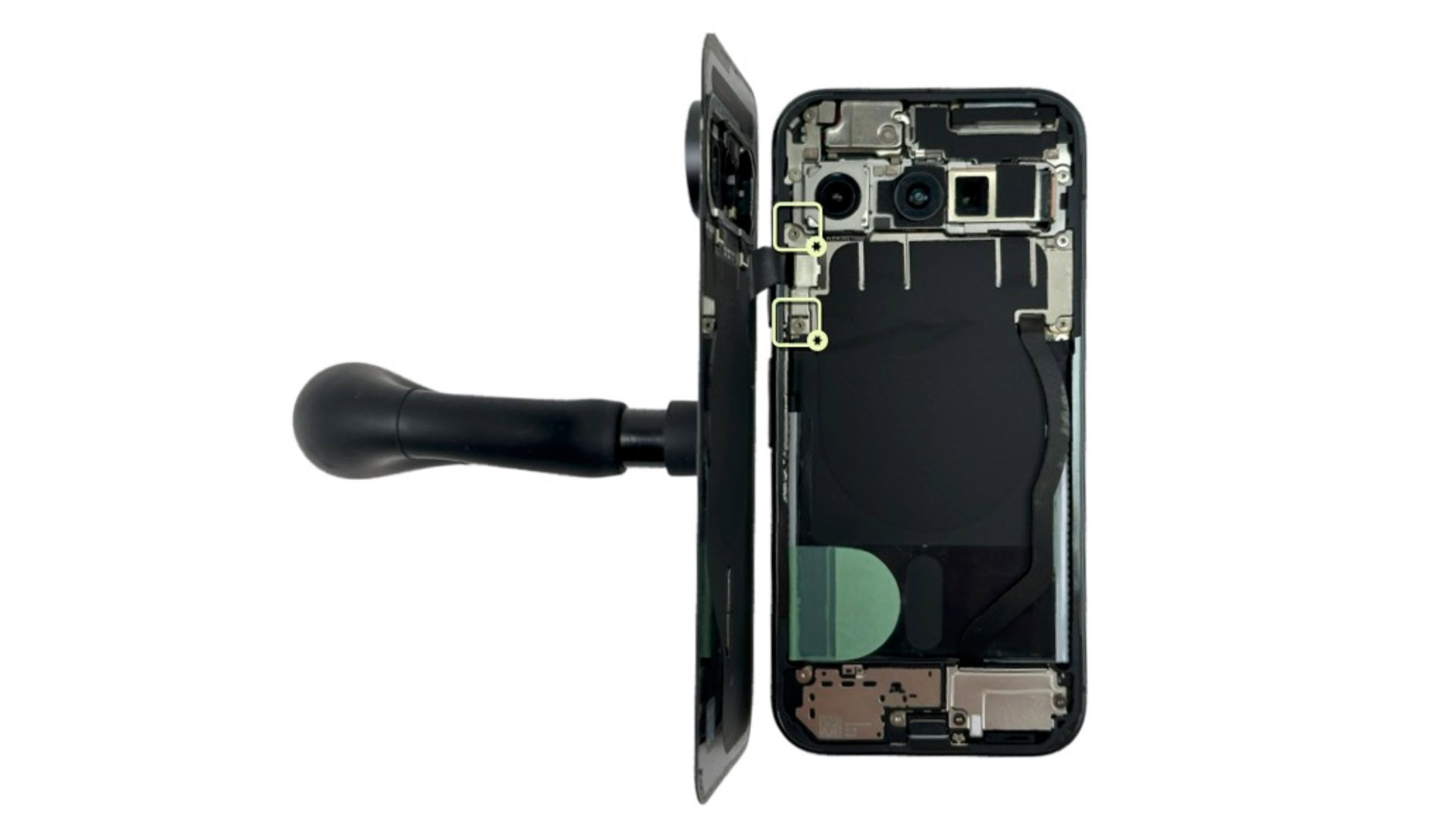
When water damage reaches the logic board, micro-soldering tools become necessary. Using micro-soldering stations, hot air tools, and precision tips, technicians inspect:
- Touch IC circuits
- Audio IC areas
- Baseband sections
- Charging IC areas
- Power management IC (PMIC) connections
Thus, advanced micro-soldering skills are essential for deep water damage detection and repair.
Step 6 — Ultrasonic Cleaning to Assess Post-Corrosion Damage
Before final repairs begin, technicians may place the logic board into an ultrasonic cleaner. This removes:
- Oxidation
- Mineral deposits
- Saltwater residue
- Surface corrosion
Afterward, technicians re-inspect the board under the microscope. This post-cleaning evaluation helps them understand how extensive the internal water damage diagnosis needs to be.
Advanced Tools That Make Water Damage Diagnosis Accurate
To fully understand how technicians diagnose water damage using advanced tools, you must know the key devices used in modern repair labs.
Thermal Cameras for Detecting Hidden Shorts
Thermal cameras reveal overheating components instantly, making them one of the most reliable tools for water damage troubleshooting.
Digital Microscopes for Precision Analysis
High-resolution microscopes help technicians detect even microscopic corrosion, broken joints, and liquid residue.
DC Power Supply for Circuit Behavior Testing
Technicians inject low voltage to identify which circuit is drawing abnormal power.
Multimeter & Diode Mode Testing
This tool helps detect shorted or open circuits caused by corrosion.
Ultrasonic Cleaner for Deep Corrosion Removal
Ultrasonic waves dislodge corrosion that manual cleaning cannot remove.
Micro-Soldering Tools for Board-Level Diagnosis
These tools help repair and diagnose issues involving IC chips, power rails, and damaged solder joints.
Symptoms That Require Professional Water Damage Diagnosis
If your device shows any of these signs, expert diagnosis becomes essential:
- Device won’t turn on
- Battery drains unusually fast
- No display or dim screen
- Touchscreen unresponsive
- Overheating
- Camera or speaker not working
- Charging issues
- Random boot loops
In many cases, these symptoms appear hours or days after water exposure, proving why timely water damage diagnosis is necessary.
Why You Should Avoid DIY Fixes for Water Damage
DIY fixes often make the situation worse. For example:
- Rice traps moisture inside
- Heating the device damages components
- Opening the device without proper tools causes breakage
Therefore, professional water damage diagnosis ensures accurate results without risking further damage.
When to Contact a Professional Water Damage Repair Expert
If your phone, tablet, or laptop continues malfunctioning after water exposure, seeking expert help is the safest option. Professional repair centers use specialized equipment and advanced diagnostics that users cannot perform at home. You can visit Milaaj Mobile and Laptop Repair Dubai, a trusted service provider known for its accurate water damage diagnosis and high-quality repairs.
FAQs
1. How do technicians diagnose water damage in a device?
Technicians diagnose water damage using advanced tools such as moisture meters, microscopes, thermal imaging cameras, and multimeters to detect hidden moisture, corrosion, and short circuits.
2. Can a water-damaged phone be repaired?
Yes. Most water-damaged devices can be repaired if diagnosed early. Professionals can remove corrosion, replace damaged components, and restore functionality using micro-soldering and ultrasonic cleaning.
3. Is it safe to use rice for drying a wet device?
No. Rice does not remove moisture trapped inside internal components. It also fails to diagnose the actual damage and may delay proper repair.
4. How long does professional water damage diagnosis take?
A basic diagnosis may take 30–60 minutes, while deeper board-level inspection may require several hours depending on severity.
5. Can data be recovered from a water-damaged phone?
Often yes. If the storage chip is intact, technicians can recover files by isolating damaged circuits and stabilizing the logic board.
Conclusion
Accurate water damage diagnosis requires more than a quick glance—it demands specialized tools, skilled technicians, and a detailed understanding of how liquid affects internal components. By using microscopes, thermal imaging cameras, multimeters, ultrasonic cleaners, and micro-soldering techniques, professionals can detect internal corrosion, failing circuits, damaged ICs, and hidden shorts before they escalate into permanent damage.
Furthermore, water damage often spreads silently, meaning early professional diagnosis can save your device and your data. DIY methods may temporarily delay failure, but they never address the underlying issues. Ultimately, technicians trained in how to diagnose water damage using advanced tools ensure accurate results and long-lasting repairs. If your device has been exposed to liquid, immediate professional intervention is the smartest and safest decision.
Get professional iPhone repair services with expert technicians ensuring top-quality results.
Enjoy quick and reliable home delivery for your repaired or purchased devices.
Sell your old iPhone with confidence and get the best value instantly.
📍 Visit Any Milaaj Branch in Dubai
🔹 Bur Dubai
Milaaj Mobile and Laptop Repair Dubai
📞 055 258 8477
🔗 Google Maps
🔹 Al Barsha
Milaaj Mobiles and Laptop Repair Al Barsha
📞 052 596 2846
🔗 Google Maps
🔹 Al Barsha 3
Milaaj Service Center Reef Mall
📞 052 3405 814
🔗 Google Maps
🔹 Al Nuaimiya
Milaaj Mobiles and Laptops Ajman
📞 055 788 9654
🔗 Google Maps
📧 Email: support@milaaj.com
🕒 Operating Hours: Monday – Sunday



Leave a Reply