
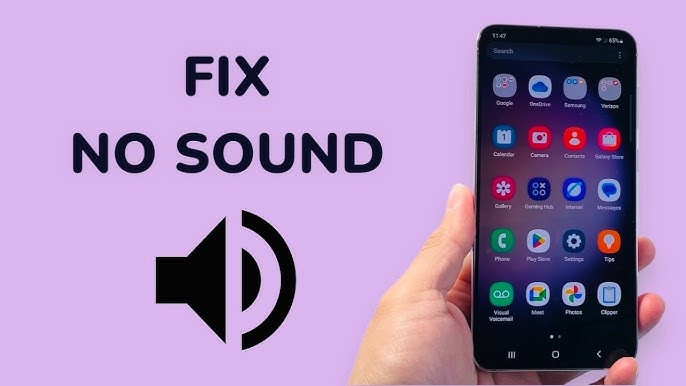
Sound issues can be extremely frustrating, especially when they interrupt calls, music, videos, or notifications. If you’ve noticed Android sound cutting out unexpectedly, you are not alone. This common issue affects many Android users across different brands and models. From sudden audio drops to intermittent sound loss, these problems can significantly disrupt daily phone usage.
However, the good news is that Android sound cutting out is often fixable. In many cases, the issue stems from simple software glitches, minor hardware problems, or maintenance issues that can be resolved quickly. Therefore, understanding the causes and solutions is the first step toward restoring clear and consistent audio. In this guide, we explain why Android sound keeps cutting out, what mistakes to avoid, and how professional repair solutions permanently fix the problem.
Why Is Android Sound Cutting Out Suddenly?
Android devices rely on a combination of software, speakers, and internal circuits to deliver sound. When one element fails, audio interruptions occur.
Common Causes of Android Sound Cutting Out
- Dust or debris blocking speaker grills
- Software bugs after system updates
- Bluetooth interference or unstable connections
- Water or moisture exposure
- Physical damage from drops
- Faulty speaker or audio IC
Although the issue may seem random, it usually follows a pattern. As a result, identifying the root cause helps prevent repeated sound failures.
Android Sound Cutting Out Due to Software Issues
Software problems are among the most common reasons for audio interruptions.
Android Sound Cutting Out After System Update
After updates, audio drivers may not function correctly. Consequently, users experience sound drops during calls, videos, or media playback.
Try these steps first:
- Restart your phone
- Install the latest security patch
- Clear cache partition
- Reset sound settings
In many cases, these steps restore stable sound output without further action.
Third-Party Apps Causing Android Sound Problems
Some apps override system audio controls. As a result, Android sound cutting out occurs when switching apps or receiving notifications.
Solutions include:
- Booting the phone in Safe Mode
- Uninstalling recently added audio apps
- Updating all installed applications
Therefore, app management plays a crucial role in maintaining stable audio performance.
Android Sound Cutting Out Due to Hardware Issues
While software is often the culprit, hardware damage cannot be ignored.
Dust and Debris Blocking Android Speakers
Over time, lint and dust collect inside speaker grills. Consequently, sound becomes muffled or cuts out entirely.
Maintenance tips:
- Use a soft brush to clean speakers
- Avoid sharp objects
- Clean regularly to prevent buildup
This simple habit is one of the easiest ways to prevent Android sound cutting out.
Water Damage and Audio Failure
Even water-resistant Android phones suffer long-term damage from moisture. Corrosion slowly affects speaker circuits, causing intermittent sound.
Warning signs include:
- Crackling audio
- Sound working only on speakerphone
- Sudden volume drops
Therefore, early professional inspection is essential after liquid exposure.
Drop Damage and Internal Speaker Issues
A phone may look fine externally after a fall. However, internal components can shift or crack. As a result, sound cuts out randomly.
In such cases, continued use can worsen damage. Hence, professional diagnosis is recommended.
Bluetooth and Connectivity Issues That Interrupt Android Sound
Wireless connections often interfere with audio output.
Android Sound Cutting Out When Bluetooth Is On
When Bluetooth devices connect automatically, sound may redirect unexpectedly.
Fixes include:
- Turning Bluetooth off when not in use
- Forgetting unused paired devices
- Updating Bluetooth firmware
Because wireless interference is common, managing connections prevents sound interruptions.
Mistakes to Avoid When Fixing Android Sound Issues
Many users attempt risky DIY fixes. Unfortunately, these often cause permanent damage.
Avoid These Common Errors
- Blowing compressed air directly into speakers
- Using pins or needles to clean grills
- Applying liquids or alcohol
- Ignoring repeated sound failures
Instead, follow safe troubleshooting steps or seek professional help when necessary.
When Android Sound Cutting Out Needs Professional Repair
If basic troubleshooting fails, professional repair is the safest option.
Signs You Need Expert Repair
- Sound cuts out across all apps
- Headphones work but speakers do not
- Audio drops during calls consistently
- No sound despite maximum volume
At this stage, internal speaker replacement or audio IC repair may be required.
How Professional Technicians Fix Android Sound Issues
Experts use specialized tools and techniques to restore audio safely.
Professional Repair Methods Include
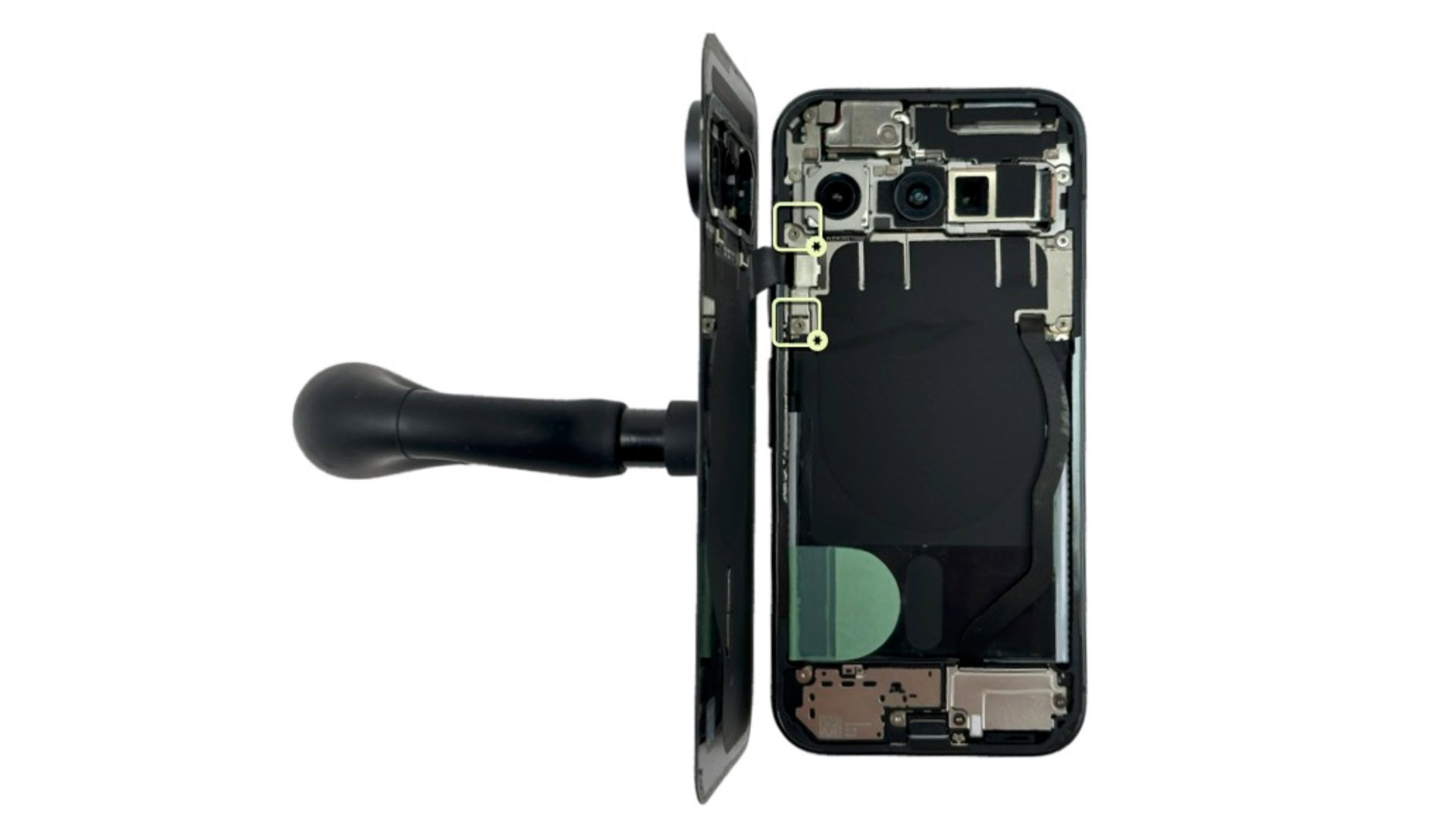
- Internal speaker cleaning with anti-static tools
- Audio IC testing and replacement
- Speaker module replacement using quality parts
- Software calibration after repair
As a result, sound quality returns to normal without risking data loss.
Why Choose Milaaj Mobile Repair for Android Sound Issues
Choosing the right repair center makes all the difference. Milaaj mobile and laptop repair Dubai provides expert Android sound repair with a strong focus on reliability and customer satisfaction.
Key Benefits of Professional Service
- Low price: Affordable repair options
- Speed repairing: Same day service for most sound issues
- Convenience: Quick diagnostics and transparent process
- Part quality: High grade replacement speakers and components
Therefore, professional repair ensures long lasting audio performance and peace of mind.
Additional Android Maintenance Tips to Prevent Sound Cutting Out
Preventive care significantly reduces audio issues.
Daily Maintenance Tips
- Keep speaker grills clean
- Avoid high volume for long periods
- Protect phone from moisture
- Use quality cases with proper cutouts
- Update software regularly
Because prevention is easier than repair, these habits help maintain consistent sound quality.
Frequently Asked Questions
Why does my Android sound keep cutting out randomly?
Most often, it’s due to software glitches, dust buildup, or Bluetooth interference.
Can cleaning fix Android sound cutting out?
Yes, speaker cleaning often restores clear audio instantly.
Does water damage always require speaker replacement?
Not always. Early professional cleaning can prevent replacement.
How long does Android sound repair take?
Most repairs are completed within a few hours.
Conclusion: Fix Android Sound Cutting Out the Right Way
In conclusion, Android sound cutting out is a common but manageable issue. While it may start as a minor inconvenience, ignoring it can lead to permanent speaker or circuit damage. Fortunately, with proper troubleshooting, regular maintenance, and timely professional repair, most Android sound problems are completely fixable.
Ultimately, combining smart daily habits with expert repair solutions ensures your Android device delivers clear, stable, and uninterrupted sound exactly the way it should.
Get professional Mobile Phone repair services with expert technicians ensuring top-quality results.
Instead of trying random recovery apps, always rely on certified software or trusted repair centers like Milaaj for secure data restoration.
Back in your hands faster: Enjoy rapid, reliable doorstep delivery for every device we service or sell.
Sell your old iPhone with confidence and get the best value instantly.
📍 Visit Any Milaaj Branch in Dubai
🔹 Bur Dubai
Milaaj Mobile and Laptop Repair Dubai
📞 055 258 8477
🔗 Google Maps
🔹 Al Barsha
Milaaj Mobiles and Laptop Repair Al Barsha
📞 052 596 2846
🔗 Google Maps
🔹 Al Barsha 3
Milaaj Mobiles and Gaming Store
📞 052 3405 814
🔗 Google Maps
🔹 Al Nuaimiya
Milaaj Mobiles and Laptops Ajman
📞 055 788 9654
🔗 Google Maps
📧 Email: support@milaaj.com
🕒 Operating Hours: Monday – Sunday


Leave a Reply