
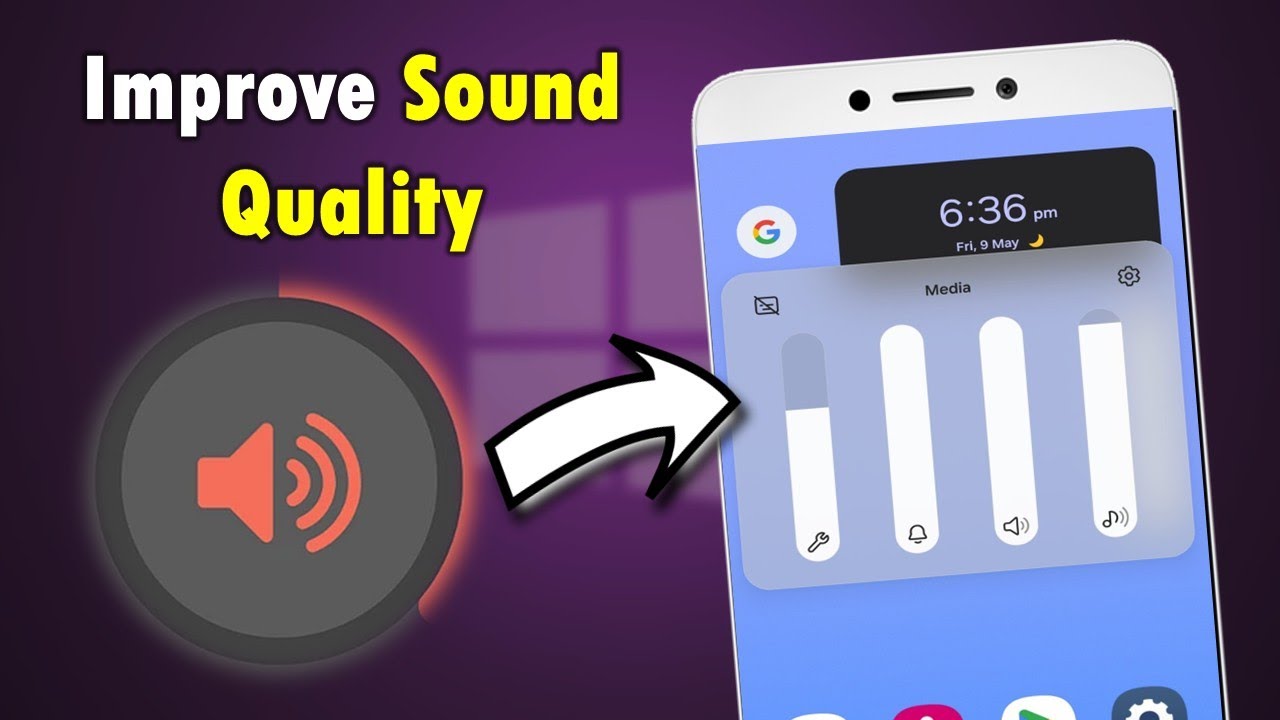
Clear sound is essential for calls, videos, gaming, and music. When your Samsung phone starts producing low volume, muffled audio, or distortion, it can seriously affect daily use. The good news is that most sound problems are not permanent and can be fixed with the right Samsung tips to improve sound quality and proper maintenance.
This guide explains the real causes of poor Samsung audio, proven fixes, advanced troubleshooting steps, and when professional repair becomes necessary. It is designed to help users restore speaker performance without unnecessary cost or confusion.
Why Samsung Sound Quality Becomes Poor Over Time
Even high-end Samsung devices can develop audio issues due to daily wear and environmental exposure.
Common Reasons for Audio Degradation
- Dust or lint blocking speaker grills
- Moisture exposure or humidity damage
- Software bugs after system updates
- Physical drops affecting internal speaker alignment
- Speaker membrane wear over time
As a result, users often experience low volume, crackling sounds, or uneven audio output. Therefore, regular care is essential to maintain consistent sound quality.
Samsung Tips to Improve Sound Quality Naturally
These practical methods can significantly enhance speaker performance without technical repair.
1. Clean Your Samsung Speaker Safely
Dust buildup is the most common reason for muffled sound.
Safe cleaning method:
- Use a soft brush or dry microfiber cloth
- Gently remove dust from speaker grills
- Tap the phone lightly with speaker facing down
Avoid sharp objects or liquids as they can permanently damage the speaker.
2. Check Sound Settings and Enable Enhancements
Samsung devices include built-in audio tools that are often underused.
Adjust these settings:
- Enable Dolby Atmos for richer sound
- Use Equalizer settings for music optimization
- Disable “Reduce Loud Sounds” if active
Because of this, many users notice instant improvement in clarity and volume.
3. Restart and Clear System Cache
After updates, temporary system bugs may affect audio performance.
Fix steps:
- Restart your Samsung device
- Clear system cache from recovery mode
- Update all apps and system software
This is one of the most effective Samsung tips to improve sound quality when no hardware issue exists.
Software Issues That Affect Samsung Sound Quality
Not all sound problems are hardware related. In fact, software is often the hidden cause.
After Update Audio Problems
System updates can sometimes introduce temporary glitches. As a result, users may experience distorted or low-volume sound.
Fixes include:
- Restarting the phone
- Resetting sound settings
- Updating apps
- Booting in Safe Mode to test audio
If sound improves in Safe Mode, an app is likely causing the issue.
Third-Party Apps and Sound Interference
Some apps override system audio controls and reduce performance.
What to do:
- Uninstall recently installed audio apps
- Test sound after removal
- Avoid unauthorized equalizer apps
Therefore, managing apps is an important part of Samsung tips to improve sound quality.
Physical Damage and Speaker Problems
If your phone has been dropped or exposed to water, hardware damage may be the cause.
Drop Damage
Even minor drops can misalign internal speaker components. Consequently, sound becomes uneven or weak.
Water Damage
Moisture can cause corrosion inside speaker circuits, leading to permanent audio loss if not treated early.
For cases like this, professional Samsung speaker repair in Dubai is strongly recommended.
When Basic Fixes Are Not Enough
If cleaning and settings adjustments do not solve the issue, the problem may be deeper.
Warning Signs of Hardware Failure
- Sound remains muffled after cleaning
- No audio from one speaker
- Crackling or distorted output
- Volume stays very low even at maximum
In such cases, professional Samsung phone repair Dubai services are required to diagnose internal damage.
Professional Samsung Sound Repair Solutions
Advanced repair involves proper diagnostics and hardware-level fixes.
What technicians typically do:
- Speaker module inspection under magnification
- Deep internal cleaning to remove corrosion
- Speaker replacement if damaged
- Audio calibration after repair
These steps restore sound quality close to factory condition.
Preventive Samsung Tips to Improve Sound Quality
Prevention is always better than repair.
Long-term care tips:
- Use protective cases with speaker openings
- Avoid maximum volume for long periods
- Keep device away from dust and sand
- Avoid using phone in humid environments
- Install software updates regularly
These habits significantly reduce the need for repairs.
FAQs – Samsung Sound Quality Issues
Why is my Samsung speaker sound muffled?
Most often due to dust buildup, moisture, or blocked speaker grills.
Can software updates affect sound quality?
Yes, updates may temporarily cause audio glitches or volume changes.
How can I fix low volume on Samsung?
Check sound settings, restart the device, clean speakers, or test Safe Mode.
When should I go for professional repair?
If sound remains distorted after cleaning and resets, hardware repair is needed.
Conclusion: Samsung Tips to Improve Sound Quality
Samsung sound issues usually develop gradually due to dust, software changes, or physical wear. However, most problems can be fixed using simple maintenance techniques such as cleaning speakers, adjusting settings, and updating software.
When those steps are not enough, professional Samsung phone repair services by Milaaj ensure safe and long-term restoration.
If your device is too old or not worth repairing anymore, you can also sell your phone in Dubai for instant cash and upgrade to a better model.
By following these Samsung tips to improve sound quality, you can maintain clear, loud, and distortion-free audio for a much longer time while avoiding unnecessary repair costs.
📍 Visit Any Milaaj Branch in Dubai
🔹 Bur Dubai
Milaaj Mobile and Laptop Repair Dubai
📞 055 258 8477
🔗 Google Maps
🔹 Al Barsha
Milaaj Mobiles and Laptop Repair Al Barsha
📞 052 596 2846
🔗 Google Maps
🔹 Al Barsha 3
Milaaj Mobiles , Laptops and Watches Repair Service
📞 052 3405 814
🔗 Google Maps
🔹 Al Nuaimiya
Milaaj Mobiles and Laptops Ajman
📞 055 788 9654
🔗 Google Maps
📧 Email: support@milaaj.com
🕒 Operating Hours: Monday – Sunday




Leave a Reply