
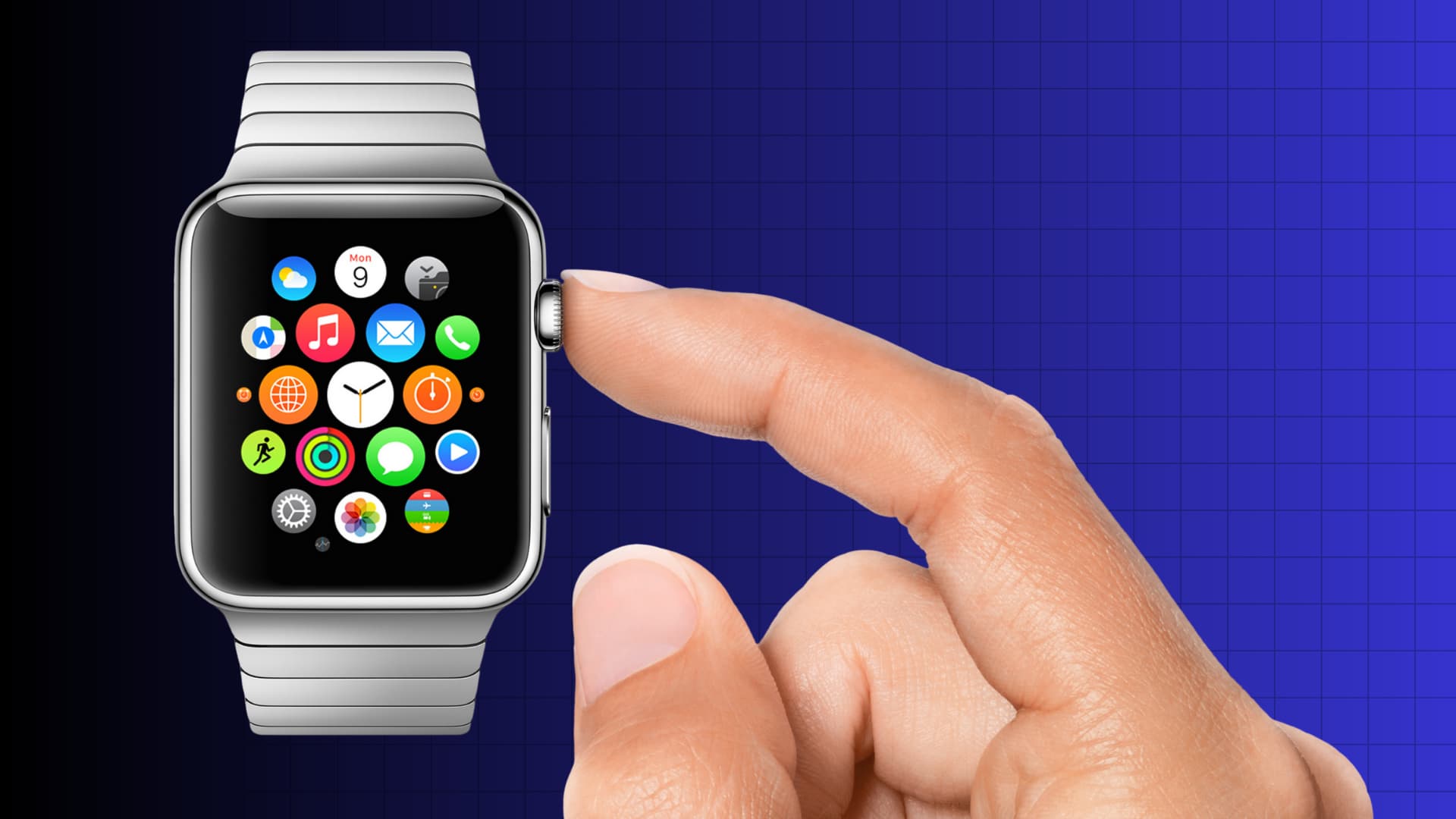
For many of us in Dubai, an Apple Watch is more than just a timepiece; it acts as a fitness coach on the running tracks of Al Barsha Pond Park, a digital wallet at the metro, and a notification hub during busy meetings in DIFC. However, when you face an Apple Watch Digital Crown stuck or unresponsive issue, it quickly becomes frustrating to scroll through apps or dismiss notifications.
If your crown feels “sticky” or won’t click, you are not alone. Fine desert dust and UAE humidity constantly affect the delicate mechanical parts of your Apple Watch Series 10, 11, or Apple Watch Ultra 2. Although the issue may seem like a major hardware failure, experts can fix most Digital Crown problems quickly and safely. This guide explains why the issue happens and how professionals in Dubai can restore your watch to perfect working condition.
Why is Your Apple Watch Digital Crown Stuck?
The Digital Crown is a masterpiece of mechanical engineering, housing both an optical sensor for scrolling and a tactile switch for clicking. Unlike the rest of the watch, which is hermetically sealed, the crown requires a tiny physical gap to rotate. This gap is the “Achilles’ heel” of the device.
1. Debris and Dust Accumulation
In a city like Dubai, fine sand and dust are everywhere. Over time, microscopic particles can lodge themselves in the gap between the crown and the watch housing. This creates a “grinding” sensation or can seize the crown entirely.
2. Salt and Sweat Buildup for Apple Watch Digital Crown Stuck
If you use your watch for heavy workouts or swimming in the Arabian Gulf, salt and dried sweat can crystallize around the internal gasket. This residue acts like a glue, making the crown feel sticky or sluggish until it is properly cleaned.
3. Mechanical Misalignment
A hard knock against a gym rack or a drop on a tiled floor can slightly tilt the internal shaft of the crown. When this happens, the optical sensor may no longer “see” the rotation, leading to a crown that spins physically but does nothing on the screen.
Initial Steps: How to Unstick Your Crown at Home
Before rushing for a professional repair, Apple recommends a specific cleaning procedure that often solves “sticky” issues caused by simple debris.
- Power Off: Turn off your Apple Watch and remove any leather bands.
- Warm Water Rinse: Hold the Digital Crown under a lightly running stream of warm, fresh water from a tap. Do not use soap or cleaning agents.
- Rotate and Press: As the water runs over the small gap, continuously turn and press the crown. This helps dislodge sugar, salt, or dust trapped inside.
- Dry Thoroughly: Use a lint-free, non-abrasive cloth to dry the watch. Be sure to rotate the crown while drying to clear water from the gap.
Note: If the crown remains unresponsive after a thorough cleaning, the issue is likely internal, requiring expert mechanical fixes in Dubai.
When to Seek Professional Mechanical Fixes
If your crown feels physically fine but isn’t responding to “clicks,” or if it feels like there is “sand” inside despite cleaning, it is time to consult a specialist. Professional repair is essential for maintaining the IP68 water resistance and ensuring the delicate Force Touch sensors aren’t damaged.
Professional Ultrasonic Cleaning
Sometimes, the buildup is too deep for a simple rinse. Technicians use professional-grade ultrasonic cleaners that use high-frequency sound waves to “shake” debris out from under the crown’s gaskets without disassembling the entire unit.
Component-Level Repair for Apple Watch Digital Crown Stuck
In cases of physical impact, the internal “flex cable” that connects the crown to the logic board may be torn or disconnected. An expert technician can perform micro-soldering to repair the connection, saving you the cost of a full watch replacement.
Gasket Replacement for Apple Watch Digital Crown Stuck
The rubber ring that keeps your watch waterproof also helps the crown rotate smoothly. If this gasket has perished due to age or heat, it must be replaced by a professional to restore the “click” and the seal.
Milaaj Mobile and Laptop Repair Dubai: Your Apple Watch Experts
When your premium wearable needs attention, you need a service center that understands the value of your device. Milaaj mobile and laptop repair Dubai is the trusted destination for Apple Watch users across the city, offering specialized solutions for the most complex mechanical issues.
Why Choose Milaaj for Apple Watch Repairs?
- Low Price & Transparency: Apple Watch repairs don’t have to cost a fortune. We offer competitive, low prices and a “No Fix, No Fee” policy, ensuring you only pay for results.
- Speed Repairing: We know you rely on your watch for health tracking. Most Digital Crown issues are diagnosed and resolved as same-day repairs, so you aren’t without your device for long.
- Ultimate Convenience: Located conveniently for residents in Al Barsha and Bur Dubai, we also offer free pickup and delivery. We can collect your watch from your home or office and return it fully repaired.
- Part Quality: We use only genuine-grade replacement parts and specialized adhesives to ensure your watch remains water-resistant and functions exactly as Apple intended.
- Expertise Across Models: Whether you have the original SE or the latest Apple Watch Series 11, our technicians have the precision tools required to handle the smallest screws and most delicate ribbons.
FAQs About Apple Watch Digital Crown Stuck
1. Is a stuck Digital Crown covered under Apple’s standard warranty?
If the issue is caused by a manufacturing defect, it may be covered. However, most cases are caused by “accidental damage” or “debris buildup,” which Apple typically charges for unless you have AppleCare+. Milaaj provides a more affordable out-of-warranty alternative.
2. Can I use WD-40 or oil to unstick the crown?
Absolutely not. Never use oils, lubricants, or compressed air on your Apple Watch. These can dissolve the internal waterproof seals and damage the delicate OLED display or internal sensors.
3. Why does my crown spin but the screen doesn’t move?
This is often a software glitch or a failed optical sensor. Try a “Force Restart” (holding the side button and crown together for 10 seconds). If that fails, the internal sensor likely needs a professional replacement.
4. How long does a Digital Crown repair take?
At Milaaj, most mechanical crown fixes take between 2 to 4 hours, depending on whether a simple deep-clean or a full component replacement is needed.
5. Will my Apple Watch still be waterproof after repair?
Yes. When we perform a repair, we use specialized gaskets and pressure-testing equipment to ensure the device maintains its water resistance for swimming and daily use.
Summary: Apple Watch Digital Crown Stuck
A faulty Digital Crown doesn’t have to mean the end of your Apple Watch. Whether the problem is caused by a bit of Dubai sand or a mechanical failure from a drop, there is always a solution. By addressing the Apple Watch Digital Crown stuck or unresponsive issue early, you prevent further strain on the internal motors and sensors.
Trust experts who combine technical precision with local convenience. At Milaaj, we deliver expert mechanical fixes in Dubai and keep your tech and your life running smoothly.
Is your Apple Watch crown acting up? Contact Milaaj mobile and laptop repair Dubai today for a free diagnostic and get your “click” back in no time!
Get professional apple watch repair services with expert technicians ensuring top-quality results.
Back in your hands faster: Enjoy rapid, reliable doorstep delivery for every device we service or sell.
Sell your old iPhone with confidence and get the best value instantly.
📍 Visit Any Milaaj Branch in Dubai
🔹 Bur Dubai
Milaaj Mobile and Laptop Repair Dubai
📞 055 258 8477
🔗 Google Maps
🔹 Al Barsha
Milaaj Mobiles and Laptop Repair Al Barsha
📞 052 596 2846
🔗 Google Maps
🔹 Al Barsha 3
Milaaj Mobiles and Gaming Store
📞 052 3405 814
🔗 Google Maps
🔹 Al Nuaimiya
Milaaj Mobiles and Laptops Ajman
📞 055 788 9654
🔗 Google Maps
📧 Email: support@milaaj.com
🕒 Operating Hours: Monday – Sunday




Leave a Reply