
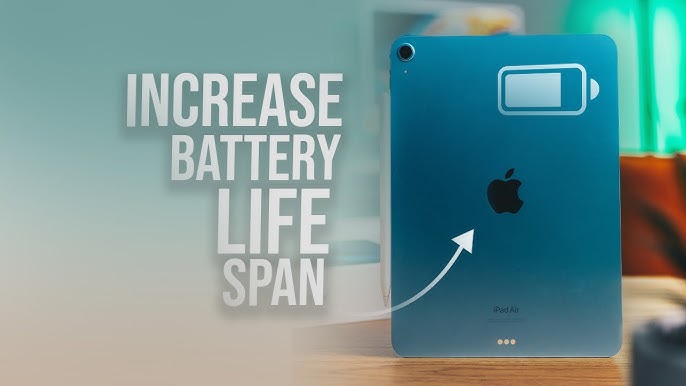
If you’re wondering how to extend iPad battery life effectively, you’re not alone. Many iPad users notice faster battery drain over time, especially after software updates, heavy app usage, or long charging cycles. Although Apple designs iPads with efficient batteries, daily habits, settings, and environmental factors can significantly reduce battery performance.
Fortunately, with the right adjustments and maintenance strategies, you can dramatically improve battery life and keep your iPad running longer each day. In this comprehensive guide, we explain how to extend iPad battery life effectively, highlight common battery-draining mistakes, and share expert repair insights for long-term performance. Most importantly, these solutions are practical, easy to follow, and proven to work.
Why Extend iPad Battery Life Effectively Drains Faster Over Time
Before learning how to extend iPad battery life effectively, it’s important to understand why battery performance declines. Although lithium-ion batteries are durable, they naturally degrade with usage.
Common Reasons for iPad Battery Drain
- Frequent background app activity
- High screen brightness and refresh rate
- Constant Wi-Fi, Bluetooth, and location usage
- Outdated or buggy iPadOS versions
- Aging or damaged battery cells
Therefore, addressing these factors early helps preserve battery health and avoid sudden shutdowns or overheating issues.
How to Extend iPad Battery Life Effectively with Simple Settings Changes
One of the easiest ways to extend battery life is by adjusting built-in settings. Although many users ignore these options, they make a noticeable difference.
Reduce Screen Brightness and Auto-Lock Time
Firstly, the display consumes the most power on your iPad. Lowering brightness and enabling auto-lock conserves energy instantly.
What to do:
- Enable Auto-Brightness
- Set Auto-Lock to 2–5 minutes
As a result, your iPad uses less power when idle.
Enable Low Power Mode Strategically
Although Low Power Mode slightly limits background activity, it significantly improves battery endurance.
Why it helps:
- Reduces background refresh
- Optimizes system performance
- Minimizes visual effects
Consequently, enabling this mode during travel or long workdays helps extend battery life effectively.
Optimize Apps to Extend iPad Battery Life Effectively
Apps running in the background often drain battery without you realizing it. Therefore, controlling app behavior is essential.
Manage Background App Refresh
Many apps refresh data constantly, even when not in use.
Steps to follow:
- Go to Settings → General → Background App Refresh
- Disable it completely or allow only essential apps
As a result, your iPad consumes less energy throughout the day.
Check Battery Usage by App for Extend iPad Battery Life Effectively
Additionally, iPadOS shows which apps drain the most battery.
Why this matters:
- Identifies power-hungry apps
- Helps uninstall or limit unnecessary apps
Thus, reviewing battery usage regularly helps you extend iPad battery life effectively.
Network and Connectivity Adjustments That Save Power
Although Wi-Fi and Bluetooth improve usability, they constantly search for connections, which consumes power.
Turn Off Unused Connections for Extend iPad Battery Life Effectively
Whenever possible:
- Disable Bluetooth when not in use
- Turn off AirDrop when unnecessary
Similarly, limiting Wi-Fi scanning reduces background power drain.
Use Airplane Mode in Low-Signal Areas
In weak signal zones, your iPad works harder to maintain connectivity.
Therefore:
- Enable Airplane Mode when offline
- Re-enable Wi-Fi manually if needed
As a result, battery consumption drops noticeably.
iPadOS Updates and Battery Performance
Software plays a major role in battery efficiency. While updates usually improve performance, some versions may cause unexpected drain.
Keep iPadOS Updated—but Wisely
Always install stable updates, as they often include battery optimizations. However, avoid updating immediately if users report battery issues.
Best practice:
- Wait a few days after release
- Back up your iPad before updating
This approach helps prevent unnecessary battery drain issues.
Charging Habits That Extend iPad Battery Life Effectively
Charging behavior directly impacts battery lifespan. Therefore, adopting healthy charging habits is crucial.
Avoid Overcharging and Deep Discharges
Although modern iPads manage charging automatically, frequent overnight charging or letting the battery drop to 0% shortens its lifespan.
Ideal charging range:
- Keep battery between 20% and 80%
As a result, battery cells remain healthier for longer.
Use Certified Chargers Only
Low-quality chargers cause inconsistent voltage, overheating, and long-term battery damage.
Therefore, always:
- Use Apple-certified or high-quality chargers
- Avoid cheap or damaged cables
This ensures safe and efficient charging.
How Temperature Affects iPad Battery Health
Environmental conditions also matter. Extreme temperatures accelerate battery wear.
Protect Your iPad from Heat and Cold
- Avoid leaving your iPad in hot cars
- Don’t use it under direct sunlight
- Keep it away from freezing temperatures
Consequently, maintaining a moderate temperature helps extend iPad battery life effectively.
Signs Your iPad Battery Needs Professional Attention
Even after optimizing settings, some batteries continue to drain rapidly. In such cases, hardware issues may be involved.
Warning Signs of Battery Failure for Extend iPad Battery Life Effectively
- Rapid battery percentage drops
- iPad shutting down unexpectedly
- Battery swelling or overheating
- Charging stuck at certain percentages
Therefore, recognizing these signs early prevents further damage.
Professional Battery Solutions at Milaaj
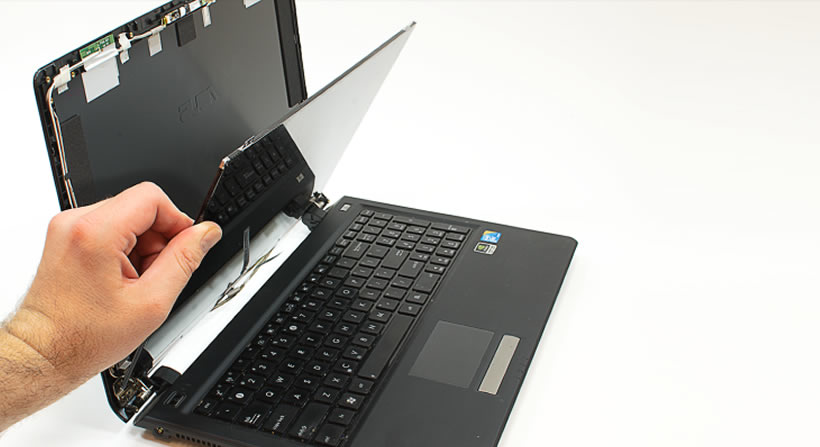
When software fixes no longer help, professional battery replacement becomes essential. This is where Milaaj stands out.
Why Choose Milaaj for iPad Battery Repair?
Low Price Without Compromising Quality
Milaaj offers affordable battery replacement solutions without cutting corners.
Fast and Convenient Repairs
Most iPad battery repairs are completed quickly, minimizing downtime.
High-Quality Parts
Only premium-grade, compatible battery components are used for long-lasting performance.
Expert Technicians
Certified professionals ensure accurate diagnosis and safe installation.
As a result, customers enjoy improved battery life and reliable device performance.
How Experts Restore Extend iPad Battery Life Effectively Performance
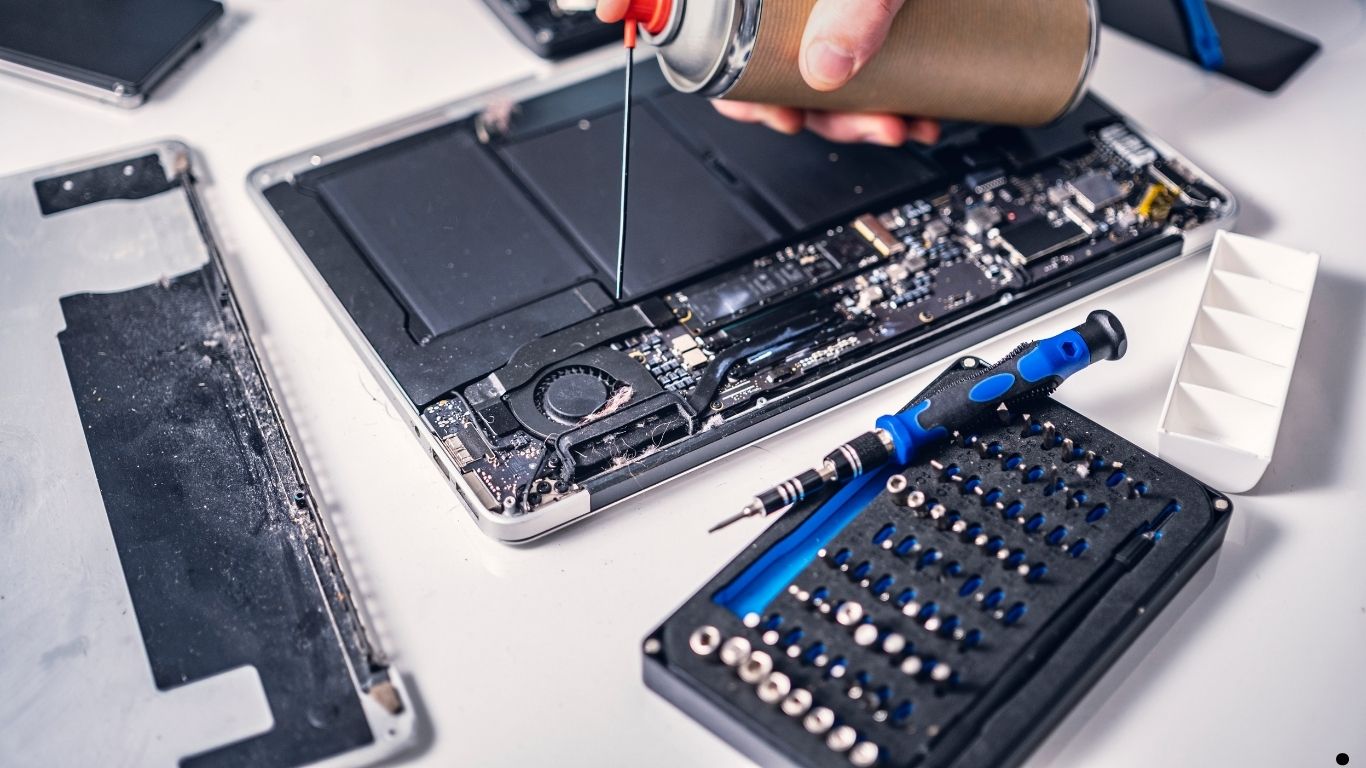
Professional repair involves more than just replacing the battery.
Advanced Diagnostic Process
Technicians:
- Test battery health
- Check power IC and charging circuits
- Inspect for moisture or board damage
Thus, they address the root cause—not just the symptoms.
Preventive Tips to Maintain Long-Term Battery Health
Once your battery performance improves, prevention becomes the next priority.
Best Practices to Follow
- Restart your iPad weekly
- Close unused apps regularly
- Avoid heavy usage while charging
- Store your iPad with 50% charge if unused
By following these habits, you extend battery lifespan significantly.
FAQs About Extend iPad Battery Life Effectively
1. Why does my iPad battery drain so fast?
iPad battery drain can happen due to background apps, high screen brightness, outdated software, poor charging habits, or an aging battery.
2. How can I extend iPad battery life effectively without replacing the battery?
You can extend iPad battery life effectively by reducing brightness, disabling background app refresh, turning off unused connections, and enabling Low Power Mode.
3. Does updating iPadOS improve battery life?
In most cases, yes. iPadOS updates include performance and battery optimizations. However, some updates may temporarily increase battery usage.
4. Is it bad to charge my iPad overnight?
Occasional overnight charging is safe, but frequent overcharging can reduce battery lifespan over time. Keeping the charge between 20% and 80% is ideal.
5. When should I replace my iPad battery?
If your iPad shuts down unexpectedly, heats up, or drains rapidly despite optimizations, battery replacement is recommended.
6. Can professional repair really improve battery performance?
Yes. Professional repair ensures proper diagnostics, high-quality battery replacement, and restores optimal battery efficiency.
Final Thoughts: Extend iPad Battery Life Effectively
In conclusion, learning how to extend iPad battery life effectively requires a combination of smart settings, healthy charging habits, and timely maintenance. Although minor battery drain is normal, rapid discharge, overheating, or shutdowns signal deeper issues.
Fortunately, most battery problems are preventable or fixable. With the right adjustments, regular monitoring, and professional support when needed, your iPad can deliver consistent, long-lasting performance.
And when expert help becomes necessary, Milaaj mobile and laptop repair Dubai provides affordable, fast, and high-quality battery solutions—ensuring your iPad stays powered when you need it most.
Get professional iPad repair services with expert technicians ensuring top-quality results.
Instead of trying random recovery apps, always rely on certified software or trusted repair centers like Milaaj for secure data restoration.
Enjoy quick and reliable home delivery for your repaired or purchased devices.
Sell your old iPad with confidence and get the best value instantly.
📍 Visit Any Milaaj Branch in Dubai
🔹 Bur Dubai
Milaaj Mobile and Laptop Repair Dubai
📞 055 258 8477
🔗 Google Maps
🔹 Al Barsha
Milaaj Mobiles and Laptop Repair Al Barsha
📞 052 596 2846
🔗 Google Maps
🔹 Al Barsha 3
Milaaj Mobiles and Gaming Store
📞 052 3405 814
🔗 Google Maps
🔹 Al Nuaimiya
Milaaj Mobiles and Laptops Ajman
📞 055 788 9654
🔗 Google Maps
📧 Email: support@milaaj.com
🕒 Operating Hours: Monday – Sunday


Leave a Reply