
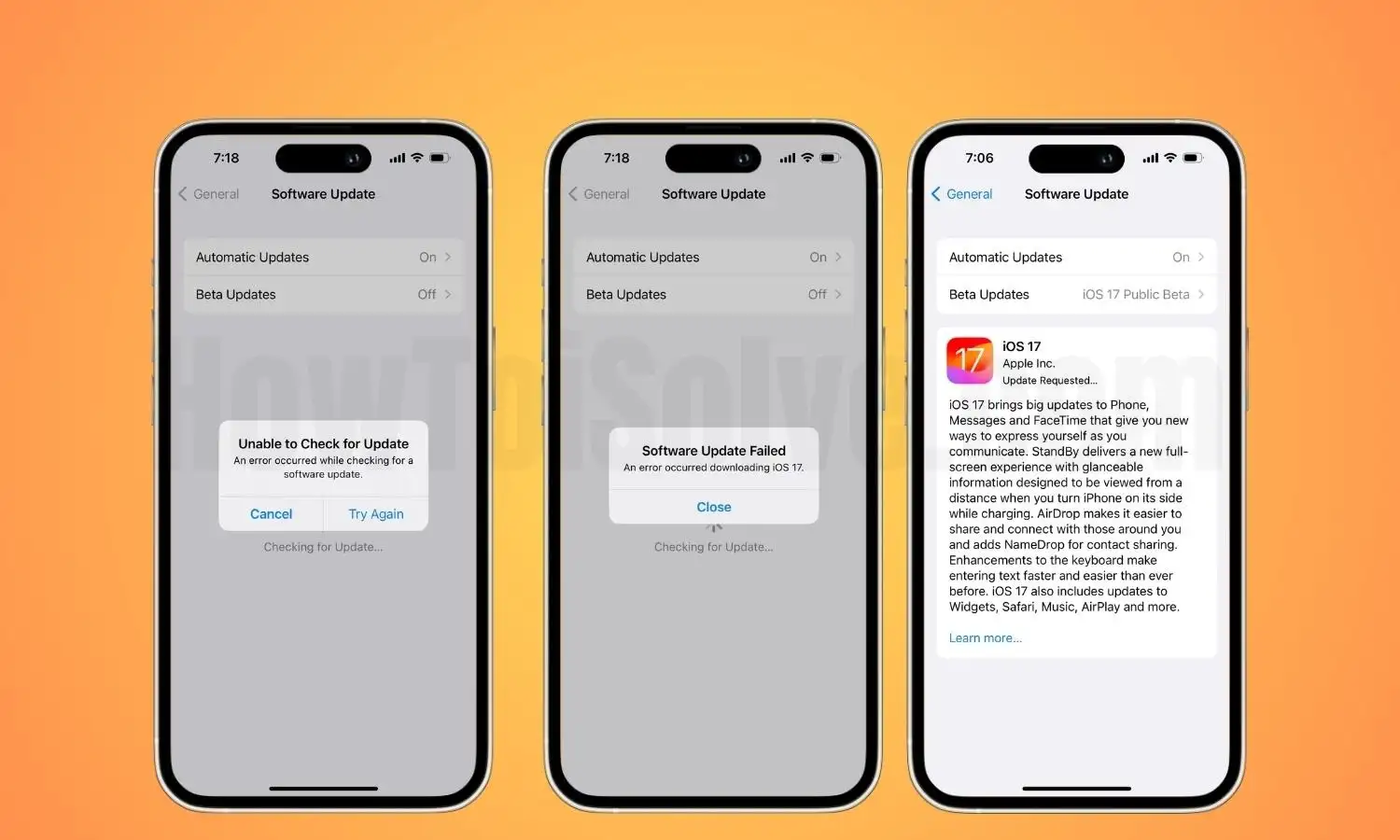
When Apple releases a new version of iOS, iPhone users eagerly rush to download it. However, the excitement often turns into frustration when unexpected problems occur during the installation. This is why Fixing iOS update errors has become one of the most searched issues among iPhone users. Although Apple provides general support steps, expert technicians follow a much more advanced and systematic process. Their professional approach ensures safer repairs, a higher success rate, and full data protection.
In this detailed guide, you will learn what expert technicians do differently when fixing iOS update errors, why these errors appear, and how understanding these methods can help you avoid serious issues in the future. Additionally, we will explore the most common iOS update problems and how specialists solve them with precision.
Why Fixing iOS Update Errors Requires Professional-Level Diagnosis
Many users assume that iOS update failures are minor glitches. However, expert technicians know that every update error has an underlying cause. This is why Fixing iOS update errors starts with a deep diagnostic approach rather than quick trial-and-error solutions.
Understanding the Root Causes Behind iOS Update Issues
Before Fixing iOS update errors, technicians first identify what triggered the problem. Common root causes include:
- Insufficient storage space
- Corrupted firmware files
- Battery or power interruptions
- Network instability
- Hardware faults affecting update installation
- Previous jailbreak attempts
- Damaged NAND memory
- Older iPhones lacking compatibility
Although Apple devices are known for reliability, even small anomalies can disrupt the update process. This is why professionals conduct targeted diagnostics instead of random resets or restarts.
Expert-Level Methods for Fixing iOS Update Errors Without Data Loss
One major advantage of going to a professional is their ability to prevent data loss. Many users accidently erase important files because they follow generic online suggestions. However, expert technicians use structured procedures to ensure that Fixing iOS update errors does not cause further damage.
Safe Mode and DFU Mode Techniques Used by Professionals
A common mistake users make is entering recovery or DFU mode incorrectly. Professionals follow controlled methods:
- Recovery Mode is used only when the update is stuck.
- DFU Mode is used when firmware corruption is detected.
- Safe Mode Boots are used when update failures involve third-party conflicts.
By understanding the correct sequence, technicians avoid unnecessary resets.
Advanced System Reinstallation to Resolve Persistent Update Glitches
When typical solutions fail, technicians use firmware reinstallation tools that restore the system without erasing personal data. Unlike regular iTunes restores, these tools:
- Validate firmware authenticity
- Correct corrupted partitions
- Repair system-level loops
- Rebuild essential iOS components
This advanced approach is impossible for average users, making it a key advantage in Fixing iOS update errors professionally.
How Expert Technicians Identify Complex iOS Update Errors Quickly
Not all update failures display clear error codes. Sometimes the iPhone simply freezes, refuses to restart, or keeps looping. Professional repair specialists recognize such patterns instantly.
Using Diagnostic Software to Track Firmware Corruption
Apple-authorized technicians use special tools that reveal hidden issues such as:
- Failing storage sectors
- Corrupted update logs
- Firmware mismatches
- File system inconsistencies
This allows technicians to detect whether the problem is:
- Software-based
- Firmware-based
- Hardware-related
This is one of the main ways professionals do Fixing iOS update errors more effectively than DIY methods.
Identifying Hardware Causes Behind Update Failures
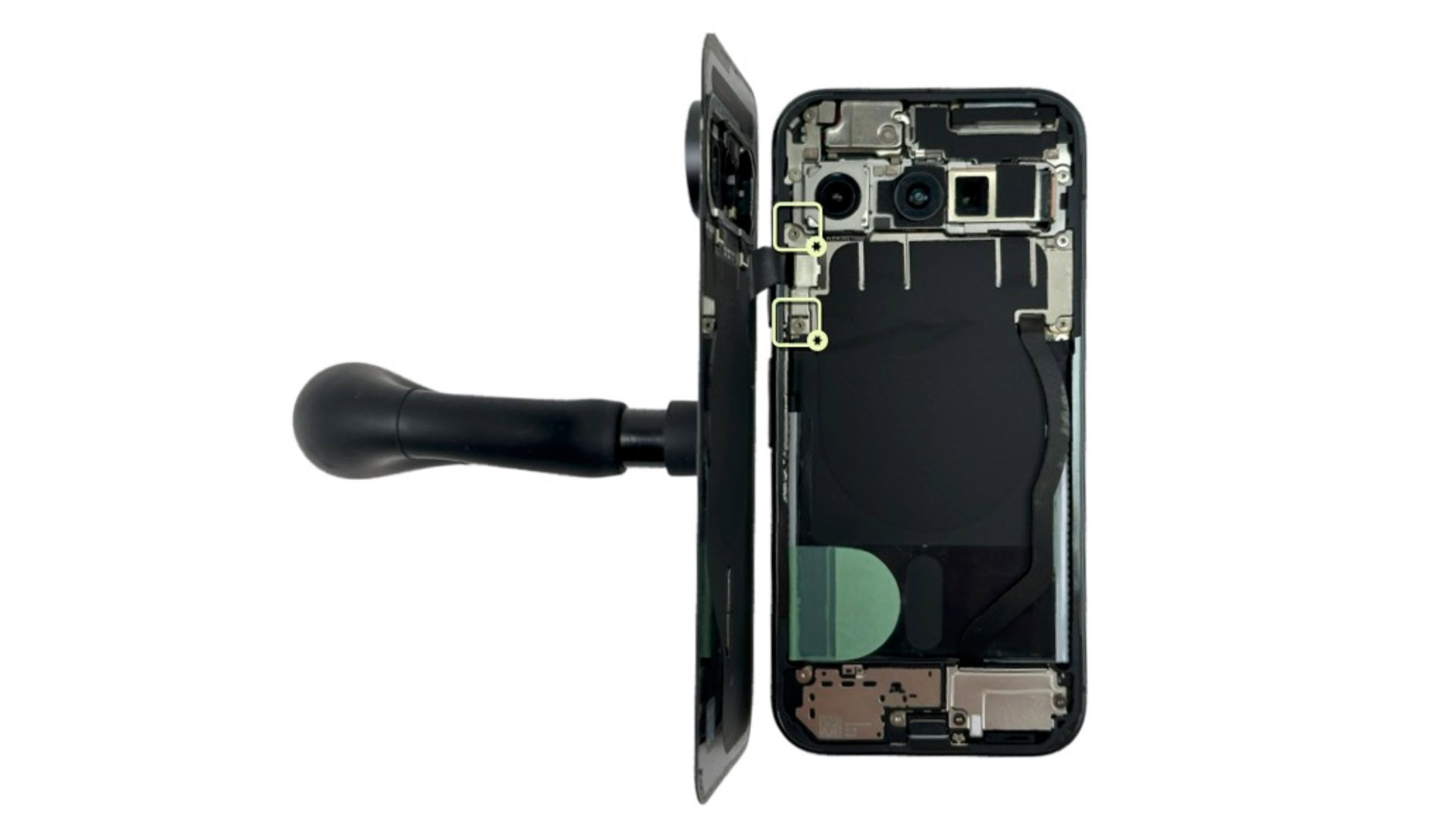
Surprisingly, update errors sometimes occur because of hardware issues—something most users never realize. Technicians inspect components such as:
- Battery health (updates fail if voltage drops mid-process)
- NAND storage integrity (faulty sectors block update writing)
- Power IC or motherboard issues
- Damaged Lightning port affecting connection during updates
Until these hidden issues are fixed, no amount of software attempts will work.
Methods Technicians Use to Fix iOS Update Errors Faster and More Safely
Professional repair teams complete the process more efficiently because they follow optimized workflows designed specifically for Fixing iOS update errors.
Creating a Safe Backup Before Repair
Before touching the system, technicians create a structured backup—even when the iPhone seems unresponsive. They use:
- Partial backups
- Raw data extraction methods
- Backup reconstruction tools
This ensures zero data loss.
Restoring the iPhone Using Apple-Authorized Firmware Files
Professionals use verified IPSW files and ensure compatibility by checking:
- Device model
- iOS version
- Baseband firmware
- Security patches
Using incorrect firmware is one of the most common mistakes made by regular users.
Cleaning and Rebuilding System Partitions
When update errors occur due to corrupted partitions, technicians rebuild partitions responsible for:
- Bootloader
- Kernel cache
- Firmware signing
- Root filesystem
This level of correction is possible only with professional tools.
Top iOS Update Errors Experts Fix Every Day
Technicians frequently handle issues like:
Error 4013 or 4014 (Hardware + Firmware Issues)
Professionals diagnose whether the cause is USB power instability or deeper motherboard faults.
Error 3194 (Firmware Signature Issue)
Experts resolve this by adjusting Apple server connectivity and clearing outdated logs.
Stuck at “Verifying Update” or “Preparing Update”
They detect whether the delay is due to storage, Wi-Fi, or software corruption.
Stuck on Apple Logo During Update
Technicians use DFU mode and system rebuild tools to unfreeze the device.
Every one of these situations requires structured handling, making professional Fixing iOS update errors methods far more effective.
Why Expert Technicians Achieve Higher Success Rates Than Users
Because experts follow systematic repair protocols, their success rates are significantly higher.
Precision Tools and Firmware Utilities
These tools repair the update environment safely.
Knowledge of Apple Device Architecture
Understanding how iOS interacts with hardware helps them solve deeper issues.
Experience With Hundreds of Devices
Technicians recognize patterns instantly, which speeds up diagnosis and repair.
These advantages make them better equipped for Fixing iOS update errors at any complexity level.
How to Avoid iOS Update Errors in the Future — Expert Tips and Preventive Measures
After fixing your device, technicians offer long-term prevention strategies to minimize update failures.
Maintain Minimum 5–10 GB Free Storage Before Updating
Updates require significant temporary storage.
Avoid Updating With Low Battery or Weak Wi-Fi
Power or network interruptions cause corrupted files.
Never Interrupt an Update Once Initiated
Stopping the process can trigger serious firmware damage.
Keep Your iPhone’s Hardware Healthy
A failing battery or damaged port can cause update loops.
These expert tips reduce the chances of needing Fixing iOS update errors repeatedly.
When to Seek Professional Help for Fixing iOS Update Errors
Although minor issues can be handled at home, you should seek professional help when:
- Your iPhone is stuck during update for more than 30 minutes
- You see repeating error codes
- The device does not turn on after an update
- DFU mode is not resolving the issue
- Your data is extremely important
- You suspect hardware problems
When these situations arise, expert technicians ensure safe, fast, and effective solutions.
Professional Help in Dubai for Fixing iOS Update Errors
If you are in Dubai and facing repeated iOS update failures, Milaaj mobile and laptop repair Dubai provides expert-level diagnostics and advanced repair techniques to restore your iPhone safely. They use certified tools, ensure data protection, and follow a professional workflow designed specifically for Fixing iOS update errors quickly and efficiently.
FAQs: Fixing iOS Update Errors
1. What are the most common reasons my iPhone fails to install an iOS update?
The most common reasons include low storage space, network interruptions, corrupted firmware files, outdated software, or hardware issues. These factors often lead to situations where Fixing iOS update fails becomes necessary.
2. Why does my iPhone get stuck on the Apple logo during an update?
This usually happens when the firmware fails to load properly. Technicians solve this by using DFU mode, recovery mode, or firmware reinstallation tools designed specifically for Fixing iOS update fails.
3. Can I fix iOS update errors at home, or do I need a professional?
Minor issues like restarting the phone or freeing up storage can be done at home. However, if your device is stuck, showing error codes, or refusing to turn on, it’s better to seek professional help, especially when Fixing iOS update errors without losing data.
4. Will I lose my data while fixing iOS update errors?
Not necessarily. Expert technicians use backup extraction tools and firmware repair methods to preserve your data. This is one major reason why professional Fixing iOS update errors methods are more reliable.
5. What should I do if my iPhone shows “Unable to Install Update”?
First, check your storage, restart the phone, and ensure a stable Wi-Fi connection. If the error continues, a deeper firmware issue may exist, and professional Fixing iOS update errors techniques may be required.
Conclusion: What Makes Professional Fixing of iOS Update Errors Truly Different
In summary, Fixing iOS update errors is not just about restarting an iPhone or reinstalling iOS. It requires:
- Advanced diagnostics
- Safe data extraction
- Expert firmware management
- Hardware analysis
- Professional repair tools
By understanding these expert techniques, you gain insight into why technicians achieve far better results than DIY attempts. Most importantly, professional help ensures that your iPhone remains safe, functional, and fully protected throughout the process.
Get professional iPhone repair services with expert technicians ensuring top-quality results.
Enjoy quick and reliable home delivery for your repaired or purchased devices.
Sell your old iPhone with confidence and get the best value instantly.
📍 Visit Any Milaaj Branch in Dubai
🔹 Bur Dubai
Milaaj Mobile and Laptop Repair Dubai
📞 055 258 8477
🔗 Google Maps
🔹 Al Barsha
Milaaj Mobiles and Laptop Repair Al Barsha
📞 052 596 2846
🔗 Google Maps
🔹 Al Barsha 3
Milaaj Mobiles and Gaming Store
📞 052 3405 814
🔗 Google Maps
🔹 Al Nuaimiya
Milaaj Mobiles and Laptops Ajman
📞 055 788 9654
🔗 Google Maps
📧 Email: support@milaaj.com
🕒 Operating Hours: Monday – Sunday



Leave a Reply