
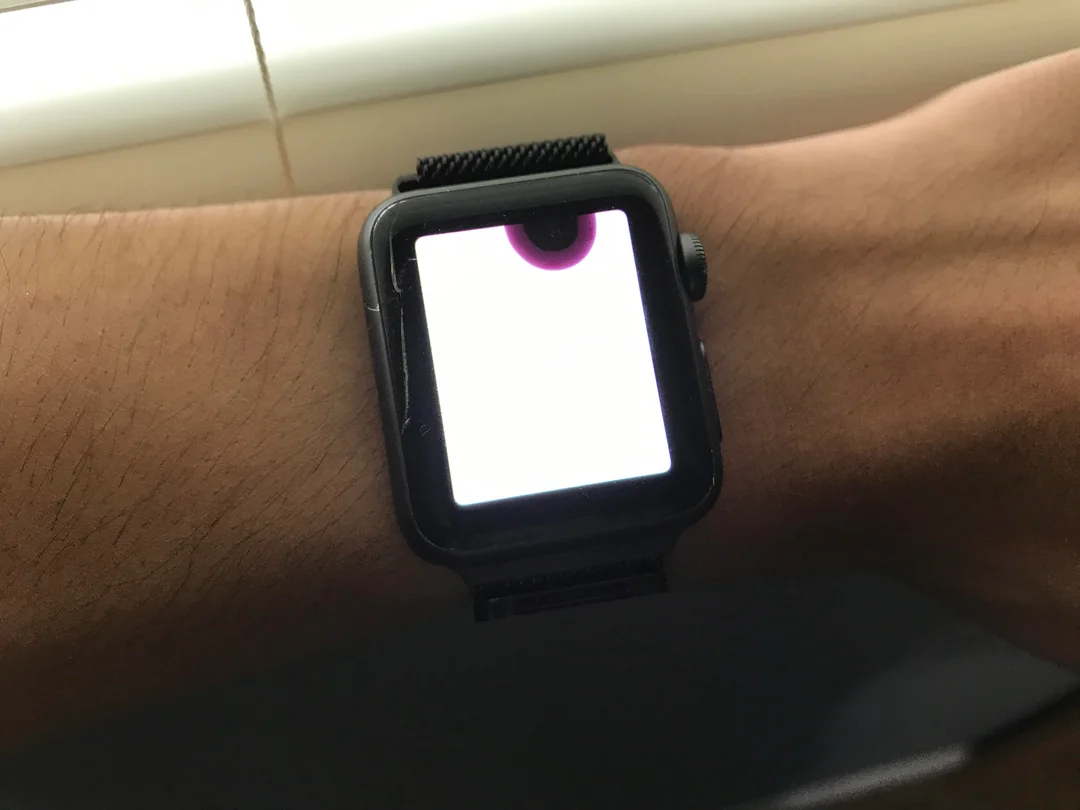
IApple Watch devices are designed to handle daily wear, workouts, and even limited water exposure. However, many users don’t realize that moisture can still seep inside and cause serious problems over time. In fact, the signs of hidden water damage in Apple Watch often appear slowly, making the issue easy to ignore until major damage occurs.
Although Apple Watches are marketed as water-resistant, they are not fully waterproof. Therefore, exposure to sweat, rain, humidity, or accidental splashes can eventually lead to internal corrosion. Most importantly, understanding the early signs of hidden water damage in Apple Watch can help you prevent permanent failure and expensive repairs.
What Is Hidden Water Damage in Apple Watch?
Hidden water damage occurs when moisture enters the internal components without obvious external signs. Unlike visible cracks or screen damage, water damage often works silently. As a result, internal corrosion can develop days or even weeks after exposure.
Why Water Resistance Isn’t Permanent
Over time, seals and gaskets wear down. Consequently, even a water-resistant Apple Watch becomes vulnerable. Drops, heat, aging adhesive, and pressure changes can all weaken protection.
Early Signs of Hidden Water Damage in Apple Watch
Recognizing early symptoms is crucial. Otherwise, the damage can spread and affect the logic board, battery, and sensors.
1. Battery Draining Faster Than Normal
One of the earliest signs of hidden water damage in Apple Watch is sudden battery drain. Because moisture affects power circuits, the battery may lose charge rapidly even with light use.
2. Apple Watch Overheating
Additionally, internal corrosion can cause short circuits. As a result, your Apple Watch may feel unusually warm during charging or regular use.
3. Screen Flickering or Dim Display
If you notice flickering, uneven brightness, or delayed screen response, moisture may be trapped beneath the display. In many cases, this is a clear indicator of hidden water damage.
Advanced Symptoms You Should Never Ignore
When moisture damage progresses, symptoms become more severe.
Touchscreen Becomes Unresponsive
Gradually, corrosion interferes with touch sensors. Therefore, swipes may stop registering or respond incorrectly.
Speaker or Microphone Distortion
Muffled audio, crackling sounds, or a non-working microphone often signal internal moisture exposure. Even if the watch appears dry externally, internal damage may already exist.
Random Restarts or Boot Loops
One of the most serious signs of hidden water damage in Apple Watch is random shutdowns. At this stage, logic board components may already be compromised.
Hidden Moisture vs Immediate Water Damage
While immediate water damage causes instant failure, hidden moisture damage develops over time.
Humidity Damage Explained
High humidity environments, sweat during workouts, or steam from showers can allow moisture to enter slowly. Eventually, corrosion forms without obvious warning.
How Technicians Detect Hidden Water Damage
Professional diagnosis is critical for accurate repair.
Liquid Contact Indicators (LCI)
Apple Watches include internal indicators that change color when exposed to moisture. Therefore, technicians use them to confirm water damage.
Microscopic Inspection
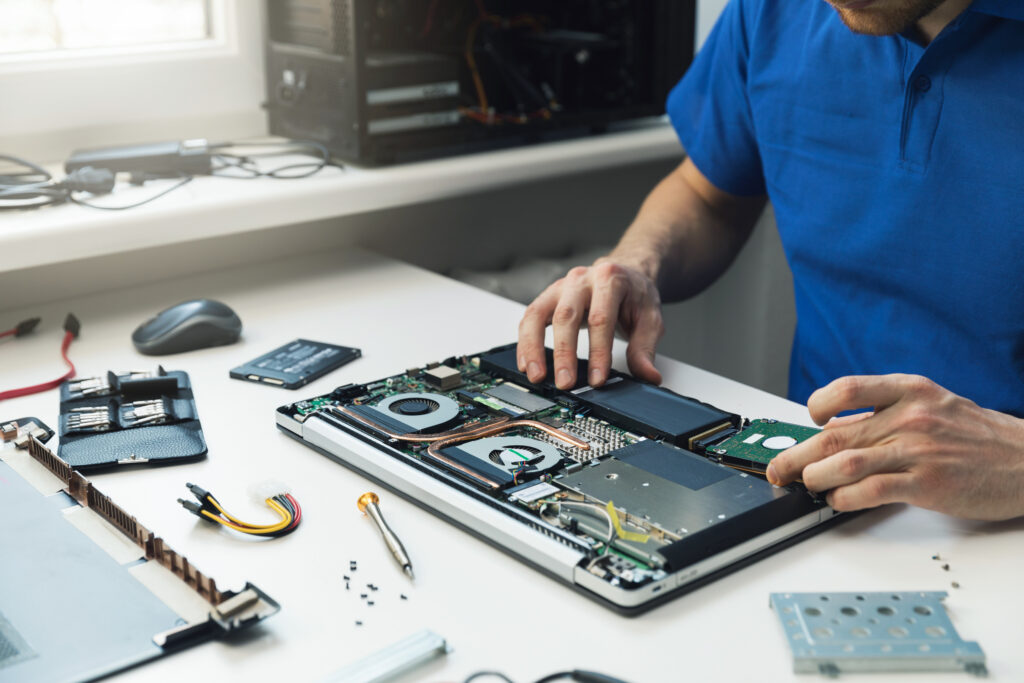
Furthermore, technicians inspect the logic board under microscopes to identify corrosion invisible to the naked eye.
Why DIY Fixes Can Make Things Worse
Many users try drying methods like rice or heat. However, these approaches often trap moisture inside.
Common DIY Mistakes
- Using hair dryers
- Charging while wet
- Opening the watch without tools
As a result, corrosion spreads faster and damages sensitive components.
Professional Repair for Hidden Water Damage
Once detected, professional repair becomes essential.
Ultrasonic Cleaning
This process removes corrosion safely without damaging components. Afterward, technicians assess which parts need repair or replacement.
Component-Level Repair
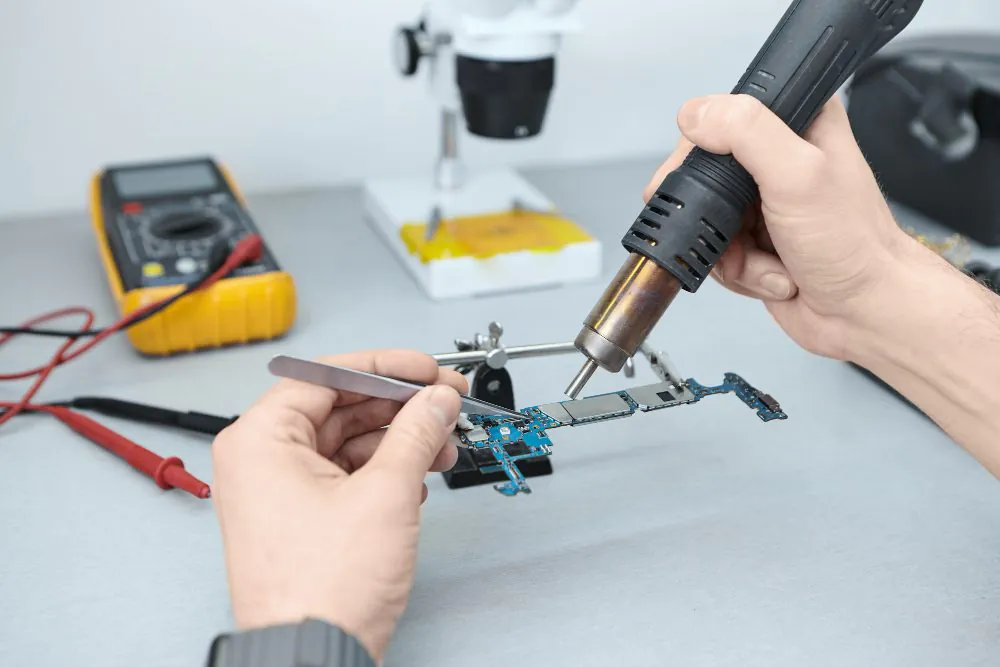
In severe cases, micro-soldering restores damaged circuits. Therefore, professional tools are critical for success.
When Data and Health Sensors Are at Risk
Hidden water damage doesn’t just affect performance—it can impact data accuracy.
Health Tracking Errors
Moisture can affect heart rate sensors, ECG readings, and fitness tracking accuracy. Consequently, health data may become unreliable.
When You Should Seek Immediate Repair
You should seek professional help if:
- Battery drains abnormally
- Screen flickers or dims
- Audio becomes distorted
- Watch overheats
- Device restarts randomly
Most importantly, early intervention prevents permanent failure.
Trusted Professional Support
Milaaj mobile and laptop repair Dubai provides advanced diagnostics and repair for hidden water damage in Apple Watch using professional tools and expert techniques.
How to Prevent Hidden Water Damage in Apple Watch
Fortunately, prevention is possible with proper care.
Preventive Tips
- Avoid hot showers and steam
- Dry the watch after workouts
- Don’t charge while wet
- Replace worn seals when needed
By following these steps, you significantly reduce moisture risk.
FAQs: Signs of Hidden Water Damage in Apple Watch
1. What are the early signs of hidden water damage in Apple Watch?
Early signs include rapid battery drain, overheating, screen flickering, muffled sound, delayed touch response, and random restarts. These issues often appear days or weeks after moisture exposure.
2. Can an Apple Watch be water damaged even if it is water-resistant?
Yes. Although Apple Watches are water-resistant, seals weaken over time. Therefore, sweat, humidity, steam, or repeated water exposure can still cause hidden internal damage.
3. How does humidity cause hidden water damage in Apple Watch?
Humidity allows moisture to enter slowly and build up inside the device. Over time, this leads to corrosion on internal components without obvious external signs.
4. Will hidden water damage get worse if ignored?
Yes. If left untreated, corrosion spreads and damages the battery, sensors, and logic board. As a result, the watch may completely stop working.
5. Is it safe to charge an Apple Watch after water exposure?
No. Charging a watch with trapped moisture can cause electrical shorts and worsen internal damage. It’s best to let professionals inspect the device first.
Final Thoughts
In conclusion, the signs of hidden water damage in Apple Watch are often subtle but dangerous if ignored. While the device may appear functional at first, internal corrosion can silently destroy components over time. Therefore, recognizing symptoms early and avoiding DIY mistakes is essential.
Ultimately, professional inspection and repair offer the best chance to save your Apple Watch and restore reliable performance before irreversible damage occurs.
Get professional apple watch repair services with expert technicians ensuring top-quality results.
Enjoy quick and reliable home delivery for your repaired or purchased devices.
Sell your device with confidence and get the best value instantly.
📍 Visit Any Milaaj Branch in Dubai
🔹 Bur Dubai
Milaaj Mobile and Laptop Repair Dubai
📞 055 258 8477
🔗 Google Maps
🔹 Al Barsha
Milaaj Mobiles and Laptop Repair Al Barsha
📞 052 596 2846
🔗 Google Maps
🔹 Al Barsha 3
Milaaj Mobiles and Gaming Store
📞 052 3405 814
🔗 Google Maps
🔹 Al Nuaimiya
Milaaj Mobiles and Laptops Ajman
📞 055 788 9654
🔗 Google Maps
📧 Email: support@milaaj.com
🕒 Operating Hours: Monday – Sunday

Leave a Reply