
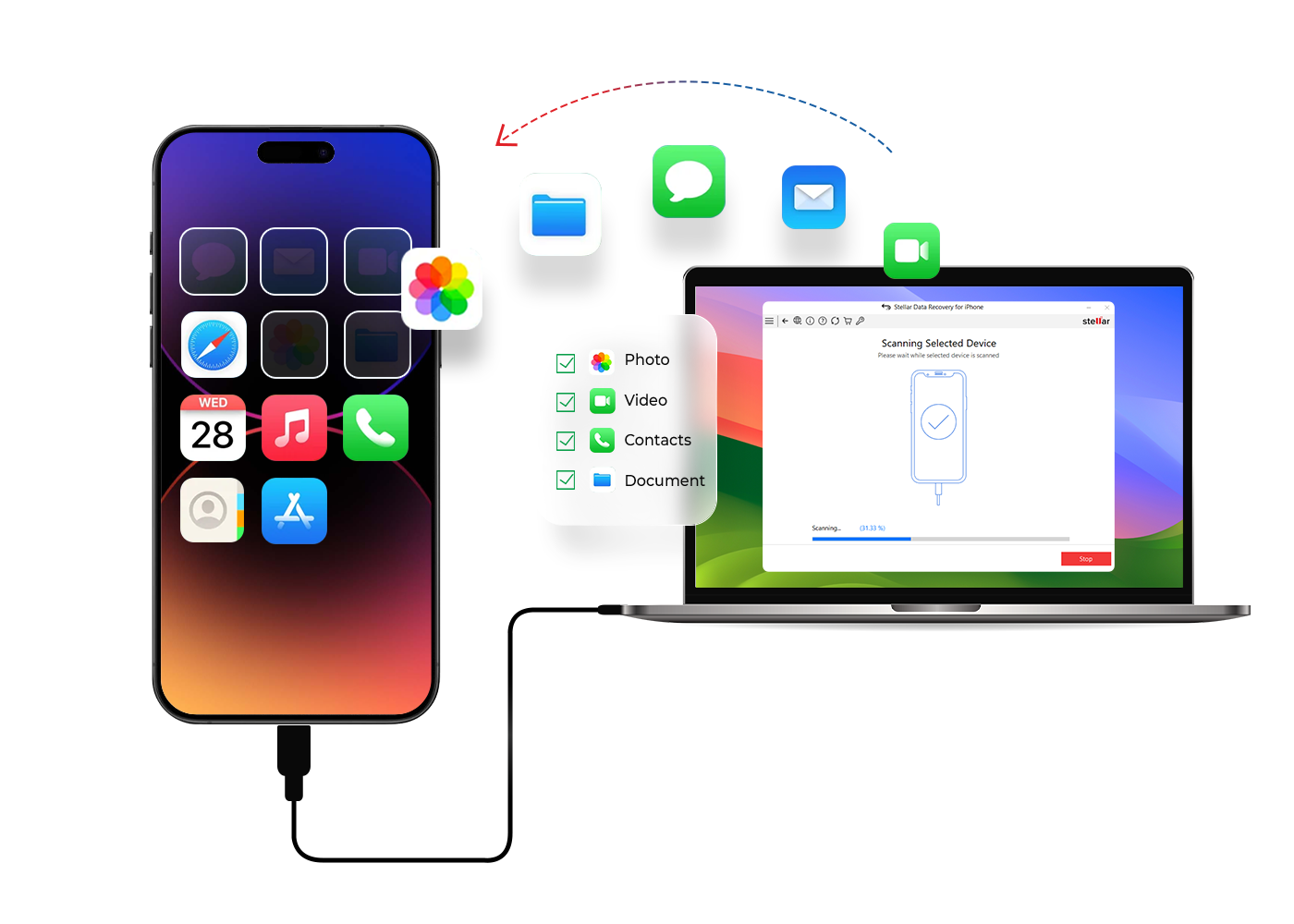
Water damage is one of the most serious issues an iPhone can face. While a cracked screen is easy to spot and fix, iPhone logic board water damage is far more complex. It can silently affect internal circuits, cause sudden failure, and in some cases, block access to your data completely.
The good news is this: even if your iPhone stops working after water exposure, data recovery is often still possible with the right tools and expertise.
In this guide, you’ll learn how logic board water damage happens, the early warning signs, what to avoid, and how professional iPhone data recovery actually works.
What Is iPhone Logic Board Water Damage?
The logic board is essentially the brain of your iPhone. It connects everything including the processor, storage, power system, and communication chips.
When water reaches this board, it doesn’t just damage one part. Instead, it can disrupt multiple components at once, leading to:
• Power failure
• Charging issues
• Network problems
• Data inaccessibility
Even worse, the damage may not appear instantly. Corrosion can continue spreading internally over time.
How Water Gets Inside Your iPhone
Even though modern iPhones are water-resistant, they are not fully waterproof. Over time, protective seals weaken.
Water can enter through:
• Charging port
• Speaker and microphone grills
• SIM tray slot
• Tiny cracks in the screen or frame
• Exposure to steam or humidity
Once inside, moisture settles on the logic board and begins damaging delicate circuits.
Why Logic Board Water Damage Is So Dangerous
Unlike external damage, iPhone motherboard water damage affects microscopic components. This makes it harder to detect and more expensive to repair if delayed.
Here’s what can go wrong:
• Corrosion on circuits and connectors
• Short circuits in power lines
• Damage to NAND storage (where your data lives)
• CPU communication failure
• Complete device shutdown
This is why quick action is critical.
Warning Signs of iPhone Logic Board Water Damage
Your iPhone will usually show early symptoms before complete failure.
Watch out for:
• iPhone not turning on
• Stuck on Apple logo or boot loop
• Device overheating while charging
• Touchscreen not responding
• Sudden restarts or shutdowns
• No network or Wi-Fi connectivity
If you notice these after water exposure, there’s a high chance of logic board damage.
What NOT to Do After Water Damage
Many people unknowingly make the situation worse.
Avoid these mistakes:
• Do not charge the phone
• Do not use rice (it doesn’t fix internal damage)
• Do not use heat or a hair dryer
• Do not keep turning it on repeatedly
• Do not open the device without proper tools
Instead, power it off immediately and seek professional help.
How iPhone Logic Board Water Damage Data Recovery Works
Recovering data from a water-damaged iPhone requires precision and advanced tools. Here’s how professionals handle it:
1. Advanced Diagnostic Testing
Technicians inspect the logic board using:
• Microscopes
• Thermal imaging
• Power injection tools
This helps locate corrosion, short circuits, and damaged components.
2. Ultrasonic Cleaning Process
The logic board is carefully removed and cleaned using ultrasonic technology.
This process:
• Removes corrosion
• Cleans under chips
• Restores electrical pathways
It prepares the board for safe repair.
3. Micro-Soldering Repairs
Damaged components are repaired or replaced using precision tools.
Common fixes include:
• Power IC repair
• Capacitor replacement
• Charging circuit repair
• Connector restoration
The goal is to restore minimal functionality needed to access data.
4. NAND Chip Data Recovery (Advanced Cases)
If the iPhone cannot be revived, technicians move to chip-level recovery.
This involves:
• Removing the NAND storage chip
• Repairing or reballing it
• Extracting data using specialized tools
• Rebuilding files securely
This is one of the most advanced iPhone data recovery techniques available.
5. Temporary Boot or Board Repair
In some cases, the board is temporarily revived just long enough to extract data.
Techniques may include:
• CPU and NAND pairing fixes
• Board-level reconstruction
• Donor board support
Once powered, data is backed up immediately.
Why Timing Matters for Data Recovery
Water damage gets worse over time, even if the phone seems fine initially.
Delaying repair can lead to:
• Permanent data loss
• NAND failure
• Severe corrosion
• Irreversible motherboard damage
Acting early significantly increases recovery success.
DIY vs Professional Repair: What’s the Reality?
DIY methods rarely work for logic board issues and often make things worse.
Professional iPhone repair ensures:
• Safe handling of sensitive components
• No additional damage
• Proper cleaning and repair tools
• Higher data recovery success rate
This is especially important when dealing with valuable data.
When Should You Seek Professional Help?
You should get expert help immediately if:
• Your iPhone won’t turn on after water exposure
• Charging stops working
• Device overheats
• Data is inaccessible
• There are signs of corrosion or internal damage
Final Thoughts
iPhone logic board water damage can feel like the end of your device, but in many cases, it’s not the end of your data.
With modern repair techniques like ultrasonic cleaning, micro-soldering, and NAND recovery, it’s often possible to retrieve important files even from severely damaged phones.
The key is simple: act fast, avoid DIY risks, and choose the right professionals.
If your iPhone has suffered water damage, you can get it checked by Milaaj Mobile and Laptop Repair Dubai for a safe diagnosis and recovery process.
And if repair isn’t worth it, you can also sell your damaged iPhone for instant cash in Dubai instead of letting it go to waste.
FAQs: iPhone Logic Board Water Damage
Can a water-damaged iPhone logic board be repaired?
Yes, depending on the severity, many logic board issues can be repaired using micro-soldering techniques.
Is data recovery possible from a dead iPhone?
In many cases, yes. Even if the phone doesn’t turn on, data can often be recovered from the NAND chip.
How long does recovery take?
It depends on the damage. Simple repairs may take a day, while complex recovery can take several days.
Does water damage always destroy data?
No. Water itself doesn’t delete data, but corrosion can prevent access if not treated early.
Is it worth repairing a water-damaged iPhone?
If the data is important or the device is high-value, repair or recovery is usually worth it.
📍 Visit Any Milaaj Branch in Dubai
🔹 Bur Dubai
Milaaj Mobile and Laptop Repair Dubai
📞 055 258 8477
🔗 Google Maps
🔹 Al Barsha
Milaaj Mobiles and Laptop Repair Al Barsha
📞 052 596 2846
🔗 Google Maps
🔹 Al Barsha 3
Milaaj Mobiles , Laptops and Watches Repair Service📞 052 3405 814
🔗 Google Maps
🔹 Al Nuaimiya
Milaaj Mobiles and Laptops Ajman
📞 055 788 9654
🔗 Google Maps
📧 Email: support@milaaj.com
🕒 Operating Hours: Monday – Sunday




Leave a Reply