
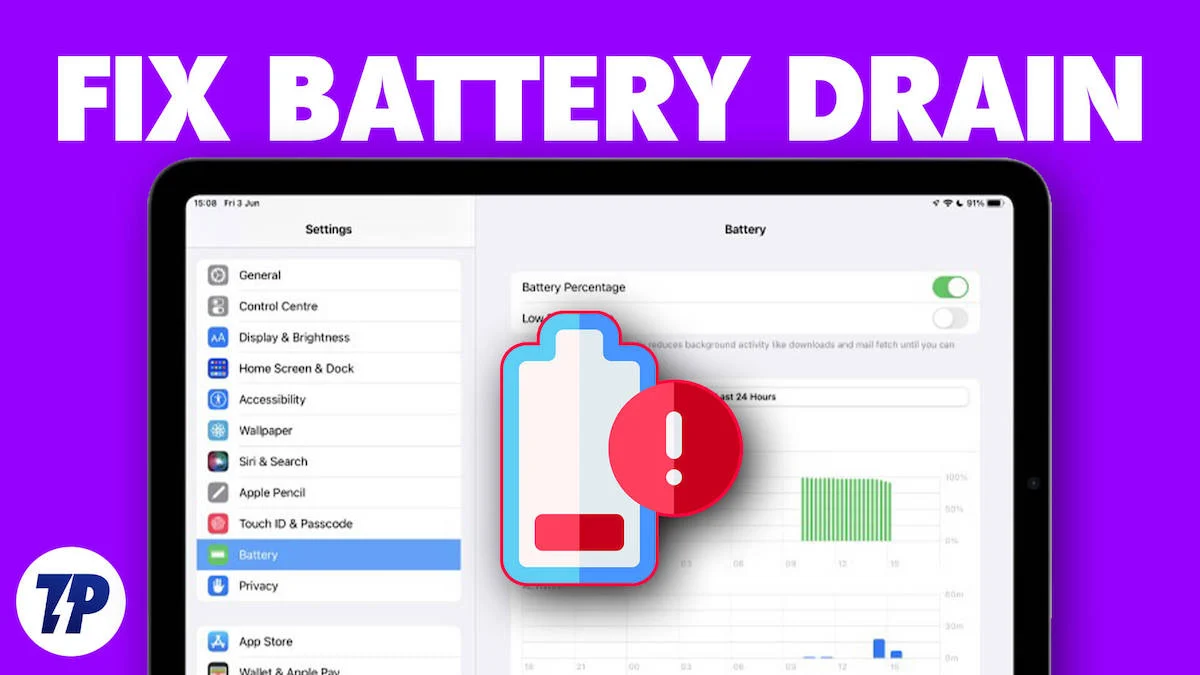
Apple iPads are designed to deliver smooth performance, long battery life, and reliable charging. However, many users face a confusing and stressful issue: iPad battery draining while charging. Instead of gaining power, the battery percentage drops even when the charger is connected. Consequently, this problem can disrupt work, entertainment, and daily productivity.
Fortunately, when an iPad battery drains while charging, the issue is rarely permanent. Therefore, understanding the root causes and choosing the right solution can restore proper charging safely and efficiently. In this detailed guide, we explain why this happens, what mistakes to avoid, and how professional repair services fix the issue for long-term results.
Why Is Your iPad Battery Draining While Charging?
When users notice an iPad battery draining while charging, they often assume the battery is completely dead. However, in most cases, multiple factors work together to cause this behavior. Moreover, ignoring early signs can make the problem worse over time.
First and foremost, identifying the exact cause helps prevent unnecessary replacements and data risks.
Common Causes of iPad Battery Draining While Charging
Using Low-Power or Faulty Chargers
One of the most common reasons an iPad battery drains while charging is the use of non-certified or low-wattage chargers. As a result, the iPad consumes more power than it receives.
Damaged Charging Cable or Adapter
Even if the charger looks fine, internal wire damage can reduce power output. Consequently, charging becomes unstable and inefficient.
Charging Port Issues for iPad battery draining while charging
Dust, debris, or corrosion inside the charging port interrupts power flow. Therefore, the battery may drain even while plugged in.
Battery Health Problems in iPads
Aging or Degraded Battery
Over time, lithium-ion batteries lose capacity. As a result, an old battery cannot hold or accept charge properly, leading to battery drain during charging.
Battery Calibration Errors for iPad battery draining while charging
Sometimes, the battery percentage is inaccurate. Consequently, the iPad may appear to drain while charging even though it is receiving power.
Software-Related Reasons for iPad Charging Drain
iPadOS Update Bugs
After system updates, background processes may increase power consumption. Therefore, an iPad battery drains while charging until the software stabilizes.
High Background App Activity
Streaming, gaming, or heavy apps running in the background consume power faster than charging can supply.
Overheating Protection for iPad battery draining while charging
When the iPad overheats, iPadOS reduces or stops charging to protect internal components.
Signs the Charging Issue Is Getting Worse
- Battery percentage drops while plugged in
- iPad charges only when powered off
- Device heats up during charging
- Charging works intermittently
- iPad takes extremely long to charge
If these signs persist, the iPad battery draining while charging issue requires professional attention.
What NOT to Do When iPad Battery Drains While Charging
Although quick fixes are tempting, certain actions can cause more damage.
Avoid Cheap or Fake Chargers
These can damage the battery and charging IC.
Avoid Forcing the Charging Cable
This worsens port damage.
Avoid DIY Battery Replacement
Improper handling risks data loss and safety hazards.
Therefore, safe and guided solutions are always recommended.
Safe Troubleshooting Steps You Can Try First
Before visiting a repair center, you may try the following:
- Use an original or certified charger
- Restart the iPad
- Clean the charging port gently using compressed air
- Close background apps
- Update iPadOS to the latest version
However, if the iPad battery continues draining while charging, professional repair is the safest option.
Professional Solutions for iPad Battery Draining While Charging
When basic troubleshooting fails, expert diagnostics are essential.
Charging Port Cleaning or Repair
Technicians remove debris safely and repair damaged connectors.
Battery Replacement
If battery health is low, replacement restores stable charging performance.
Power IC and Logic Board Repair
Advanced tools detect internal power regulation issues.
Software Optimization
Professionals recalibrate battery systems and remove corrupted processes.
As a result, professional repair delivers long-lasting and safe solutions.
Why Professional Repair Is Better Than DIY Fixes
| DIY Methods | Professional Repair |
|---|---|
| Temporary relief | Long-term solution |
| Risk of damage | Safe procedures |
| No diagnostics | Advanced testing |
| No warranty | Service guarantee |
Therefore, professional service saves time, money, and data.
Why Choose Milaaj Mobile Repair for iPad Charging Issues
At Milaaj mobile and laptop repair Dubai, experienced technicians specialize in diagnosing why an iPad battery drains while charging and fixing it efficiently.
Benefits of Milaaj Mobile Repair
- Low-price repairs with transparent quotes
- Fast service, often same-day
- Convenient location in Dubai
- High-quality replacement parts
- Advanced diagnostic equipment
- Data-safe repair process
Moreover, every iPad undergoes thorough testing before return.
How Long Does iPad Charging Repair Take?
- Charging port cleaning: 30–60 minutes
- Battery replacement: 1–2 hours
- Power IC repair: Same or next day
Consequently, most users get their iPad back quickly.
How Much Does iPad Charging Repair Cost?
Costs depend on:
- iPad model
- Type of issue
- Parts required
However, early repair is always more affordable than delayed motherboard repairs.
How to Prevent iPad Battery Drain While Charging in the Future
Use Certified Chargers Only
Certified chargers deliver proper power output.
Avoid Charging During Heavy Usage
Gaming or streaming while charging increases heat.
Keep Charging Port Clean
Regular cleaning prevents debris buildup.
Maintain Battery Health
Avoid deep discharges and extreme temperatures.
As a result, these habits prevent repeated charging issues.
FAQs About iPad battery draining while charging
Why is my iPad battery draining while charging?
In most cases, an iPad battery drains while charging due to a weak charger, damaged cable, dirty charging port, or declining battery health. Additionally, background apps and software issues may consume more power than the charger supplies.
Can a bad charger cause iPad battery drain?
Yes. If you use a low-wattage or non-certified charger, the iPad may not receive enough power. As a result, the battery can continue draining even when plugged in.
Does iPadOS update cause battery draining while charging?
Sometimes, yes. After an update, background processes may run continuously. Consequently, power usage increases, which may slow charging or cause battery drain temporarily.
Is it safe to keep charging an iPad that is losing battery?
Not always. If the iPad overheats or shows inconsistent charging, it’s better to stop charging immediately. Otherwise, continued charging could worsen battery or charging port damage.
Can a dirty charging port cause iPad charging problems?
Absolutely. Dust or debris inside the charging port can block proper contact. Therefore, the iPad may charge intermittently or lose power while connected.
When should I replace my iPad battery?
If the battery health is significantly degraded and the iPad drains even while charging, then battery replacement becomes necessary for stable performance.
Conclusion: iPad battery draining while charging
In conclusion, an iPad battery draining while charging is a serious but fixable issue. With proper diagnosis, expert repair, and timely action, charging performance can be fully restored without risking data or device safety.
Instead of relying on unsafe DIY fixes, professional repair offers speed, convenience, affordability, and long-lasting results. Most importantly, early intervention protects both battery health and internal components.
If your iPad shows charging drain issues, addressing the problem now ensures smooth performance and extended device life.
Get professional iPad repair services with expert technicians ensuring top-quality results.
Instead of trying random recovery apps, always rely on certified software or trusted repair centers like Milaaj for secure data restoration.
Enjoy quick and reliable home delivery for your repaired or purchased devices.
Sell your old iPad with confidence and get the best value instantly.
📍 Visit Any Milaaj Branch in Dubai
🔹 Bur Dubai
Milaaj Mobile and Laptop Repair Dubai
📞 055 258 8477
🔗 Google Maps
🔹 Al Barsha
Milaaj Mobiles and Laptop Repair Al Barsha
📞 052 596 2846
🔗 Google Maps
🔹 Al Barsha 3
Milaaj Mobiles and Gaming Store
📞 052 3405 814
🔗 Google Maps
🔹 Al Nuaimiya
Milaaj Mobiles and Laptops Ajman
📞 055 788 9654
🔗 Google Maps
📧 Email: support@milaaj.com
🕒 Operating Hours: Monday – Sunday


Leave a Reply