
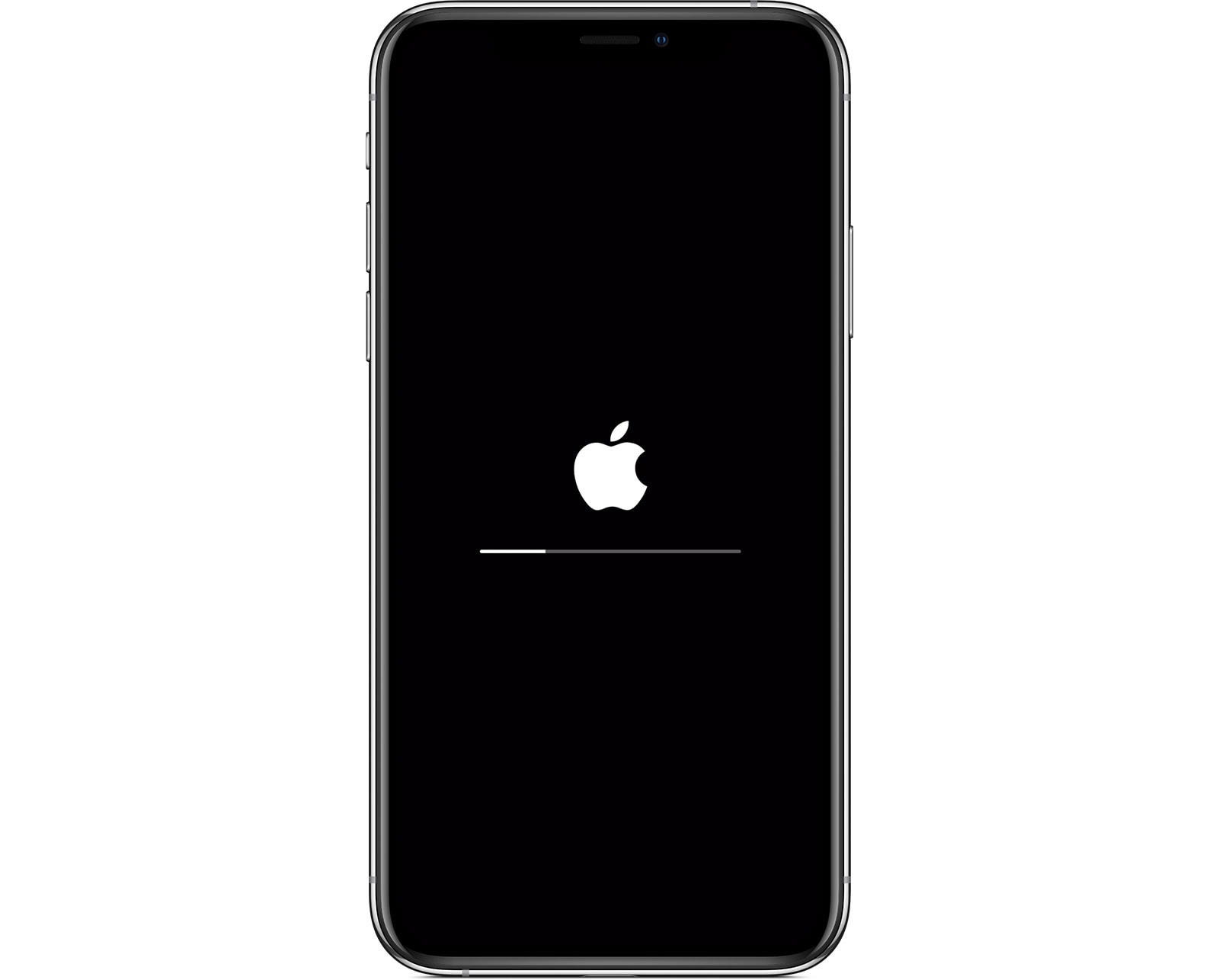
Apple updates are designed to improve performance and security. However, many users face an unexpected problem after installing them. If your iPhone 11 Pro stuck after Apple update, you’re not alone. This issue can be frustrating, especially when your device freezes on the Apple logo, boot loop, or becomes completely unresponsive.
Fortunately, professional repair shops have proven methods to fix these issues safely without risking data loss. In this guide, we’ll explain why updates fail, what you should avoid, and how experts restore iPhones efficiently.
Why Your iPhone 11 Pro Gets Stuck After an Apple Update
Before understanding how repair shops fix the problem, it’s important to know why your iPhone 11 Pro stuck after Apple update in the first place.
Common Reasons iOS Updates Cause iPhone 11 Pro Failure
- Interrupted update process
- Low storage space during update
- Corrupted iOS firmware files
- Weak battery health
- Hardware issues triggered by software stress
Moreover, older batteries or internal wear can cause the update to fail midway, leaving the phone stuck.
Signs That Your iPhone 11 Pro Is Stuck After Apple Update
Identifying the exact symptom helps determine the correct repair method.
Common Update-Related iPhone 11 Pro Problems
- Stuck on Apple logo for hours
- Endless restart loop
- Black screen after update
- Frozen progress bar
- Touchscreen not responding
If your iPhone 11 Pro stuck after Apple update, avoid repeated restarts, as this can worsen the issue.
First Things to Try When iPhone 11 Pro Is Stuck After Update
Before visiting a repair shop, you may try safe basic steps.
Force Restart iPhone 11 Pro
- Press Volume Up → release
- Press Volume Down → release
- Hold Power button until Apple logo appears
Sometimes, a simple forced reboot resolves temporary glitches. However, if the phone remains stuck, professional repair is recommended.
Why DIY Fixes Often Fail for iPhone Update Issues
Many users attempt home solutions after their iPhone 11 Pro hung after Apple update, but these can be risky.
Common DIY Mistakes to Avoid
- Repeated force restarts
- Using unreliable repair software
- Attempting factory reset without backup
- Flashing firmware incorrectly
Therefore, repair shops prioritize safe diagnostics before making changes.
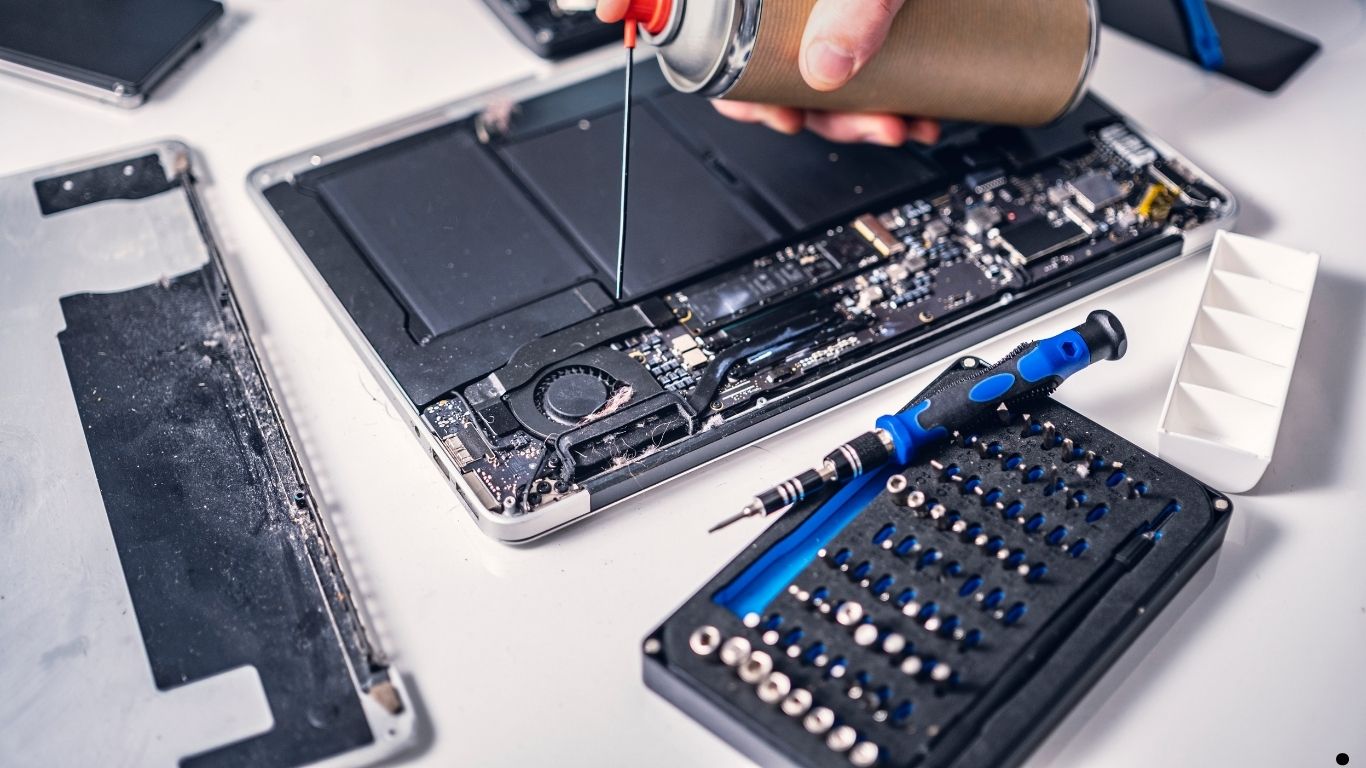
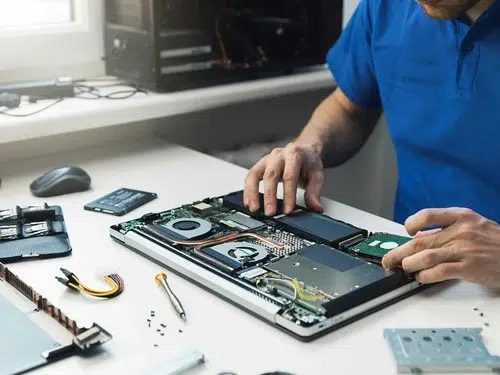
How Repair Shops Diagnose iPhone 11 Pro Update Failures
Professional repair shops don’t guess—they diagnose.
Step-by-Step Professional Diagnosis
- Battery health check
- Storage integrity test
- iOS crash log analysis
- Hardware-software interaction testing
As a result, technicians identify whether the issue is software-based or hardware-related.
How Repair Shops Restore iPhone 11 Pro Stuck After Apple Update
Once diagnosed, experts use targeted solutions to restore functionality.
Safe iOS Reinstallation Without Data Loss
Repair shops use advanced tools to reinstall iOS while preserving data whenever possible. This method is far safer than consumer-level software.
Controlled Firmware Repair
Instead of full reset, technicians repair corrupted system files selectively. Therefore, your data and settings remain intact.
Battery-Related Causes When iPhone 11 Pro Stuck After Update
Battery health plays a major role in update success.
Why Weak Batteries Cause Update Failure
- Voltage drops during installation
- Phone shuts down mid-update
- System files get corrupted
Repair shops often perform temporary battery stabilization or replacement to complete the update safely.
Hardware Issues Triggered After iOS Update
Sometimes, updates expose existing hardware weaknesses.
Common Hardware Problems After Apple Updates
- Power IC instability
- Logic board micro-damage
- Storage chip stress
Although these issues existed earlier, the update process pushes the hardware harder, causing failure.
Why Professional Repair Shops Succeed Where Home Fixes Fail
When your iPhone 11 Pro hung after Apple update, professional tools make the difference.
Advantages of Expert Repair Methods
- Advanced diagnostic equipment
- Data-safe recovery processes
- Experience with iOS failure patterns
- Genuine or high-quality replacement parts
As a result, success rates are significantly higher.
Milaaj Mobile Repair – iPhone 11 Pro Stuck After Apple Update
Milaaj mobile and laptop repair Dubai specializes in resolving complex iPhone update failures with professional precision.
Why Choose Professional iPhone 11 Pro Repair?
- Low-price repair solutions
- Speed repairing with minimal downtime
- Convenient service for busy users
- High-quality parts used in repairs
- Data-first approach to protect files
Moreover, technicians focus on restoring functionality before suggesting part replacements.
Benefits of Repair Shop iPhone Update Restoration
Affordable Compared to Replacement
Fixing update issues is far cheaper than buying a new iPhone.
Fast Turnaround Time
Most update-related problems are resolved within hours, not days.
Convenience and Peace of Mind
You avoid trial-and-error methods and trust experienced professionals.
Long-Term Device Stability
Repair shops ensure your iPhone runs smoothly after restoration.
How Repair Shops Prevent Future iPhone Update Problems
Experts don’t just fix—they prevent.
Preventive Measures After Repair
- Battery health optimization
- Storage cleanup
- iOS compatibility checks
- Safe update recommendations
Therefore, your phone stays stable during future updates.
When Should You Visit a Repair Shop Immediately?
You should seek professional help if:
- iPhone stuck over 30 minutes
- Device overheats after update
- Screen remains black
- Phone doesn’t respond to force restart
Delaying repairs can increase damage risk.
FAQs About iPhone 11 Pro Stuck After Apple Update
Can repair shops fix iPhone 11 Pro stuck after Apple update?
Yes, most update-related issues are fixable with professional tools.
Will data be lost during repair?
In most cases, data is preserved using safe recovery methods.
Is factory reset necessary?
Not always. Repair shops try non-destructive methods first.
Final Thoughts: iPhone 11 Pro Stuck After Apple Update
If your iPhone 11 Pro stuck after Apple update, the situation is frustrating but rarely permanent. Professional repair shops use safe, efficient, and data-friendly techniques to restore your device quickly.
Instead of risking permanent data loss with DIY fixes, expert technicians provide reliable solutions that save time, money, and stress. Therefore, acting early and choosing professional repair is always the smartest decision.
Get professional iPhone repair services with expert technicians ensuring top-quality results.
Enjoy quick and reliable home delivery for your repaired or purchased devices.
Sell your old iPhone with confidence and get the best value instantly.
📍 Visit Any Milaaj Branch in Dubai
🔹 Bur Dubai
Milaaj Mobile and Laptop Repair Dubai
📞 055 258 8477
🔗 Google Maps
🔹 Al Barsha
Milaaj Mobiles and Laptop Repair Al Barsha
📞 052 596 2846
🔗 Google Maps
🔹 Al Barsha 3
Milaaj Service Center Reef Mall
📞 052 3405 814
🔗 Google Maps
🔹 Al Nuaimiya
Milaaj Mobiles and Laptops Ajman
📞 055 788 9654
🔗 Google Maps
📧 Email: support@milaaj.com
🕒 Operating Hours: Monday – Sunday

Leave a Reply