
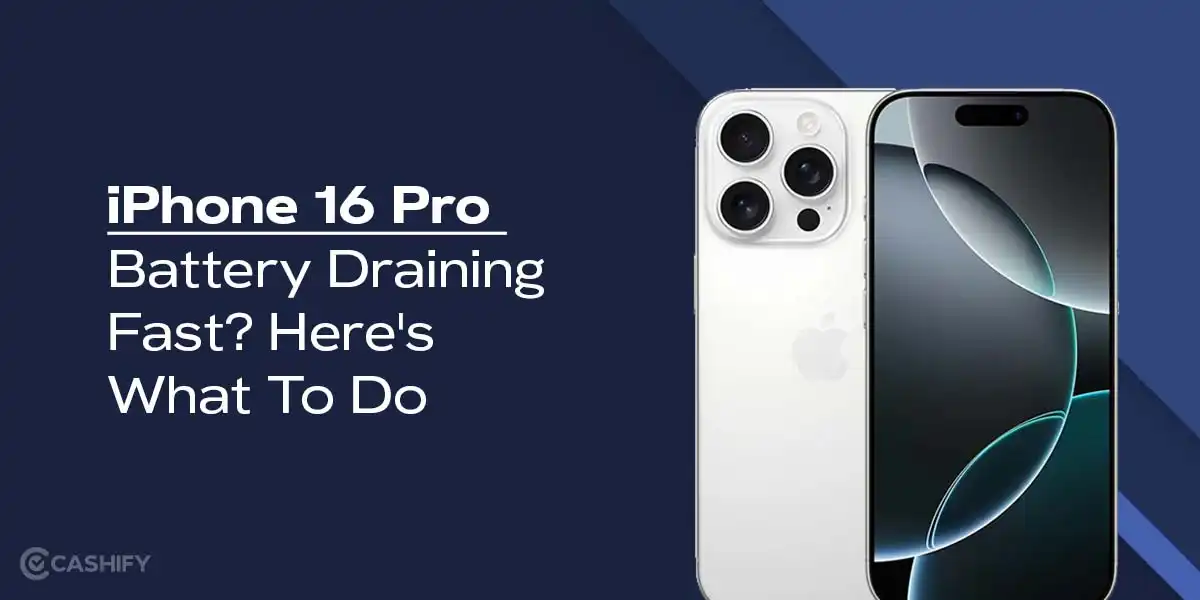
If your iPhone 16 Pro battery draining fast has become a daily frustration, you are certainly not alone. Many users notice rapid battery loss soon after purchasing the device or following a software update. Although Apple designed the iPhone 16 Pro with advanced battery optimization and powerful hardware, real-world usage can still trigger unexpected power drain.
Moreover, constant notifications, background processes, and new iOS features can quietly consume energy. Therefore, understanding why iPhone 16 Pro battery issue fast occurs is the first step toward fixing it. Most importantly, with the right adjustments and expert support when needed, you can significantly extend your battery life and restore smooth performance.
In this detailed guide, we explain the main causes, practical solutions, advanced fixes, and professional repair options to help you stop excessive battery drain effectively.
Why Is iPhone 16 Pro Battery Draining Fast?
Although Apple equips the iPhone 16 Pro with a high-capacity battery, several factors can reduce efficiency. Consequently, battery drain may happen faster than expected.
Background App Activity Consumes Power
First of all, apps running in the background constantly refresh data. As a result, your iPhone 16 Pro battery issue fast becomes noticeable even when the phone is idle.
iOS Updates and System Processes
After an iOS update, your device performs indexing, optimization, and syncing. Therefore, battery drain is common during the first few days.
Display and Performance Settings
Although the ProMotion display offers a smooth experience, higher refresh rates demand more power. Consequently, screen usage plays a major role in battery loss.
Poor Network Signal for iPhone 16 Pro battery draining fast
When your phone struggles to maintain a signal, it increases power consumption. Hence, weak Wi-Fi or cellular coverage can worsen battery drain.
Signs Your iPhone 16 Pro battery draining fast
Before fixing the problem, it’s important to identify the warning signs. Otherwise, minor issues can become major ones.
- Battery drops quickly even with light use
- Phone heats up during simple tasks
- Battery percentage jumps suddenly
- Device needs charging multiple times a day
- Standby battery loss overnight
If these symptoms persist, your iPhone 16 Pro battery issue fast issue may require deeper attention.
Quick Fixes to Reduce iPhone 16 Pro battery draining fast
Fortunately, many solutions are simple and effective. Therefore, try these steps first.
Restart Your iPhone
Firstly, restarting clears temporary system bugs. As a result, background processes reset and power consumption stabilizes.
Update Apps and iOS
Secondly, outdated apps can drain power unnecessarily. Therefore, always install the latest updates to improve efficiency.
Enable Low Power Mode
Low Power Mode limits background activity. Consequently, it helps control iPhone 16 Pro battery issue fast during heavy usage days.
Optimize Battery Settings for Longer Life
Adjust Screen Brightness and Refresh Rate
Lowering brightness and enabling auto-brightness significantly reduces power usage. Additionally, adjusting ProMotion settings improves efficiency.
Disable Background App Refresh
Although convenient, background refresh drains energy. Therefore, disable it for non-essential apps.
Turn Off Unnecessary Location Services
Apps constantly accessing GPS consume battery. Hence, set location access to “While Using” only.
Advanced Settings to Stop iPhone 16 Pro Battery Draining Fast
Analyze Battery Usage Data
Go to Settings > Battery and review which apps drain the most power. As a result, you can take targeted action.
Disable Push Email and Fetch Less Frequently
Push email constantly checks servers. Therefore, switching to manual fetch extends battery life.
Reduce Motion and Visual Effects
Animations consume GPU power. Consequently, reducing motion can help when iPhone 16 Pro battery issue fast becomes severe.
Hardware Issues That Cause iPhone 16 Pro battery draining fast
Sometimes, software tweaks aren’t enough. In that case, hardware may be responsible.
Battery Health Degradation
Even new devices can have faulty cells. Therefore, checking battery health is crucial.
Charging Port or Power IC Issues
Faulty charging circuits cause improper charging cycles. As a result, battery drains faster than normal.
Overheating Components
Excess heat accelerates battery wear. Hence, internal hardware inspection may be necessary.
When to Seek Professional iPhone 16 Pro battery draining fast Repair
If your iPhone 16 Pro battery issue fast despite all optimizations, professional repair becomes essential.
At this stage, technicians can:
- Test battery health accurately
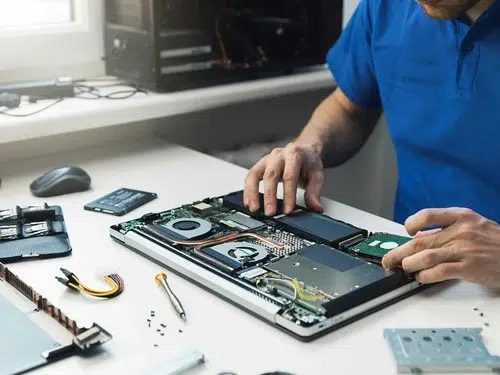
- Diagnose power IC and logic board issues
- Replace defective components safely
- Restore proper charging efficiency
Why Choose Milaaj Mobile Repair for iPhone 16 Pro battery draining fast Issues
Milaaj mobile and laptop repair Dubai offers specialized solutions for iPhone battery problems using expert diagnostics and industry-grade tools.
Low-Cost Battery Solutions
Firstly, repairs are affordable without compromising quality.
Fast and Reliable Service
Secondly, most battery repairs are completed quickly, minimizing downtime.
Genuine-Quality Parts
Moreover, high-quality replacement batteries ensure long-term performance.
Convenient Repair Experience
Additionally, easy service access and professional handling make the process stress-free.
As a result, customers enjoy restored battery life and dependable performance.
Tips to Prevent Future iPhone 16 Pro battery draining fast
To avoid repeated issues, follow these best practices.
- Avoid extreme temperatures
- Use certified chargers only
- Keep battery level between 20%–80%
- Avoid heavy gaming while charging
- Update software regularly
Most importantly, proactive care prevents iPhone 16 Pro battery issue fast from returning.
FAQ About iPhone 16 Pro battery draining fast
Why is my iPhone 16 Pro battery draining fast overnight?
Background apps, weak network signals, or iOS indexing can cause overnight drain. Therefore, enable Low Power Mode before sleeping.
Can iOS updates cause battery drain?
Yes. However, battery usage usually stabilizes after a few days once optimization completes.
Does replacing the battery improve performance?
Absolutely. A new battery restores charging efficiency and reduces overheating.
Is fast charging harmful to battery life?
Not when using certified chargers. However, poor-quality cables can damage battery health.
When should I replace my iPhone 16 Pro battery?
If battery health drops below 80% or drains rapidly, replacement is recommended.
Final Thoughts: iPhone 16 Pro battery draining fast
In conclusion, iPhone 16 Pro battery draining fast is a common issue—but it is rarely permanent. Although modern smartphones rely heavily on software and background processes, proper optimization can dramatically improve battery life. Moreover, when software fixes fail, professional repair ensures safe and lasting solutions.
By combining smart settings, preventive care, and expert support when needed, you can enjoy longer battery life, smoother performance, and peace of mind with your iPhone 16 Pro.
Get professional iPhone repair services with expert technicians ensuring top-quality results.
Enjoy quick and reliable home delivery for your repaired or purchased devices.
Sell your old iPhone with confidence and get the best value instantly.
📍 Visit Any Milaaj Branch in Dubai
🔹 Bur Dubai
Milaaj Mobile and Laptop Repair Dubai
📞 055 258 8477
🔗 Google Maps
🔹 Al Barsha
Milaaj Mobiles and Laptop Repair Al Barsha
📞 052 596 2846
🔗 Google Maps
🔹 Al Barsha 3
Milaaj Service Center Reef Mall
📞 052 3405 814
🔗 Google Maps
🔹 Al Nuaimiya
Milaaj Mobiles and Laptops Ajman
📞 055 788 9654
🔗 Google Maps
📧 Email: support@milaaj.com
🕒 Operating Hours: Monday – Sunday

Leave a Reply