
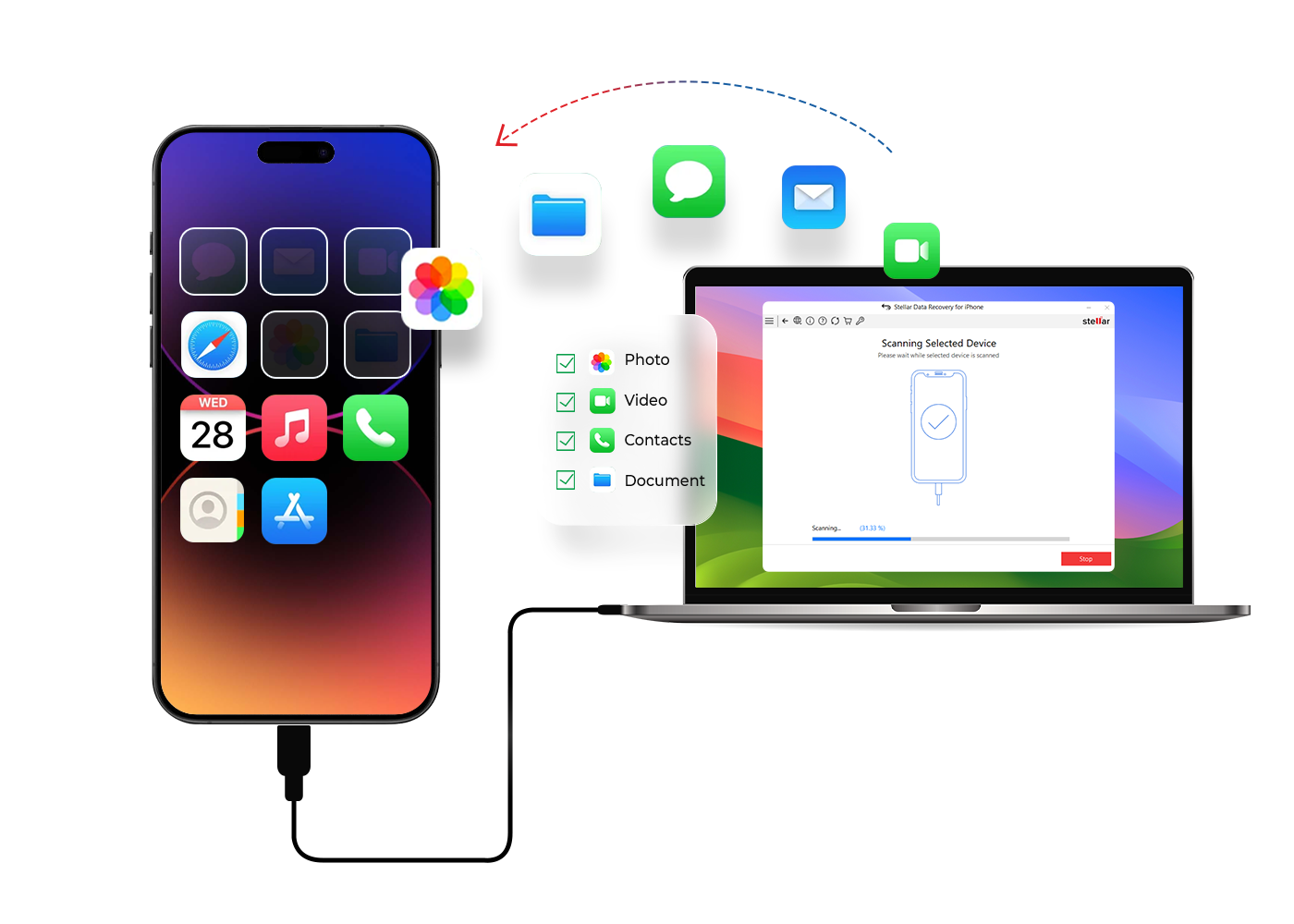
Water damage is one of the most serious problems an iPhone can face. While cracked screens or battery issues are often easy to fix, moisture reaching the iPhone logic board can cause complex failures that threaten both the device and the data stored inside it. When this happens, many users fear they have permanently lost their photos, contacts, messages, and important files. However, with the right expertise and advanced tools, iPhone logic board water damage data recovery is often possible.
In this detailed guide, we will explain how iPhone logic board water damage occurs, why it is so dangerous, and most importantly, how data recovery works after water exposure. We will also explore professional repair techniques, warning signs, and why timely action makes all the difference.
Understanding iPhone Logic Board Water Damage
The logic board is the brain of your iPhone, as it connects the processor, memory, storage, power circuits, and communication chips. Therefore, when water reaches the logic board, it doesn’t just cause a single failure; instead, it can disrupt the entire system and affect multiple functions at once.
How Water Reaches the Logic Board
Although modern iPhones are water-resistant, they are not waterproof. Over time, seals weaken, and water can enter the device through:
- Charging ports
- Speaker grills
- SIM tray
- Hairline cracks in the screen
- Prolonged exposure to humidity
As a result, moisture slowly spreads across the logic board, triggering corrosion and short circuits.
Why Logic Board Water Damage Is So Dangerous
Unlike surface-level damage, logic board water damage affects microscopic components. Consequently, problems may appear immediately or worsen gradually over days or weeks.
Common Risks of Water-Damaged Logic Boards
- Corrosion of solder joints
- Short-circuited power lines
- NAND storage failure
- CPU communication errors
- Permanent data inaccessibility
Therefore, acting quickly is critical when dealing with iPhone logic board water damage data recovery.
Symptoms of iPhone Logic Board Water Damage
Before total failure occurs, your iPhone may show warning signs. Recognizing these early improves the chances of successful data recovery.
Key Warning Signs
- iPhone won’t turn on
- Boot loop or Apple logo stuck
- No charging or overheating
- Touchscreen not responding
- Random restarts or shutdowns
- Wi-Fi, cellular, or Bluetooth failure
If these symptoms appear after liquid exposure, logic board damage is likely.
What NOT to Do After Water Damage
Before discussing recovery, it’s important to avoid common mistakes that make damage worse.
Avoid These Actions
- Do NOT charge the phone
- Do NOT use rice or heat
- Do NOT power it on repeatedly
- Do NOT attempt DIY cleaning
Instead, turn the device off immediately and seek professional help.
How iPhone Logic Board Water Damage Data Recovery Works
Professional data recovery follows a structured, multi-step process. Each stage is designed to stabilize the board and safely extract your data.
Step 1: Professional Diagnostic Assessment
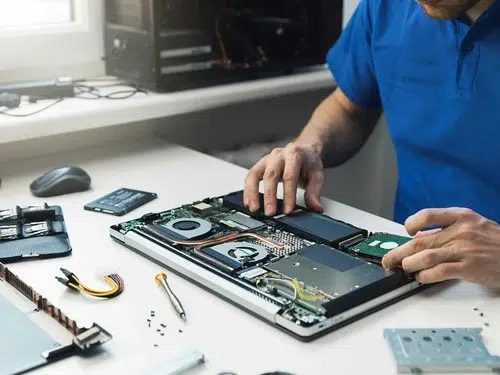
First, technicians perform a complete inspection using:
- Microscopes
- Thermal cameras
- Multimeters
- Power injection tools
This allows them to identify corrosion, short circuits, and damaged components. Most importantly, they assess whether data recovery from the iPhone logic board is feasible.
Step 2: Logic Board Ultrasonic Cleaning
Once diagnosed, the logic board is removed and cleaned.
Why Ultrasonic Cleaning Matters
Water leaves behind minerals and corrosion. Ultrasonic cleaning uses high-frequency sound waves in a special solution to:
- Remove corrosion safely
- Clean under microchips
- Restore electrical pathways
As a result, the board becomes stable enough for further repair or data extraction.
Step 3: Micro-Soldering and Component Repair
After cleaning, damaged components must be repaired or replaced.
Common Repairs Include
- Power IC replacement
- Charging circuit repair
- Shorted capacitor removal
- Connector and coil replacement
Using micro-soldering, technicians restore minimal functionality required to access data.
Step 4: NAND Chip Data Recovery (If Needed)
In more severe cases, the phone may not boot even after repairs. At this stage, therefore, NAND chip data recovery becomes essential.
How NAND-Based Recovery Works
- The NAND storage chip is carefully removed
- It is cleaned, reballed, or repaired
- Data is extracted using specialized readers
- Information is rebuilt and decrypted
This advanced method allows recovery even from dead phones.
Step 5: Temporary Boot or Board Transplant
In some situations, technicians temporarily revive the board.
Advanced Techniques Include
- CPU-NAND pairing repairs
- Board layer reconstruction
- Temporary component bridging
- Donor board transplants
Once the board powers on, data is backed up immediately.
Why Timing Is Critical for Data Recovery
Water damage worsens over time. Even if the phone seems fine initially, corrosion spreads silently.
Delayed Repair Can Cause
- NAND encryption failure
- CPU damage
- Irreversible short circuits
Therefore, seeking help early dramatically increases recovery success.
Professional vs DIY Recovery: Why Expertise Matters
Many online guides suggest DIY fixes. However, logic board recovery requires precision tools and experience.
Why Professional Recovery Is Safer
- Zero risk of further damage
- Controlled power application
- Clean-room micro-soldering
- Data-safe extraction methods
This is why professional services are strongly recommended.
How Milaaj Handles Water Damage Data Recovery
Moreover, Milaaj mobile and laptop repair Dubai specializes in advanced iPhone logic board water damage data recovery by using industry-grade tools and expert repair techniques.
Why Choose Milaaj
- Expert logic board technicians
- Advanced micro-soldering equipment
- Safe ultrasonic cleaning
- Secure NAND data extraction
- Fast turnaround times
- High recovery success rates
Most importantly, data safety remains the top priority throughout the process.
Preventing Logic Board Water Damage in the Future
Although accidents happen, preventive steps can reduce risk.
Best Prevention Tips
- Use waterproof cases
- Avoid charging in humid environments
- Keep phones away from bathrooms
- Replace damaged screens promptly
- Avoid exposing phones to steam
By following these steps, you can protect both your device and your data.
FAQ About iPhone Logic Board Water Damage
Can data be recovered if my iPhone won’t turn on?
Yes. In many cases, data can be recovered using logic board repair or NAND chip extraction.
Is data recovery guaranteed?
While no recovery is 100% guaranteed, professional services significantly increase success rates.
Does water damage erase iPhone data?
Water itself doesn’t erase data, but corrosion and power damage can block access.
How long does recovery take?
It depends on damage severity. Simple cases take days, while complex NAND recovery may take longer.
Final Thoughts: iPhone Logic Board Water Damage
Although iPhone logic board water damage is serious, it does not always lead to permanent data loss. Fortunately, with modern repair techniques, iPhone logic board water damage data recovery is often successful when skilled professionals handle the device. From ultrasonic cleaning and precise micro-soldering to advanced NAND chip extraction, experts can retrieve valuable data even from severely damaged iPhones.
Most importantly, acting quickly and avoiding DIY mistakes can make the difference between recovery and permanent loss. Therefore, with the right approach and professional expertise, your important data and memories can often be saved—even after significant water damage.
Get professional iPhone repair services with expert technicians ensuring top-quality results.
Enjoy quick and reliable home delivery for your repaired or purchased devices.
Sell your old iPhone with confidence and get the best value instantly.
📍 Visit Any Milaaj Branch in Dubai
🔹 Bur Dubai
Milaaj Mobile and Laptop Repair Dubai
📞 055 258 8477
🔗 Google Maps
🔹 Al Barsha
Milaaj Mobiles and Laptop Repair Al Barsha
📞 052 596 2846
🔗 Google Maps
🔹 Al Barsha 3
Milaaj Service Center Reef Mall
📞 052 3405 814
🔗 Google Maps
🔹 Al Nuaimiya
Milaaj Mobiles and Laptops Ajman
📞 055 788 9654
🔗 Google Maps
📧 Email: support@milaaj.com
🕒 Operating Hours: Monday – Sunday

Leave a Reply