
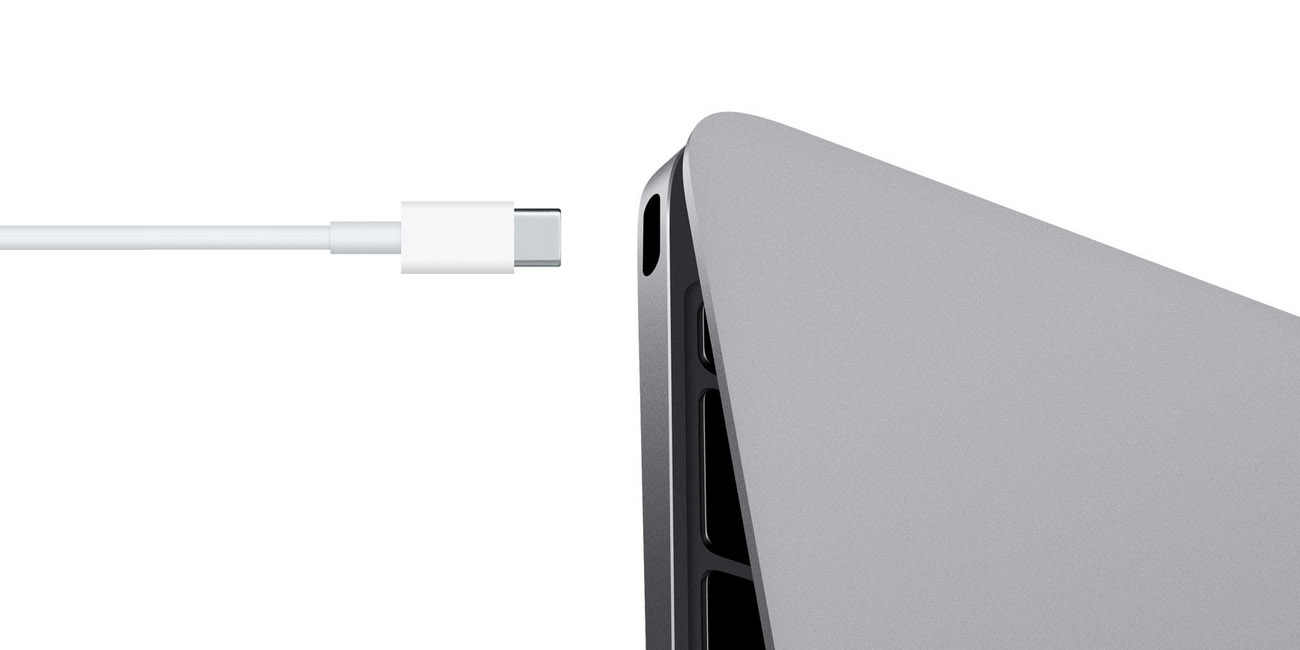
A loose charging port can quickly turn your MacBook into a constant source of frustration. If you are struggling with a MacBook charging port loose issue, you may notice intermittent charging, sudden power loss, or even complete failure to charge. As a result, productivity suffers, and battery health declines faster than expected.
Fortunately, MacBook charging port loose repair solutions are available and highly effective when handled correctly. Rather than ignoring the problem or attempting risky DIY fixes, understanding the real causes and professional repair options can help you restore stable charging safely and affordably. Therefore, this guide explains why MacBook charging ports loosen, how to identify the warning signs early, and which solutions actually work long-term.
What Does a Loose MacBook Charging Port Mean?
Before choosing the right MacBook charging port loose repair solutions, it is important to understand what “loose” actually means. In most cases, the charging cable fails to stay firmly connected, requiring you to adjust the angle repeatedly to maintain power.
Common Symptoms of a Loose Charging Port
- Charging only works at certain angles
- MacBook disconnects when moved slightly
- Slow or inconsistent charging
- “Not Charging” or “Power Source: Battery” warnings
- Sparks or heat near the port
Therefore, recognizing these signs early helps prevent further internal damage.
Why MacBook Charging Ports Become Loose Over Time
Although MacBooks are built with precision, charging ports experience daily wear. Consequently, several factors contribute to looseness.
Frequent Plugging and Unplugging
Over time, repeated cable insertion weakens the internal connectors. As a result, the port loses its firm grip.
Using Non-Original Chargers
Third-party chargers often do not fit perfectly. Therefore, they strain the charging port and accelerate wear.
Dust, Debris, and Lint Build-Up
Additionally, pocket lint and dust can collect inside the port, preventing a solid connection.
Accidental Tugs or Drops
Sudden cable pulls or drops while charging can loosen solder joints or damage internal pins.
Liquid Exposure for MacBook Charging Port Loose
Even minor moisture can corrode internal port components, leading to instability.
Why Ignoring a Loose Charging Port Is Risky
Although the issue may seem minor, ignoring a MacBook charging port loose problem can cause severe damage.
Battery Damage For MacBook Charging Port Loose
Inconsistent charging stresses the battery, reducing its lifespan.
Logic Board Failure
Loose ports may create power surges that damage the logic board.
Complete Charging Failure
Eventually, the port may stop working altogether.
Therefore, addressing the issue early with the right MacBook charging port unstable repair solutions is essential.
DIY Fixes vs Professional Repair: What’s Safe?
Many users attempt DIY fixes; however, this approach often creates more problems.
Temporary DIY Attempts
- Cleaning with toothpicks
- Bending charging cables
- Pressing the connector forcefully
While these may offer short-term relief, they do not fix internal damage. Moreover, improper cleaning can break delicate pins.
Why Professional Repair Is Safer
Professional technicians diagnose the exact cause and apply proper MacBook charging port unstable repair solutions without risking data or hardware.
Professional MacBook Charging Port Loose Repair Solutions Explained
1. Deep Port Cleaning and Inspection
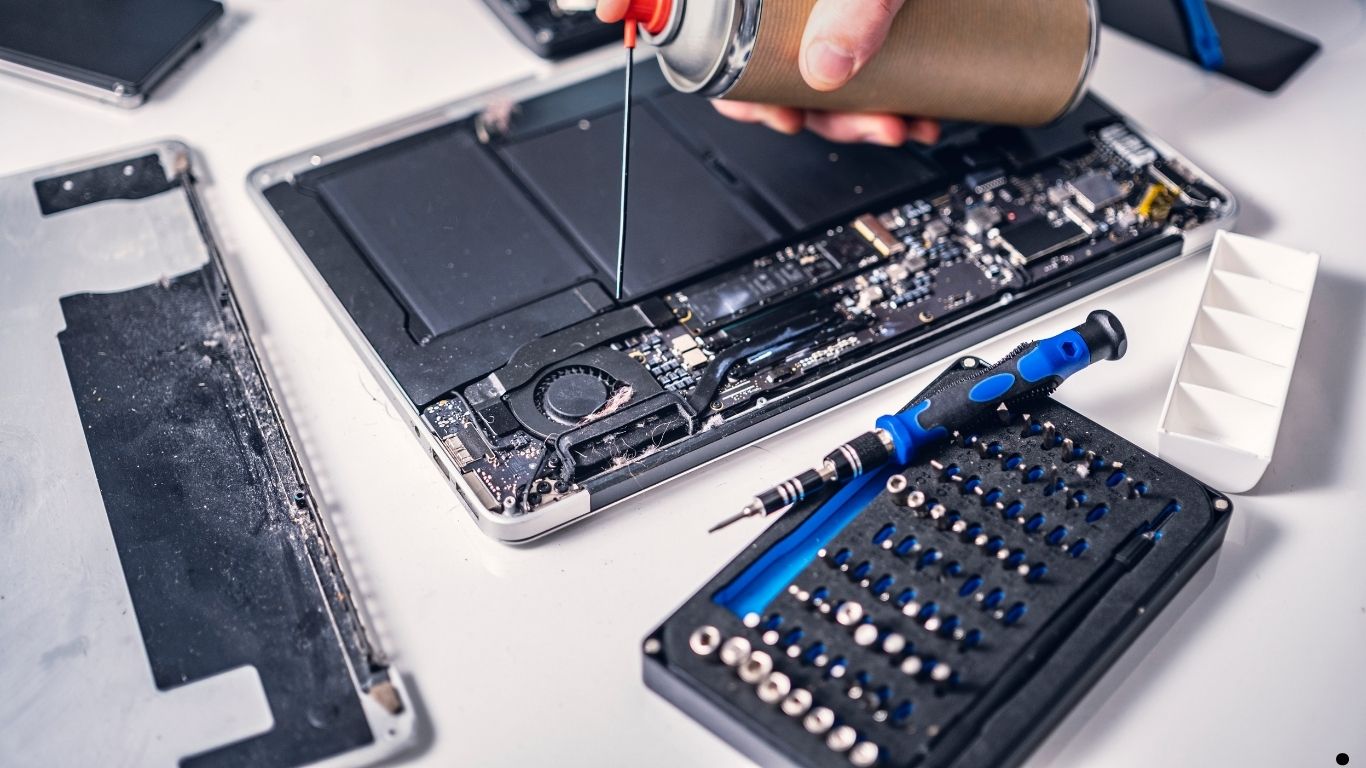
First and foremost, technicians inspect the charging port using magnification tools. Dust, corrosion, or debris is safely removed without damaging connectors.
2. Connector Reinforcement
If internal pins are intact but weakened, reinforcement techniques can restore firmness without replacing the entire port.
3. Charging Port Replacement
When damage is severe, a full charging port replacement ensures reliable long-term charging.
4. Solder Joint Repair
In some cases, solder joints connecting the port to the motherboard crack. Expert microsoldering restores stability.
5. Logic Board Power Line Repair
If power lines are affected, technicians repair them to prevent future charging issues.
Therefore, professional solutions address the root cause rather than symptoms.
How Milaaj Mobile Repair Handles Loose MacBook Charging Ports
When DIY solutions fail, choosing a trusted repair center makes all the difference. Milaaj mobile and laptop repair Dubai specializes in advanced MacBook charging port loose repair solutions designed for durability and safety.
Why Choose Milaaj Mobile Repair?
Low-Cost Transparent Pricing
Repairs are affordable with no hidden charges.
Fast Turnaround Time
Most MacBook charging repairs are completed within hours, not days.
High-Quality Parts
Only premium-grade charging ports and components are used.
Convenient Service
Located centrally with easy access and flexible service options.
Skilled Technicians
Certified experts handle delicate Apple hardware safely.
As a result, customers receive reliable charging restoration without risking data loss.
Signs You Need Immediate Professional Repair
You should seek MacBook charging port loose repair solutions immediately if:
- Charging stops entirely
- The port feels physically unstable
- The MacBook overheats while charging
- Sparks or burning smells appear
- Battery drains even when plugged in
Ignoring these signs can lead to costly logic board repairs later.
Preventing Charging Port Looseness in the Future
Although repairs fix the issue, prevention ensures longevity.
Use Original or Certified Chargers
Always use Apple-certified chargers to maintain proper fit.
Avoid Charging While Moving
Minimize cable stress during use.
Keep the Port Clean
Regular professional cleaning prevents debris buildup.
Disconnect Carefully
Pull the plug gently instead of yanking the cable.
Avoid Liquid Exposure
Keep your MacBook away from moisture.
Therefore, simple habits significantly reduce future charging issues.
How Long Does MacBook Charging Port Repair Take?
In most cases, professional MacBook charging port loose repair solutions are completed within a few hours. However, complex motherboard repairs may take slightly longer. Regardless, experienced technicians prioritize speed without compromising quality.
Is Charging Port Replacement Expensive?
Not necessarily. The cost depends on:
- MacBook model
- Extent of damage
- Whether soldering or replacement is needed
Fortunately, early repair is far more affordable than replacing a logic board or battery later.
Why Quality Parts Matter in Charging Port Repairs
Low-quality ports wear out quickly and cause repeat issues. Therefore, professional repair centers use high-grade components to ensure:
- Stronger cable grip
- Stable power flow
- Longer lifespan
As a result, quality parts save money over time.
FAQs About MacBook Charging Port Loose
1. What causes a MacBook charging port to become loose?
A MacBook charging port becomes unstable due to frequent plugging and unplugging, using low-quality chargers, accidental cable pulls, dust buildup, or internal connector wear over time.
2. Can a loose MacBook charging port be fixed without replacement?
Yes. In many cases, professional technicians can repair or re-secure the charging connector without full replacement, depending on the extent of internal damage.
3. Is it safe to keep using a MacBook with a loose charging port?
No. Continuing to use a MacBook with a unstable charging port can cause overheating, charging failure, battery damage, or motherboard issues.
4. Do DIY fixes work for loose MacBook charging ports?
DIY fixes rarely provide lasting results and may cause further damage. Therefore, professional MacBook charging port unstable repair solutions are safer and more reliable.
Final Thoughts: MacBook Charging Port Loose
In conclusion, dealing with a MacBook charging port loose issue should never be delayed. While temporary fixes may seem appealing, they often worsen the problem. Instead, choosing professional MacBook charging port unstable repair solutions ensures safety, reliability, and long-term performance.
Moreover, expert repair services offer speed, convenience, affordability, and high-quality parts making them the smartest choice. With timely professional care, your MacBook can regain stable charging and continue performing at its best without unnecessary risk.
Get professional macbook repair services with expert technicians ensuring top-quality results.
Instead of trying random recovery apps, always rely on certified software or trusted repair centers like Milaaj for secure data restoration.
Enjoy quick and reliable home delivery for your repaired or purchased devices.
Sell your device with confidence and get the best value instantly.
📍 Visit Any Milaaj Branch in Dubai
🔹 Bur Dubai
Milaaj Mobile and Laptop Repair Dubai
📞 055 258 8477
🔗 Google Maps
🔹 Al Barsha
Milaaj Mobiles and Laptop Repair Al Barsha
📞 052 596 2846
🔗 Google Maps
🔹 Al Barsha 3
Milaaj Mobiles and Gaming Store
📞 052 3405 814
🔗 Google Maps
🔹 Al Nuaimiya
Milaaj Mobiles and Laptops Ajman
📞 055 788 9654
🔗 Google Maps
📧 Email: support@milaaj.com
🕒 Operating Hours: Monday – Sunday


Leave a Reply