
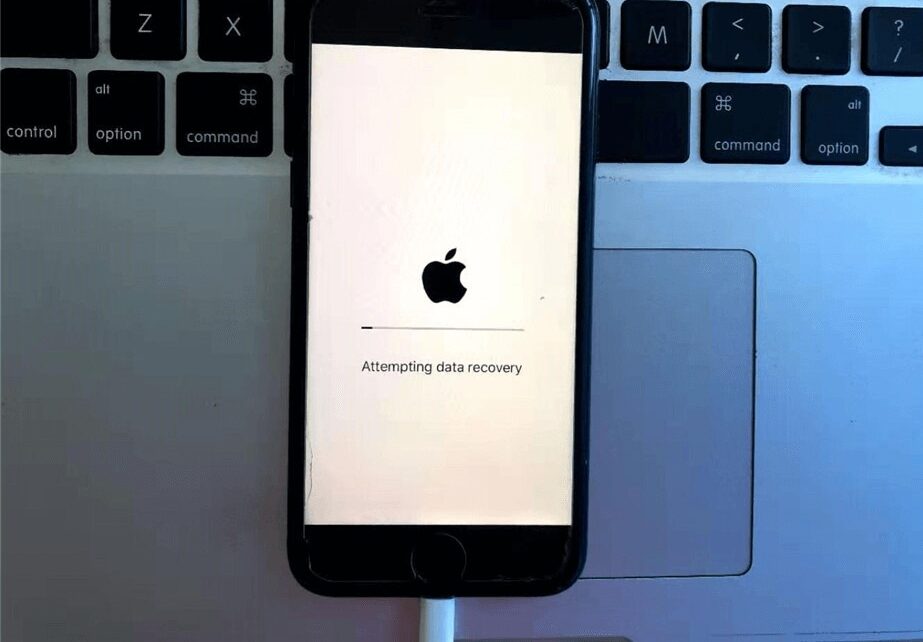
Accidentally deleting photos or videos on an iPhone happens more often than you think. One wrong tap, a storage cleanup, or even a sync issue can make important memories disappear instantly. The good part is that in many cases, you can still recover deleted photos and videos on iPhone using built-in recovery features, backups, or advanced data recovery methods.
This guide explains everything in a simple, human way so you can try the right method without making the situation worse.
1. Check the Recently Deleted Folder First
Before trying anything advanced, always start here. Apple automatically stores deleted photos and videos in the Recently Deleted folder for up to 30 days. Many users recover their files from here within seconds.
How to check:
- Open the Photos app
- Tap Albums
- Scroll down to Recently Deleted
- Select the photos or videos you want
- Tap Recover
If your files are still inside this folder, you’re lucky, no backup or software needed.
2. Recover Deleted Photos Using iCloud Backup
If iCloud Backup was enabled, your deleted photos may still exist in an earlier backup snapshot. This method is powerful but slightly advanced because it requires restoring your iPhone.
Steps to restore from iCloud:
- Go to Settings > General > Transfer or Reset iPhone
- Tap Erase All Content and Settings
- Set up your device again
- Select Restore from iCloud Backup
- Choose the most recent backup date
⚠️ Important: This will replace your current data with the backup version, so make sure you don’t overwrite newer files.
This is one of the most common ways users perform iPhone photo recovery from iCloud backup when Recently Deleted is empty.
3. Restore Photos Using iTunes or Finder Backup
If you regularly back up your iPhone on a computer, you can recover lost photos and videos using iTunes or Finder.
How it works:
- Connect your iPhone to a Mac or Windows PC
- Open iTunes (Windows) or Finder (Mac)
- Select your device
- Click Restore Backup
- Choose the latest backup file
This method is useful for users searching for how to recover deleted iPhone photos without iCloud.
4. Use iPhone Data Recovery Software (No Backup Method)
If you don’t have any backup, third-party tools can scan your iPhone storage and recover deleted files directly. These tools are commonly used for permanently deleted photos recovery on iPhone.
Popular recovery tools:
- Dr.Fone Data Recovery
- Tenorshare UltData
- iMobie PhoneRescue
- EaseUS MobiSaver
How recovery software works:
- Install software on a computer
- Connect iPhone via USB cable
- Select “Recover from iOS Device”
- Run a deep scan
- Preview and restore deleted photos/videos
These tools work even when files are not visible on the iPhone anymore, as long as they are not overwritten.
5. Check iCloud Photos Sync Online
Sometimes photos are not actually deleted—they are just removed from the device due to sync issues.
Steps:
- Go to iCloud.com
- Log in with Apple ID
- Open Photos
- Check Recently Deleted folder
- Restore missing media
If iCloud Photos is enabled, your images may still exist in cloud storage even if they disappear from your iPhone gallery.
Why Photos and Videos Get Deleted or Disappear
Understanding why this happens helps prevent future data loss. Common reasons include:
- Accidental deletion while cleaning storage
- iOS update syncing errors
- iCloud sync conflicts
- Full storage causing auto-removal behavior
- App crashes or reset issues
- Backup overwrite during restore
These issues are often searched under iPhone missing photos after update or iPhone storage cleanup deleted photos recovery.
When DIY Recovery Is Not Enough
Sometimes recovery becomes more complex, especially if:
- Photos are permanently overwritten
- iPhone storage has been heavily used after deletion
- iCloud and backups are unavailable
- Device has software corruption or hardware damage
In such cases, professional help is the safest option. Advanced technicians can perform deep-level iPhone data recovery services in Dubai using specialized tools.
If your device also has hardware issues, it may require iPhone repair in Dubai to stabilize storage access before recovery is possible.
Preventing Photo Loss in the Future
A few simple habits can save you from future stress:
- Enable iCloud Photos sync
- Keep regular iTunes/Finder backups
- Avoid clearing “Recently Deleted” too quickly
- Use cloud storage like Google Photos as backup
- Keep iPhone storage from becoming completely full
Final Thoughts
Losing photos or videos doesn’t always mean they are gone forever. With the right approach, you can often recover deleted photos and videos on iPhone using built-in tools, iCloud backups, or recovery software.
However, if recovery fails or the issue is linked to device malfunction, professional help is the safest route. In some cases, users also choose to sell iPhone Dubai when recovery is not cost-effective and upgrade to a newer device.
Acting quickly always improves your chances of successful recovery.
Need Expert iPhone Recovery Help?
If your deleted photos cannot be recovered using normal methods, professional iPhone data recovery services can help retrieve lost files safely using advanced tools and techniques.
📍 Visit Any Milaaj Branch in Dubai
🔹 Bur Dubai
Milaaj Mobile and Laptop Repair Dubai
📞 055 258 8477
🔗 Google Maps
🔹 Al Barsha
Milaaj Mobiles and Laptop Repair Al Barsha
📞 052 596 2846
🔗 Google Maps
🔹 Al Barsha 3
Milaaj Mobiles , Laptops and Watches Repair Service
📞 052 3405 814
🔗 Google Maps
🔹 Al Nuaimiya
Milaaj Mobiles and Laptops Ajman
📞 055 788 9654
🔗 Google Maps




Leave a Reply