
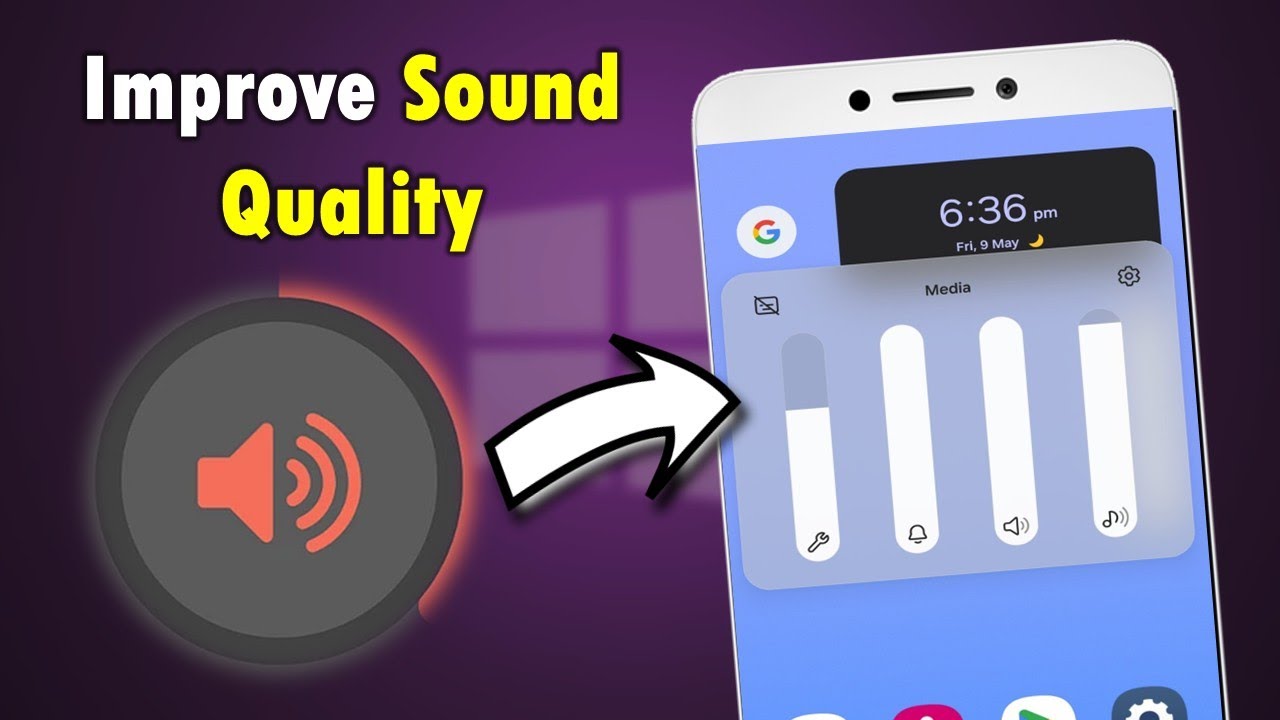
Clear and powerful sound plays a major role in the overall smartphone experience. Whether you’re taking calls, watching videos, or listening to music, poor audio quality can quickly become frustrating. Samsung maintenance tips to improve sound quality are essential because even premium devices can suffer from reduced volume, distortion, or muffled output over time. Fortunately, most sound problems are preventable and fixable with proper care.
However, many users ignore early warning signs. As a result, minor speaker issues often turn into major hardware failures. Therefore, understanding how sound quality degrades and how to prevent it can save time, money, and unnecessary repairs. In this detailed guide, we explain practical Samsung maintenance tips to improve sound quality, common causes of audio issues, mistakes to avoid, and when professional repair becomes necessary.
Why Samsung Sound Quality Declines Over Time
Samsung smartphones are engineered with advanced audio components. However, sound performance does not remain perfect forever. Over time, everyday use slowly affects speaker output.
Common Reasons for Reduced Samsung Audio Performance
- Dust and lint buildup in speaker grills
- Exposure to moisture or humidity
- Software glitches after updates
- Physical impact or drops
- Worn-out internal speaker components
Although these issues may seem minor at first, they often compound. Consequently, users notice lower volume, crackling noise, or uneven sound output. That is why regular care and Samsung maintenance tips to improve sound quality are so important.
Samsung Maintenance Tips to Improve Sound Quality Naturally
Following routine maintenance steps can dramatically extend the life of your Samsung speakers. More importantly, these habits prevent sound degradation before it becomes serious.
1. Clean Samsung Speakers Regularly
Dust is one of the biggest enemies of smartphone sound. Over time, debris blocks sound waves, making audio appear weak or muffled.
How to clean safely:
- Use a soft, dry brush to remove dust
- Gently tap the phone speaker-side down
- Avoid sharp tools or liquids
As a result, sound clarity often improves instantly. Therefore, cleaning is one of the most effective Samsung sound quality maintenance tips.
2. Keep Your Samsung Device Dry
Even small amounts of moisture can damage speaker membranes. While Samsung phones offer some water resistance, they are not immune to internal corrosion.
Preventive steps include:
- Avoid using the phone in steamy environments
- Dry the device immediately after accidental spills
- Never charge the phone while wet
Because moisture damage worsens over time, early care protects your audio system and preserves speaker strength.
3. Optimize Samsung Sound Settings
Many users overlook built-in audio settings that directly affect sound performance. However, adjusting them properly can restore balance and clarity.
Recommended settings to check:
- Disable “Reduce Loud Sounds” if enabled
- Enable Dolby Atmos for supported models
- Adjust equalizer based on usage (music, voice, video)
Therefore, before assuming hardware damage, always explore software adjustments as part of your Samsung sound quality maintenance tips.
Samsung Software Issues That Affect Sound Quality
While hardware often gets blamed, software is frequently the real cause of sound problems.
Samsung Audio Problems After System Updates
After updates, bugs may interfere with sound drivers. Consequently, users experience sudden volume drops or distorted output.
Quick software fixes include:
- Restarting the device
- Clearing cache partition
- Updating all apps
- Resetting sound settings
In many cases, these steps restore normal audio without professional intervention.
Third-Party Apps That Reduce Samsung Sound Quality
Some apps override system audio settings. As a result, they lower volume or distort sound unexpectedly.
What to do:
- Remove recently installed audio apps
- Test sound in Safe Mode
- Monitor sound behavior after uninstalling apps
Therefore, app management is another crucial part of Samsung sound quality maintenance tips.
Physical Damage and Its Impact on Samsung Speakers
Unfortunately, physical damage is one of the most common causes of permanent sound loss.
Drop Damage and Speaker Misalignment
Even when screens remain intact, internal speaker components may shift after a drop. Consequently, sound becomes crackly or uneven.
Water Damage and Long-Term Audio Failure
Although water resistance offers protection, repeated exposure still damages speaker circuits. Over time, corrosion leads to fading sound or complete failure.
Because these issues worsen gradually, early diagnosis makes repair faster and more affordable.
Mistakes to Avoid When Fixing Samsung Maintenance Tips to Improve Sound Quality Issues
Many users attempt DIY solutions. However, these often cause more harm than good.
Avoid These Common Errors for Samsung Maintenance Tips to Improve Sound Quality
- Using compressed air at close range
- Inserting pins or needles into speaker grills
- Applying alcohol or cleaning liquids directly
- Ignoring early sound distortion
Instead, follow proper Samsung maintenance tips to improve sound quality or seek professional support when needed.
When Samsung Speaker Repair Becomes Necessary
Despite regular maintenance, some speaker problems require expert intervention.
Signs You Need Professional Repair
- Sound remains muffled after cleaning
- Volume stays low at maximum level
- Distortion persists across all apps
- No sound from one speaker
In such cases, continued use may damage internal circuits further. Therefore, timely repair prevents higher costs later.
Professional Samsung Audio Repair Solutions
Professional technicians use advanced tools to diagnose and fix audio problems safely.
What Experts Do Differently for Samsung Maintenance Tips to Improve Sound Quality
- Microscopic inspection of speaker modules
- Internal cleaning with anti-corrosion solutions
- Speaker membrane replacement if required
- Software calibration after repair
As a result, sound quality returns to factory standards without risking data loss.
Why Choose Milaaj Mobile Repair for Samsung Sound Issues
When sound problems go beyond basic maintenance, choosing the right repair center matters. Milaaj mobile and laptop repair Dubai specializes in professional Samsung repairs with a strong focus on audio restoration.
Benefits of Professional Repair Services
- Low price: Cost-effective solutions without hidden charges
- Fast repairing: Same-day service for most speaker issues
- Convenience: Hassle-free diagnostics and clear communication
- Part quality: High-grade replacement speakers and components
Therefore, expert repair ensures long-lasting sound performance and peace of mind.
Additional Samsung Maintenance Tips to Improve Sound Quality Long Term
To maintain excellent audio for years, consistent habits are essential.
Daily Usage Tips for Samsung Maintenance Tips to Improve Sound Quality
- Use protective cases with speaker cutouts
- Avoid high-volume usage for extended periods
- Keep phone away from sand and dust
- Update software regularly
Because prevention is always better than repair, these steps significantly reduce speaker wear.
FAQs About Samsung Maintenance Tips to Improve Sound Quality
Can cleaning really improve Samsung sound quality?
Yes. In many cases, dust removal restores volume and clarity instantly.
Do updates affect Samsung sound performance?
Occasionally, yes. However, updates usually include fixes that improve audio stability.
Is speaker replacement always necessary?
No. Often, internal cleaning or recalibration solves the issue.
How long does Samsung speaker repair take?
Most repairs are completed within a few hours, depending on damage severity.
Conclusion: Samsung Maintenance Tips to Improve Sound Quality
In conclusion, Samsung maintenance tips to improve sound quality play a critical role in preserving your smartphone’s performance. While sound issues may start small, ignoring them leads to permanent damage over time. Fortunately, with regular cleaning, proper settings, moisture protection, and timely professional repair, you can maintain loud, clear, and distortion free audio.
Ultimately, combining smart daily habits with expert support ensures your Samsung device delivers the sound quality you expect today and long into the future.
Get professional Mobile Phone repair services with expert technicians ensuring top quality results.
Instead of trying random recovery apps, always rely on certified software or trusted repair centers like Milaaj for secure data restoration.
Enjoy quick and reliable home delivery for your repaired or purchased devices.
Sell your old Phone with confidence and get the best value instantly.
📍 Visit Any Milaaj Branch in Dubai
🔹 Bur Dubai
Milaaj Mobile and Laptop Repair Dubai
📞 055 258 8477
🔗 Google Maps
🔹 Al Barsha
Milaaj Mobiles and Laptop Repair Al Barsha
📞 052 596 2846
🔗 Google Maps
🔹 Al Barsha 3
Milaaj Mobiles and Gaming Store
📞 052 3405 814
🔗 Google Maps
🔹 Al Nuaimiya
Milaaj Mobiles and Laptops Ajman
📞 055 788 9654
🔗 Google Maps
📧 Email: support@milaaj.com
🕒 Operating Hours: Monday – Sunday


Leave a Reply